3-5
Model 0254
Section 3 Operation
Installation and Operation Manual
X-SE-0254-eng
Part Number: 541B129AAG
September, 2010
3-3-1 Display or Instrument Configuration Screen Selection
Pressing the menu button from the Home screen provides a secondary
navigation layer for the operator to specify whether PV-SP Display
Configuration or PV-SP Instrument Configuration is desired for a channel.
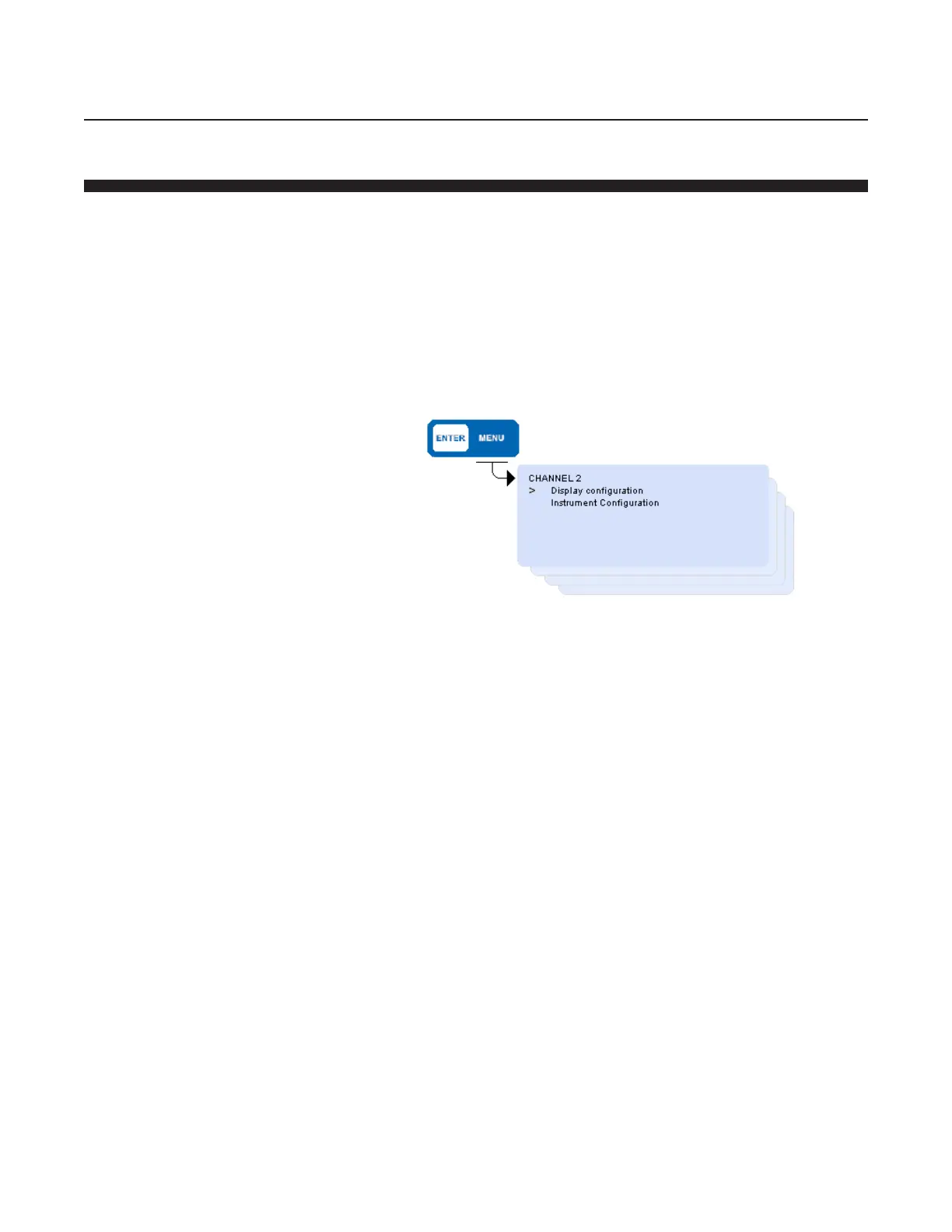
The screen shown below is displayed as a result of having pressed the
ENTER key while viewing the home screen.
This screen shown is for Channel 2. Use the cursor keys to point to either
Display Configuration to show the present PV Measurements and SP
Status, or Instrument Configuration to program PV and SP values, and
then press ENTER to proceed to the desired selection.



 To Next Page