17 | ENBrose Display Allround E41230 // Before initial commissioning
13 Display basics
kmh18
5
km
47,5
Trip
kmh
18
5
km
47,5
Trip
(3)
(6) (6)
(5)(5)
(2)
(3)
(2)
(4)
(4)
(1)(1)
Plain DesignStandard
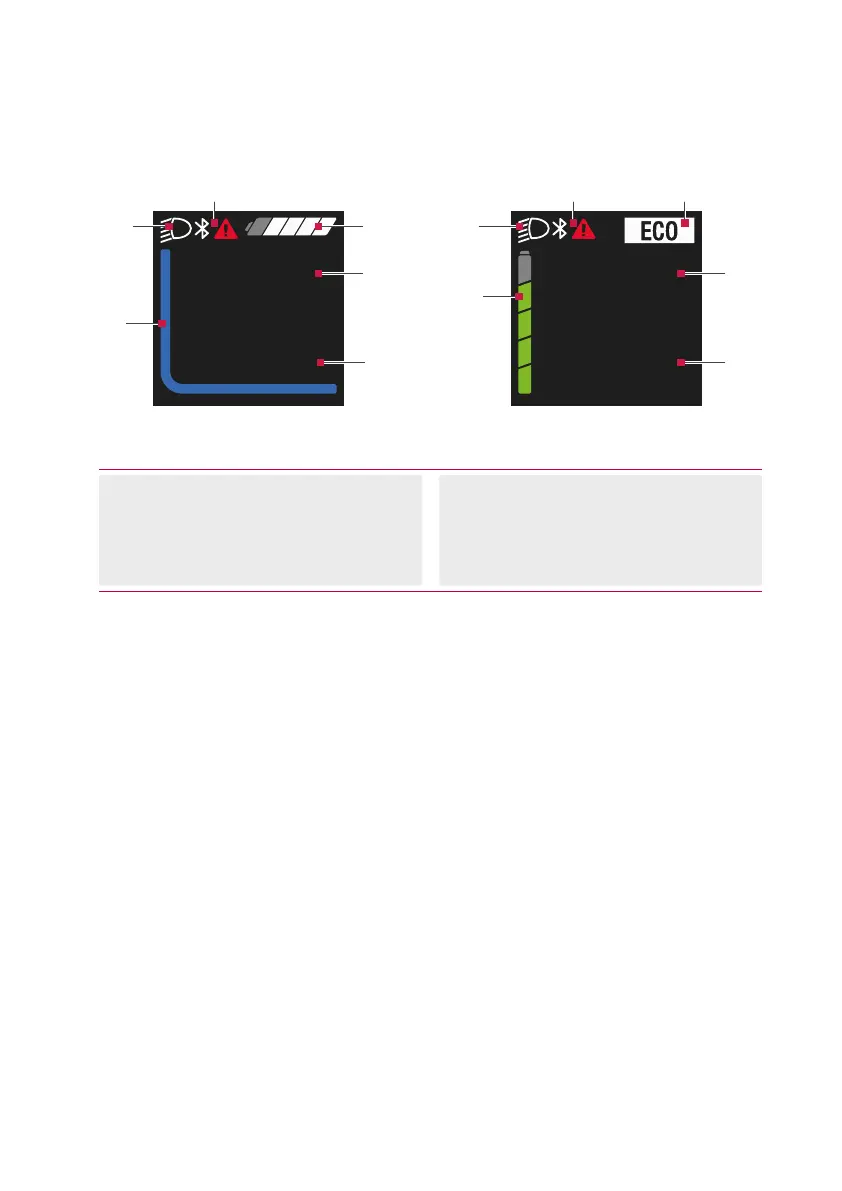
Fig. 2: User interface
(1) System status information
(e.g.errors)
(2) Lighting display
(3) Battery charge level display
(4) Current assistance level
(5) Trip information (including unit)
(6) Speed (including unit)
The control unit offers a choice of two
different user interfaces.
· Changing the user interface
(see chap. 23 on page 25)
.
· The upper display area forms the
status bar and is permanently
displayed while cycling.
· In the center display area, the current
speed and the charge level or the
assistance level are displayed as a
colored line.
· In the lower display area, you can
use the button to call various trip
information (trip data).



 To Next Page