EN | 18 Before initial commissioning // Brose Display Allround E41230
14 Menu structure and navigation
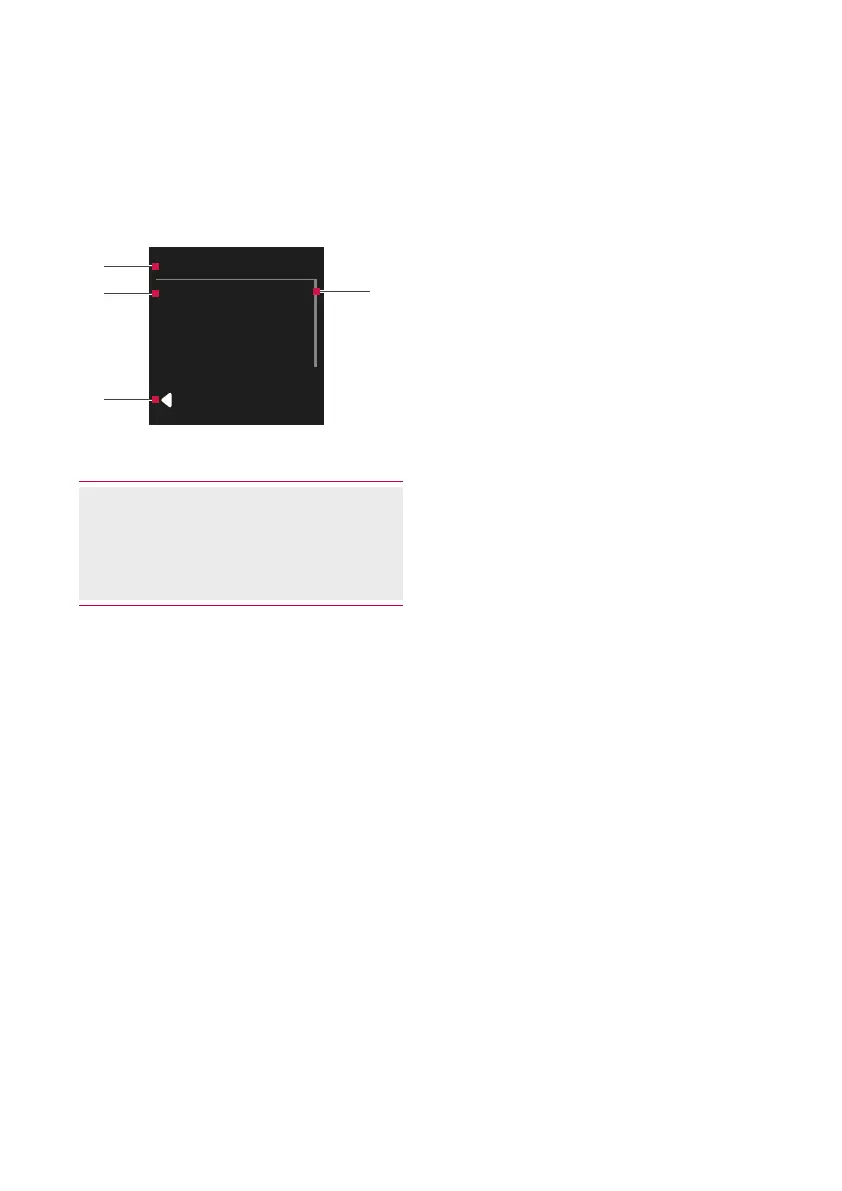
The menu structure of the Brose control
unit is as follows:
Settings
Reset
Tripinformation
Menu
BACK
(1)
(2)
(3)
(4)
Fig. 3: Menu structure
(1) Headline (permanently visible)
(2) Menu sub-item
(3) Back (last list item)
(4) Navigation bar
To access the menu, stop or start the
e-bike and proceed as follows with the
e-bike stationary:
· Press the button for two seconds.
› Menu is shown on the display.
· Navigate to the desired list item with
the / buttons and call it with the
button.
To go back one level:
· Select Back and confirm with the
button.
· Or: Press the button.



 To Next Page