EN | 26 Menu and settings // Brose Display Allround E41230
24 Settings System
Battery Status
Clock
Light
Unitformat
km
Timeformat
12h
Shutdown Time
Default Settings
Custom.Assistance
System
BACK
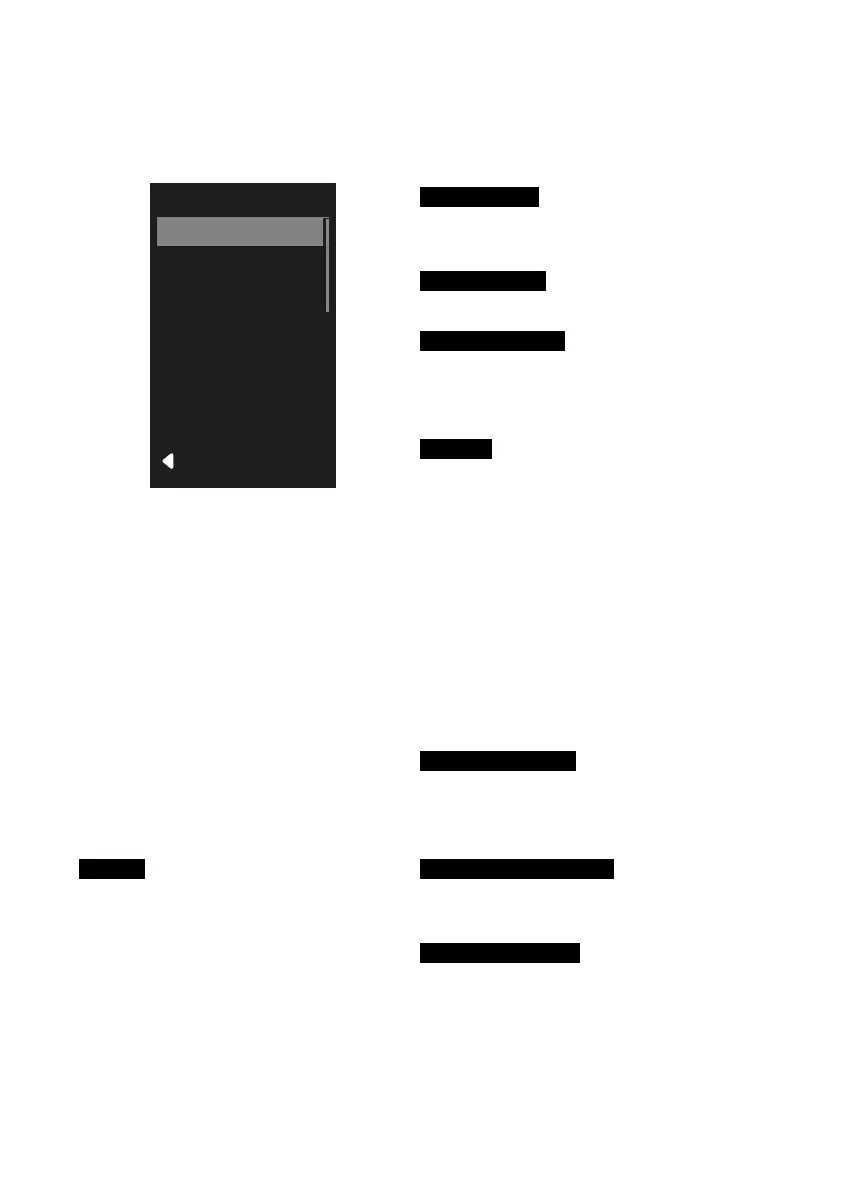
Fig. 9: Settings System
Call settings System
· Press the button for two seconds.
· Using the / buttons, select
Settings and confirm the selection
with the button.
· Using the / buttons, select
System and confirm the selection
with the button.
› System is shown on the display.
The following settings and information
are available for selection in the System
menu:
Light
· Settings for lighting (only if the
lighting is powered by the Brose Drive
System).
› The lighting is automatically
switched on and off.
› Switch on the lighting permanently.
Unit format
· Unit selection:
(km/mi) / (km/h/mph).
Time format
· Time format selection (12h/24h).
Battery Status
· Battery display in percent (%). The
display in percent (%) is shown in
addition to the segment display.
Clock
· Setting the time
› Press the button. The hour
display flashes.
› Set the desired hour using the
/ buttons.
› Confirm your entry with the
button. The minute display
flashes.
› Set the desired minute using the
/ buttons.
› Confirm your entry with the
button.
Shutdown Time
· Define the automatic switch-off time
(1 - 20 minutes) of your Brose Drive
System.
Custom. Assistance
· Adjust the assistance levels
individually to your needs.
Default Settings
· After reconfirmation, all settings are
reset to the delivery state.



 To Next Page