General information
3
1
Accessing Brother
Support
(Windows
®
) 1
You can find all the contacts you will need,
such as Web support (Brother Solutions
Center) on the Installation CD-ROM.
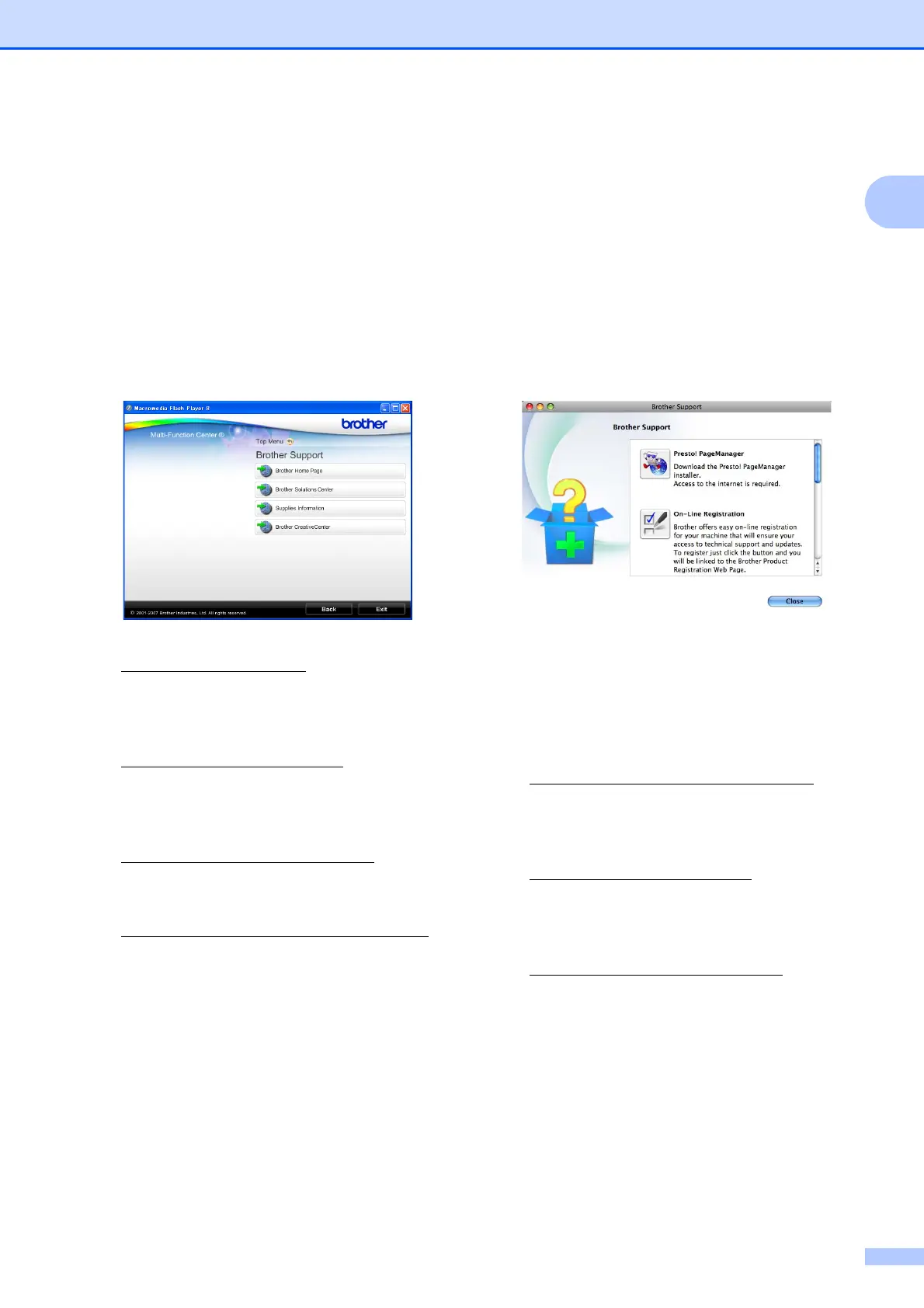
Click Brother Support on the Top Menu.
The following screen will appear:
To access our website
(http://www.brother.com
), click
Brother Home Page.
For the latest news and product support
information
(http://solutions.brother.com/
), click
Brother Solutions Center.
To visit our website for original Brother
Supplies
(http://www.brother.com/original/
), click
Supplies Information.
To access the Brother CreativeCenter
(http://www.brother.com/creativecenter/
)
for FREE photo projects and printable
downloads, click
Brother CreativeCenter.
To return to the Top Menu, click Back or
if you have finished, click Exit.
Accessing Brother
Support
(Macintosh)
1
You can find all the contacts you will need,
such as Web support (Brother Solutions
Center) on the Installation CD-ROM.
Double-click the Brother Support icon.
The following screen will appear:
(DCP-J715W only)
To download and install Presto!
PageManager, click
Presto! PageManager.
To register your machine from the Brother
Product Register Page
(http://www.brother.com/registration/
),
click On-Line Registration.
For the latest news and product support
information
(http://solutions.brother.com/
), click
Brother Solutions Center.
To visit our website for original Brother
Supplies
(http://www.brother.com/original/
), click
Supplies Information.



 To Next Page
 Loading...













