General information
5
1
7 Mode keys:
SCAN
Lets you access Scan mode.
PHOTO CAPTURE
Lets you access PhotoCapture Center™
mode.
8 Warning LED
Turns orange and blinks when the LCD
displays an error or an important status
message.
Most of the illustrations in this User’s Guide
show the DCP-J515W.
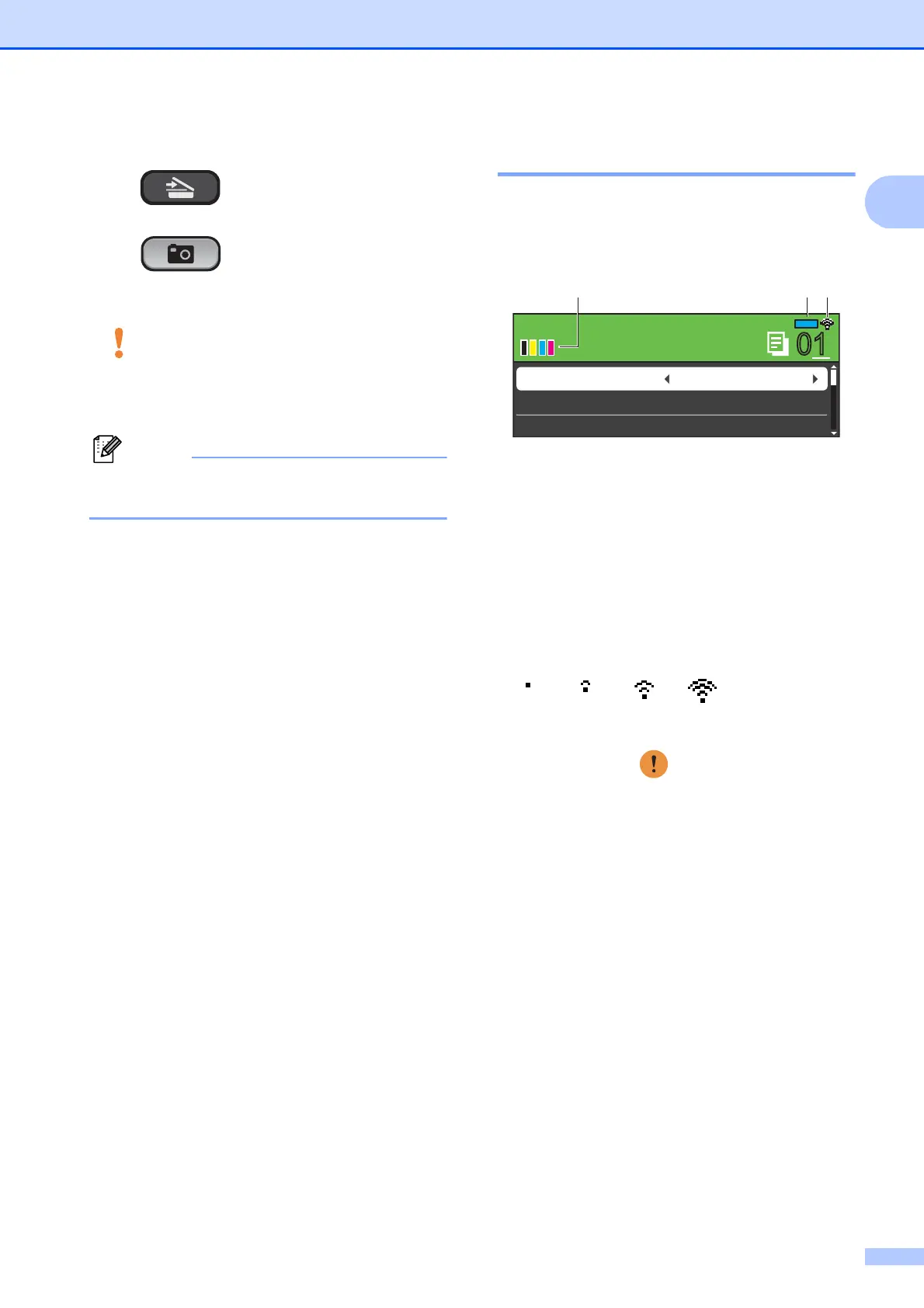
LCD display indications 1
The LCD display shows the mode the
machine is in, the current settings, and the
available ink volume.
1 Ink indicator
Lets you see the available ink volume.
2 Memory Status
Lets you see the available memory in the
machine.
3 Wireless Status
A four level indicator shows the current
wireless signal strength if you are using a
wireless connection.
The warning icon appears when there is
an error or a maintenance message. For
details, see Error and Maintenance
messages on page 39.
0Max
0101
COPY
COPY
Mem.
Quality Normal
Ratio:
Enlarge/Reduce 100%
321



 To Next Page
 Loading...













