Brother PC-FAX Software
96
5
b From the Available Items column choose the data fields you want to import, and click Add >>.
From the Available Items list choose the fields in the same order they are listed in the import text file.
c Choose Tab or Comma based on the file format you are importing from Divide Character.
d Click OK to import the data.
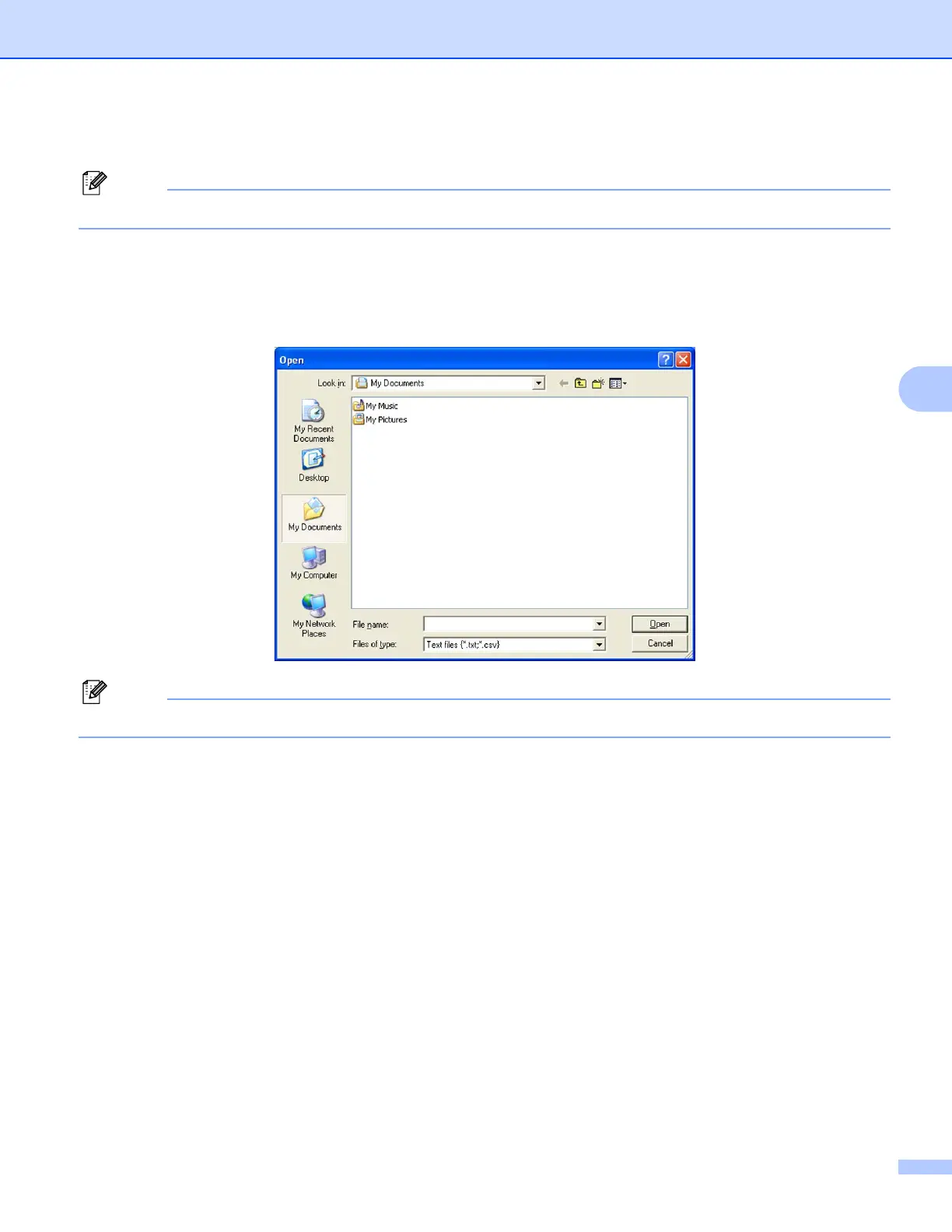
e Enter the file name, and then click Open.
If you chose Text in a, Files of type: will be Text files (*.txt;*.csv).



 To Next Page
 Loading...











