Scanning
139
9
Settings in the Scanner window 9
Resolution 9
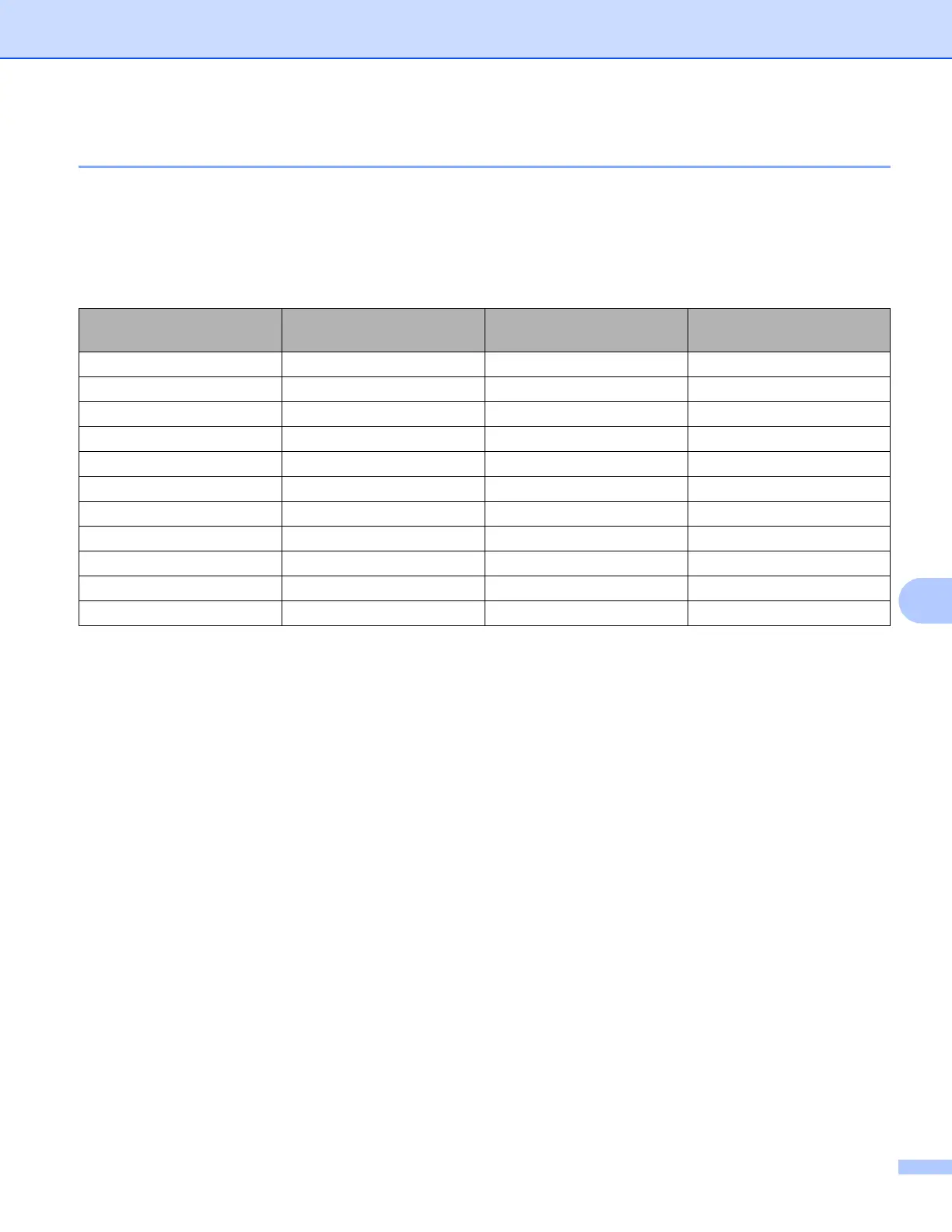
You can change the scanning resolution from the Resolution drop-down list. Higher resolutions take more
memory and transfer time, but produce a finer scanned image. The following table shows the resolutions you
can choose and the available colors.
Resolution Black & White/
Gray (Error Diffusion)
256 Color True Gray/24bit Color
100 x 100 dpi Yes Yes Yes
150 x 150 dpi Yes Yes Yes
200 x 200 dpi Yes Yes Yes
300 x 300 dpi Yes Yes Yes
400 x 400 dpi Yes Yes Yes
600 x 600 dpi Yes Yes Yes
1200 x 1200 dpi Yes No Yes
2400 x 2400 dpi Yes No Yes
4800 x 4800 dpi Yes No Yes
9600 x 9600 dpi Yes No Yes
19200 x 19200 dpi Yes No Yes



 To Next Page
 Loading...











