Printing
33
1
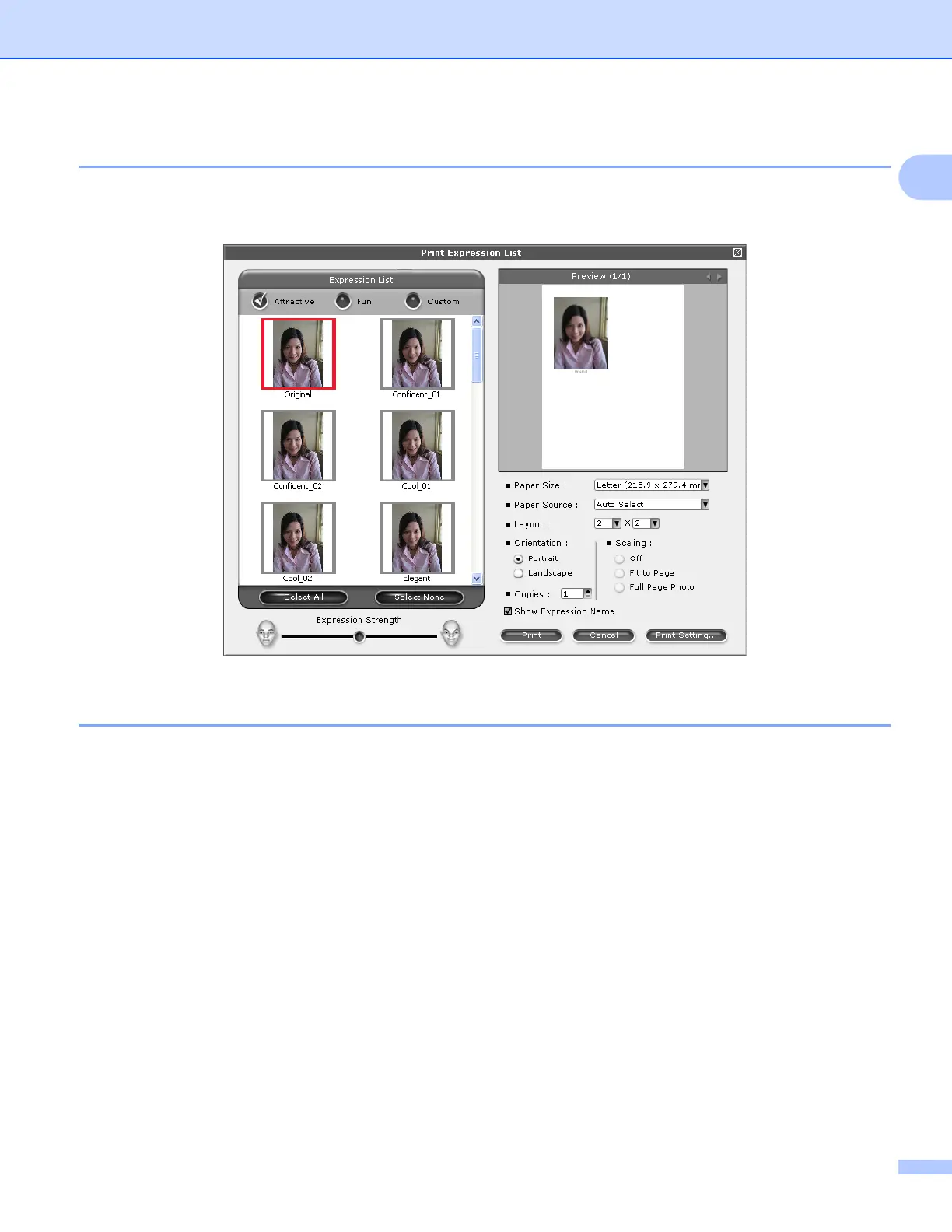
Print Expression List 1
FaceFilter Studio lets you modify a facial expression by applying an expression template or by manual
adjustment. In the Select Expression step, you can preview or print the expression list of your choice.
Uninstalling FaceFilter Studio 1
To uninstall FaceFilter Studio, choose
Start/All Programs/Reallusion/FaceFilter Studio/Uninstall FaceFilter Studio.



 To Next Page
 Loading...











