Brother PC-FAX Software
91
5
Brother Address Book 5
a Click Start, All Programs, Brother, MFC-XXXX (where XXXX is your model name), PC-FAX Sending,
then PC-FAX Address Book.
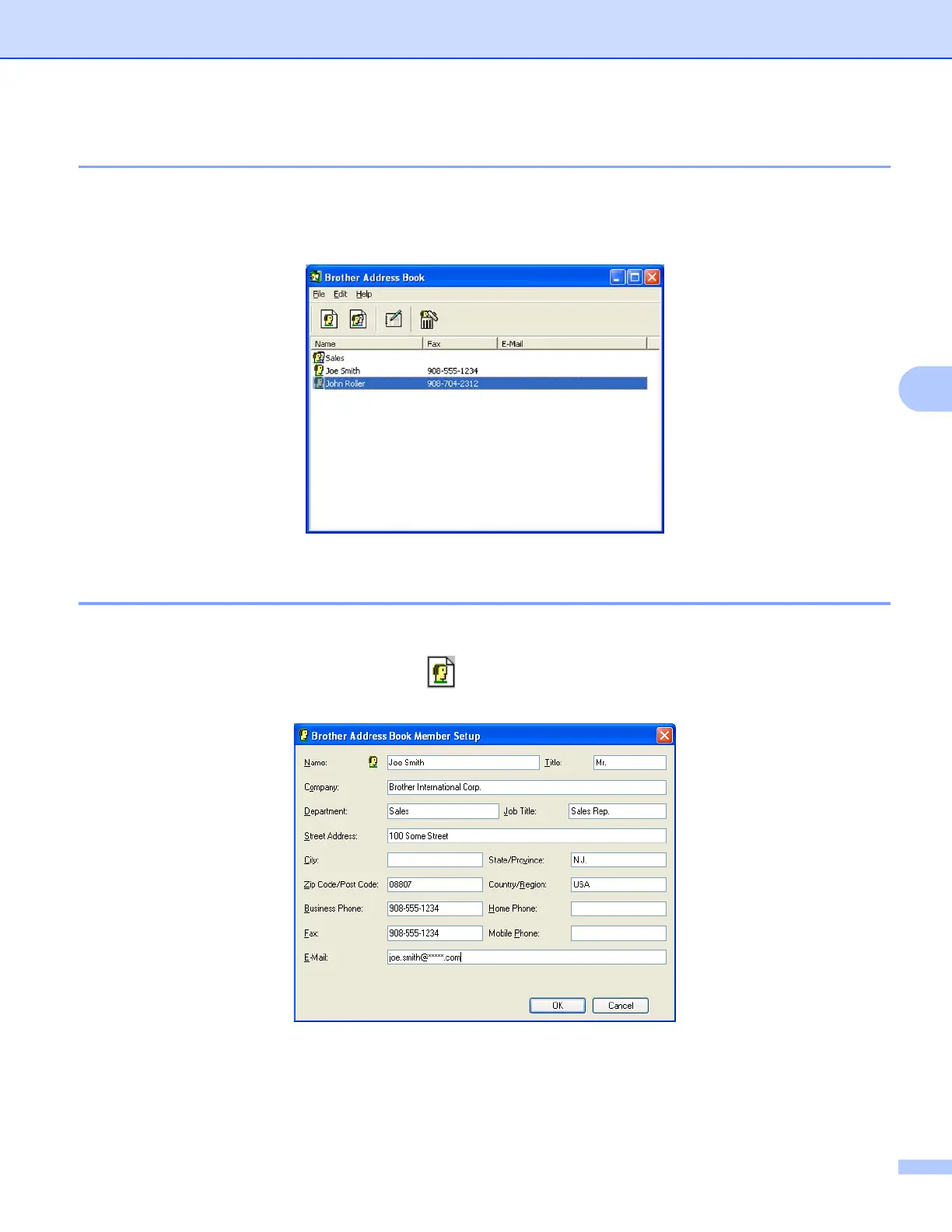
The Brother Address Book dialog box appears:
Setting up a member in the Address Book 5
In the Brother Address Book dialog box you can add, edit and delete members and groups.
a In the Address Book dialog box, click the icon to add a member.
The Brother Address Book Member Setup dialog box appears:
b In the Member Setup dialog box, enter the member’s information. Name is a required field. Click OK to
save the information.



 To Next Page
 Loading...











