Printing
25
1
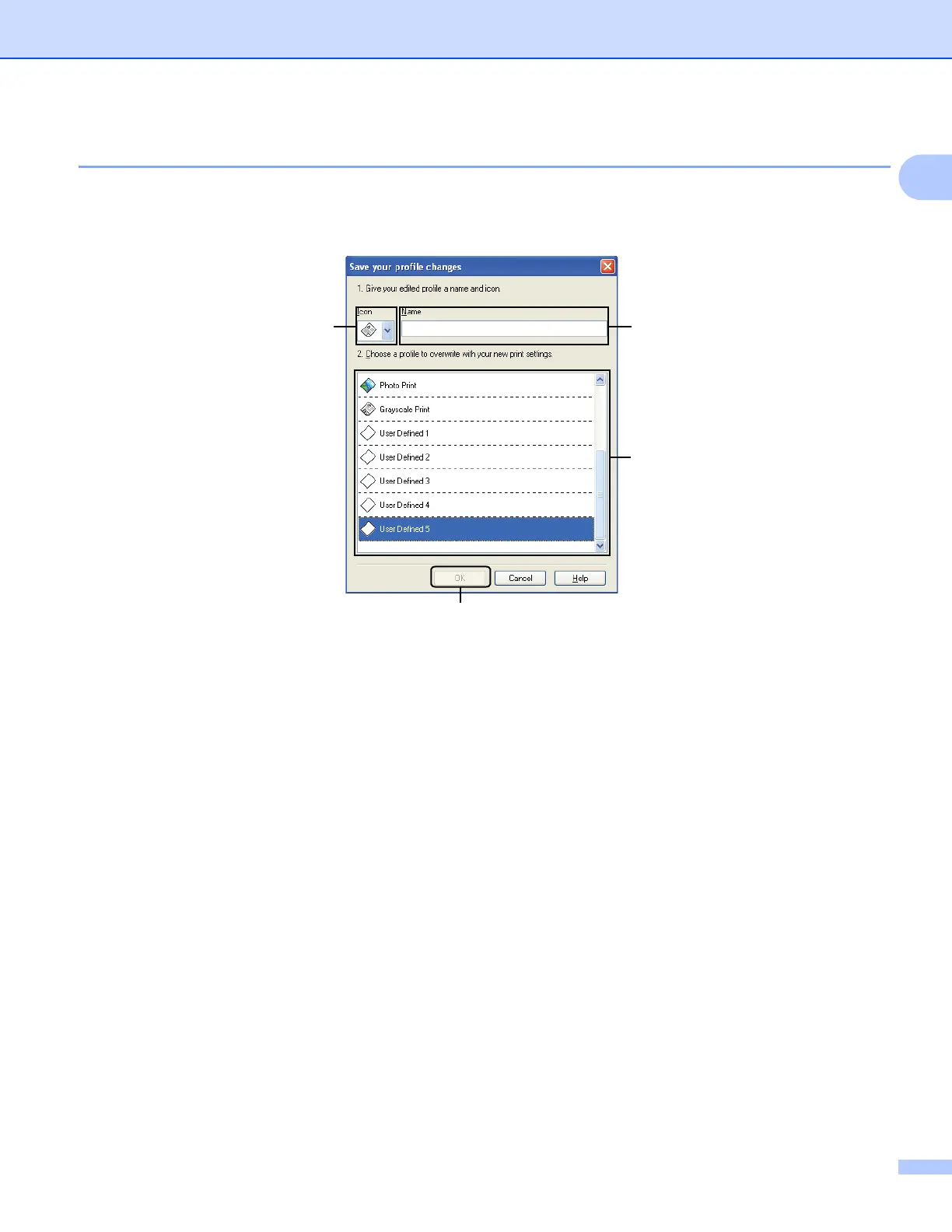
Edit a profile 1
The Save your profile changes dialog appears by clicking Edit a profile. You can overwrite any of the
preset profiles with your preferred settings.
1 Icon drop-down list
2 Name text box
3 Print profile list box
4 OK button
a Choose an icon you want to use from the Icon list, then enter a title you like in Name.
b Choose a profile you want to overwrite from the print profile list box, then click OK.
c The current settings shown on the left side of the Print Profiles tab will be saved.
2
3
1
4



 To Next Page
 Loading...











