Scanning
43
2
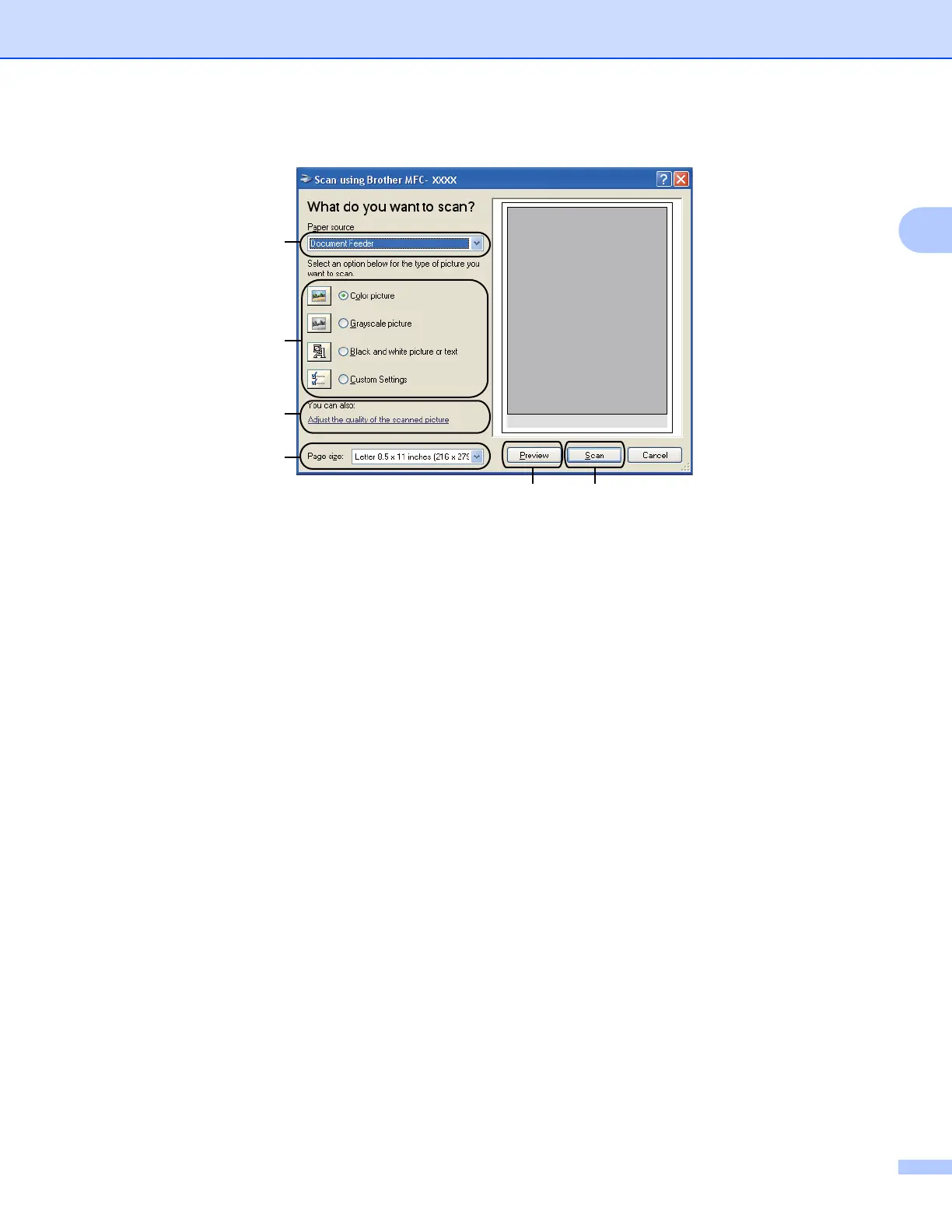
h Adjust the following settings, if needed, in the Scanner Setup dialog box:
1 Paper source
2 Picture type
3 Adjust the quality of the scanned picture
4 Page size
5 Preview
6Scan
i Choose Document Feeder or Flatbed from the Paper source drop-down list.
j Choose the picture type.
k Choose the Page size from the drop-down list.
1
2
3
4
56



 To Next Page
 Loading...











