Scanning
46
2
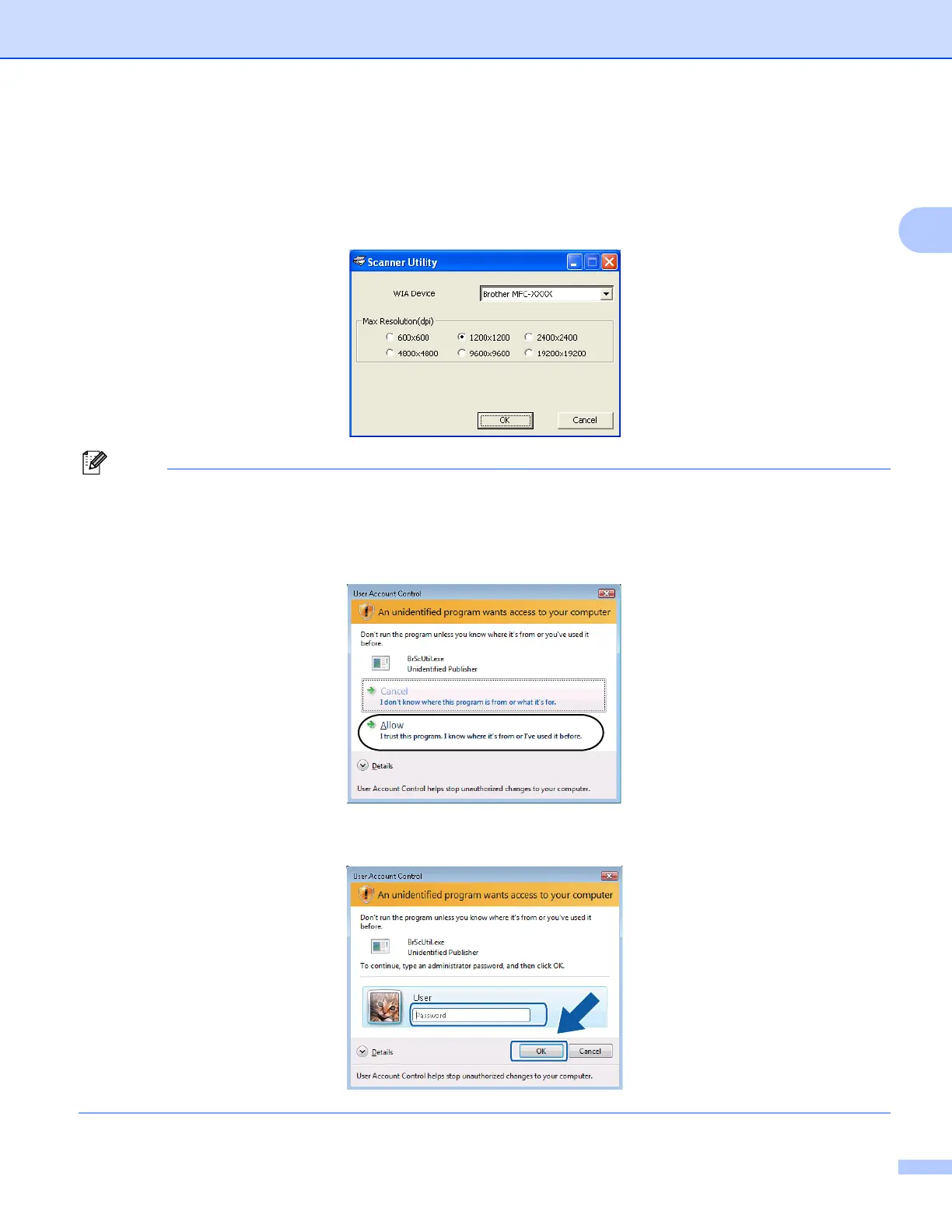
Running the utility
You can run the utility by clicking the Scanner Utility located in Start/All Programs/Brother/MFC-XXXX
menu (where XXXX is your model name)/Scanner Settings/Scanner Utility.
Screens on your PC may vary depending on your operating system or the model of your machine.
(Windows Vista
®
and Windows
®
7)
When the User Account Control screen appears, do the following.
• For users who have administrator rights: Click Allow or Yes.
• For users who do not have administrator rights: Enter the administrator password and click OK or Yes.



 To Next Page
 Loading...











