2
Before Use
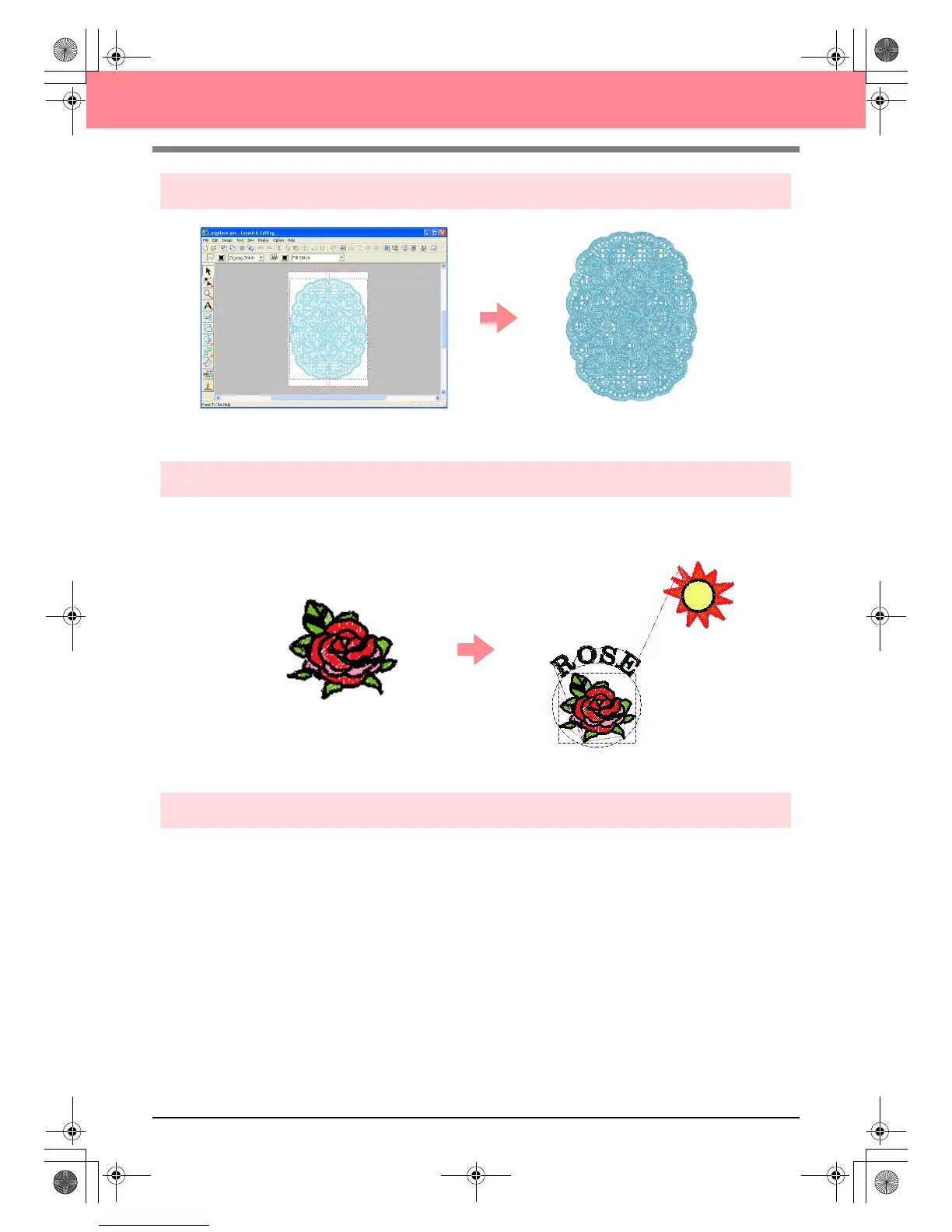
Easily Create Large-Size Embroidery Designs
c
For more details, refer to “Creating Large-Size Embroidery Patterns” on page 59.
Have Fun Creating Embroidery Patterns Manually
You can combine embroidery patterns or apply stitching to drawings and text. In addition, you can design a
wider variety of embroidery patterns by using the many sew types available.
c
For more details, refer to “Creating and Editing Embroidery Patterns” on page 30.
Create Embroidery Patterns Using All Three Applications
■ Design Center
c
Refer to “Using Design Center” on page 30.
c
For more details, refer to pages 69 through 105.
■ Layout & Editing
c
Refer to “Automatically Creating Embroidery Patterns” on page 19.
c
Refer to “Using Layout & Editing” on page 39.
c
For more details, refer to pages 106 through 207.
■ Programmable Stitch Creator
c
Refer to “Using Programmable Stitch Creator” on page 54
c
For more details, refer to pages 208 through 222.
PeDesignV6Eng.book Page 2 Thursday, July 8, 2004 11:59 AM



 To Next Page
 Loading...


