50
Arranging Embroidery Designs (Layout & Editing)
Importing embroidery design
from Design Center
An embroidery design in Design Center can be
imported directly into the Layout & Editing Design Page.
c
“Manually Creating Embroidery Patterns
From Images (Design Center)” on page 153.
Toolbar button:
1. Start up Design Center and open the file.
c
“Original Image Stage” on page 146
and “Opening a file” on page 155.
2. Click , or click File, then Import from
Design Center.
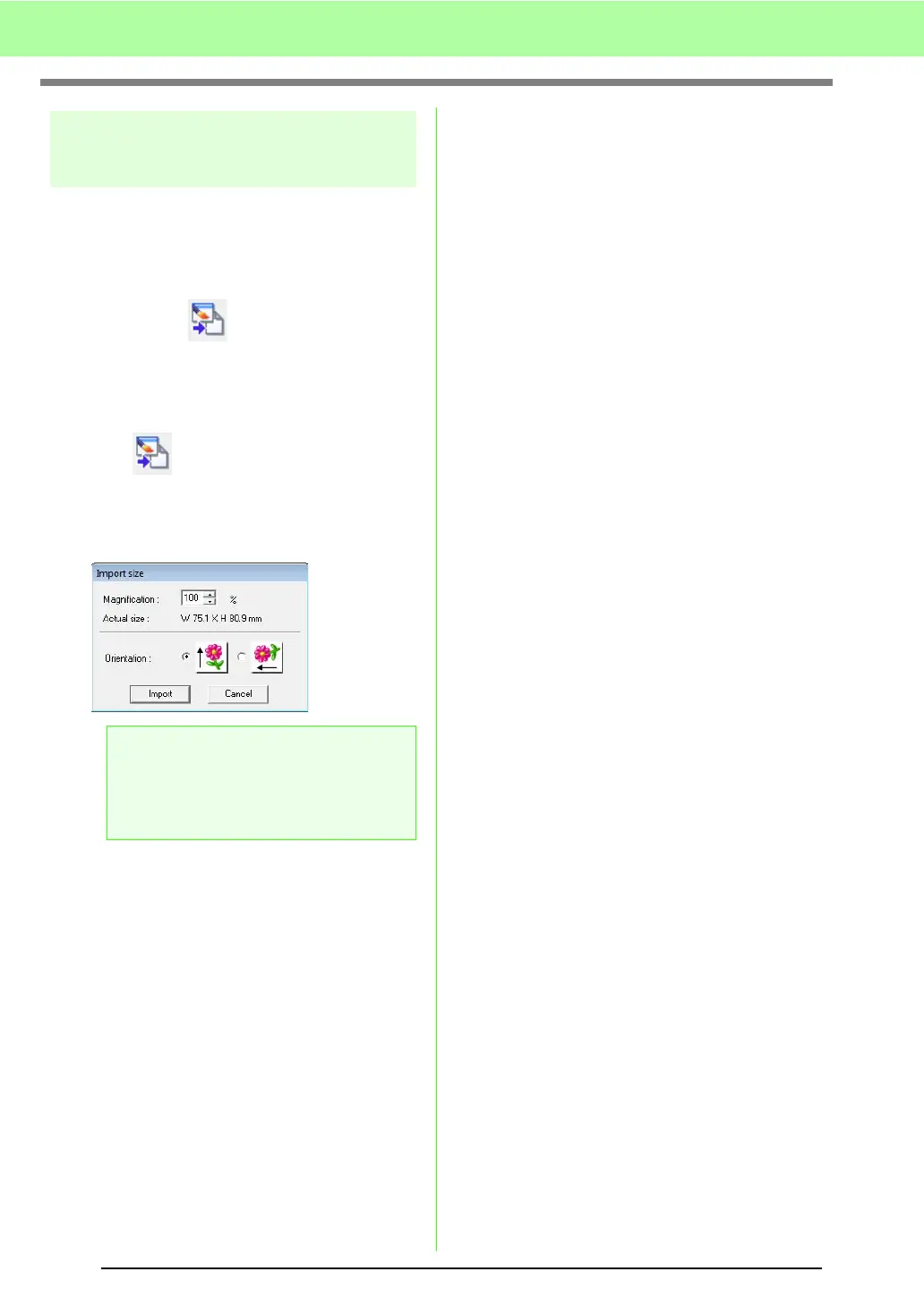
3. In the Magnification box, type or select the
magnification factor.
4.
Under
Orientation
, select the desired orientation.
5. Click Import to import the embroidery design.
a Note:
The maximum magnification ratio that can
be specified is the ratio that enlarges the
design to the size of the Design Page. The
minimum magnification ratio is 25%.



 To Next Page
 Loading...


