Technical data
and startup
9 Start-up
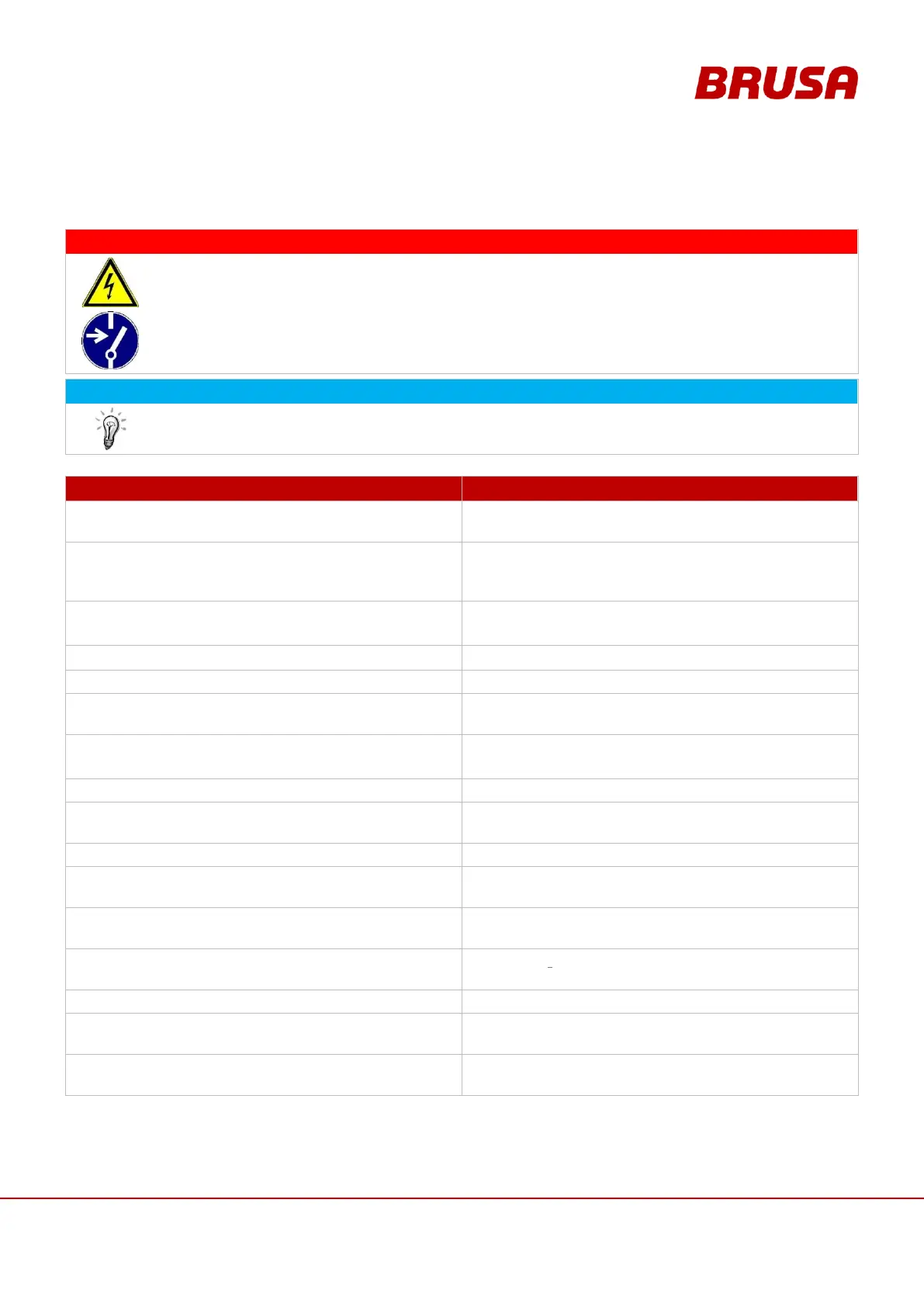
High voltage!
Danger to life!
While connecting the HV wiring, fatal injuries can occur if the HV wiring is live!
So check that the HV battery is not live before start-up!
In this chapter, you will be lead step-by-step through each stage of the start-up. The given procedure
must absolutely be adhered to!
ILLUSTRATION / OTHER INFORMATION
Have the necessary additional documentation and
the required additional equipment ready.
see chapter 4.2 Scope of the entire documentation
Install the provided software.
This step is only necessary if the inverter is not
integrated into a customer-provided CAN network
and/or no customer specific software is used for this.
Integrate the device mechanically into the specified
position.
Use the screws and torques stated,
see chapter 6.6.2 Fixing (as in example DMC524)
Ensure that the HV battery is not active.
Build the interlock circuit and check the functioning.
see chapt. 8.3.8 Pin 19 IL1, Pin 20 IL2 (Interlock 1 + 2)
If it is not already done, build all the connections at
the inverter.
see chapter 8 Connections
see chapter 6.5 Covers
The interlock switch is activated.
Ventilate and check the cooling system.
see chapter 9.2 Ventilate and check cooling system
Connect the motor with inverter over the motor
sensor cable.
Establish communication between the PARAM_Tool
and the inverter.
see manual Param operation.pdf
Parameters can now be set for the inverter with the
applied software (e.g. PARAM_Tool from BRUSA).
see manual Param operation.pdf
If it is not already done, load the motor parameter
table onto the inverter.
see chapter 9.3 Load motor parameter table onto
inverter
see chapter 9.4 Build HV supply
If it has not already been done, carry out rotor offset
adjustment.
see manual DMC5_RotorOffest_adjustment.pdf
The inverter is now ready for operation and can be
operated though CVI.
see chapter 10 Operation of the inverter through CVI



 To Next Page