Altitude
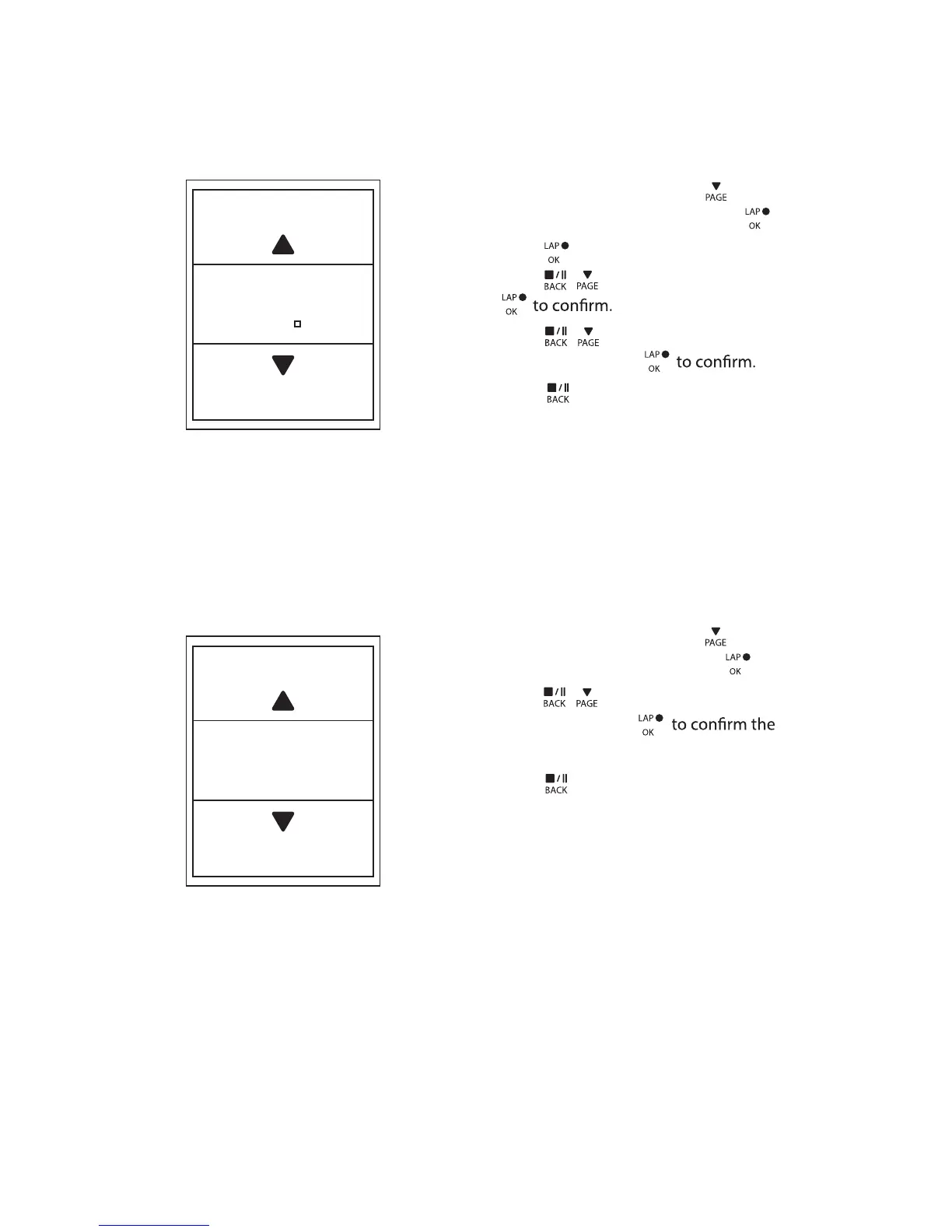
You can set the altitude setting for the current location and four other locations.
Current Altitude
1. In the Settings menu, press to select
Altitude > Altitude and press .
2. Press
/ to adjust the desired
altitude and press
setting.
3. Press
to exit this menu.
Lap by Distance
Altitude
M
31
By Distance
KM
10.0
1. In the Settings menu, press to select
Exercise > Smart Lap and press .
2. Press to enter the editing menu.
Press
3. Press
/
to select your desired
distance and press
4. Press
to exit this menu.
/ to select and press
Distance
Settings16


 To Next Page