ENGLISH
Training 9
Train & Test
Bicycling is one of the best types of exercise for your body. It helps you to burn your calories,
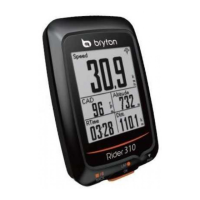
310 Training feature, you can
set simple/interval workouts and use the Rider 310 to track your training or workout progress.
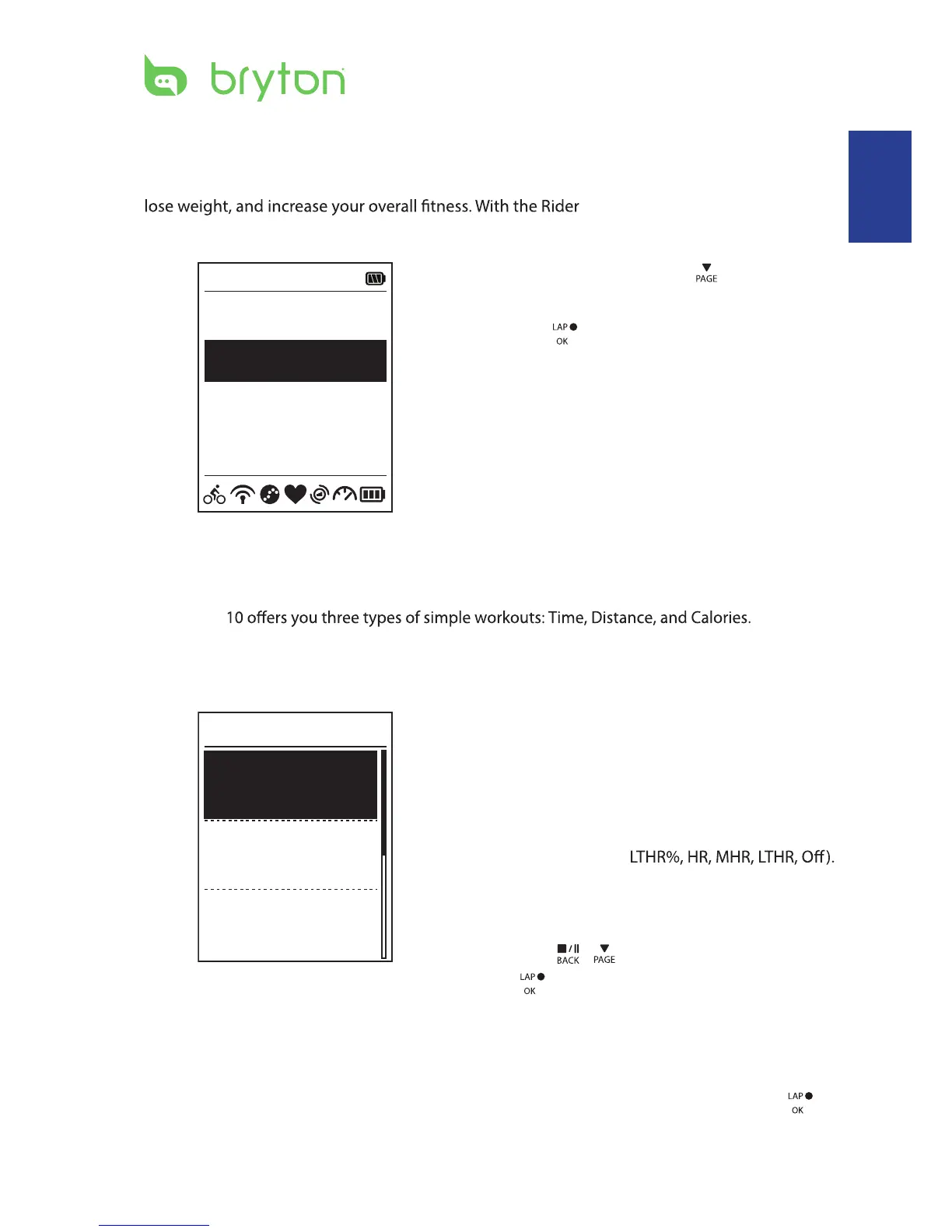
1. In the main screen, press
to select
Train&Test.
2. Press to enter the Training menu.
08:08 09/09
Cycling
Train & Test
View History
Settings
To Plan
You can set simple workouts by entering your time or distance goals.
The Rider 3
Simple
1. To set a simple workout, select
To Plan > Simple > Warm Up, Work ,
Cooldown.
2. Press
/
to set your target and press
3. Choose Save and enter the workout name
using the on-screen keyboard.
4. Go for a ride.
Go to Train & Test > My Workouts > View
and choose the saved workout. Press
to start training and record log.
6’ 0” 159
~
171
10’ 94
~
111
10’ 94
~
111
Work
Warm Up
Cooldwn
Simple
Warm Up• :
Duration (manual, calorie,time, distance),
Target (Pace, HR, MHR, LTHR).
Work• :
Duration (calorie, time,distance), Target
(Pace, MHR%,
Cooldown• :
Duration (manual, calorie,time, distance),
Target (HR, MHR,
LTHR).
to confrim.


 To Next Page