View Software Version
You can view your device current software version.
1. In the Settings menu, press
to select General > About.
2. Press
The current software version is displayed on the screen.
3. Press
to exit this menu.
Bluetooth
Before pairing Rider 310 with your bluetooth enabled mobile phone, make sure the
bluetooth function of your mobile phone and Rider 310 is turned on.
Enable Bluetooth
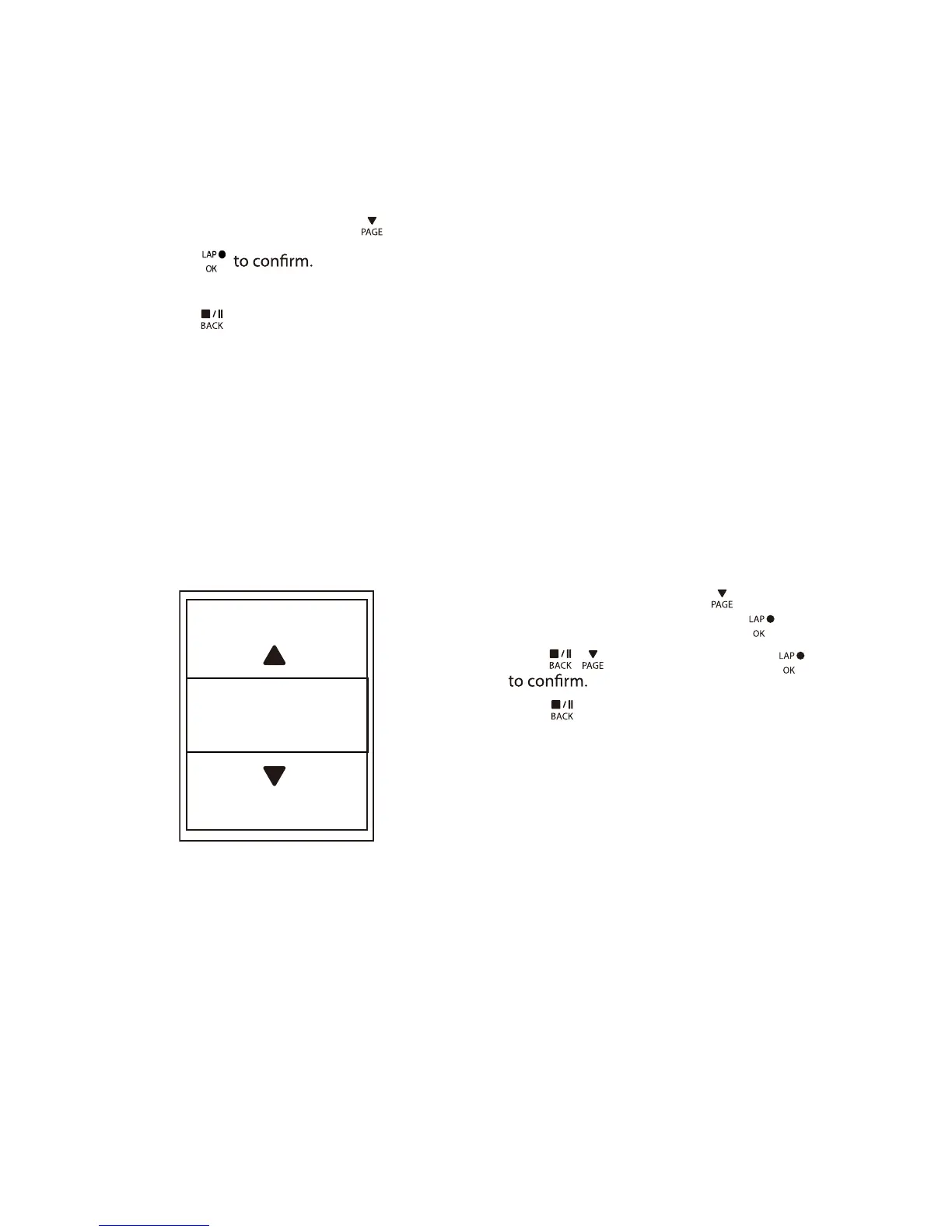
1. In the Settings menu, press to select
General > Bluetooth and press .
2. Press
/ to select On and press
3. Press
to exit this menu.
Settings26
Enable
On



 To Next Page