Ride Time
Current
Time
Trip Time
Current
Time
Current
Speed
Total
Distance
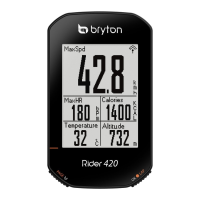
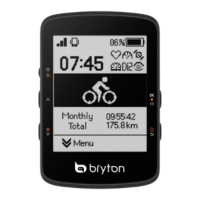
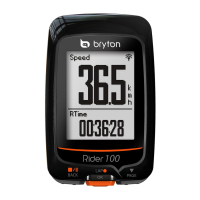
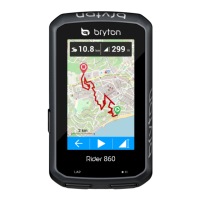
Data Page
Other Location Altitude
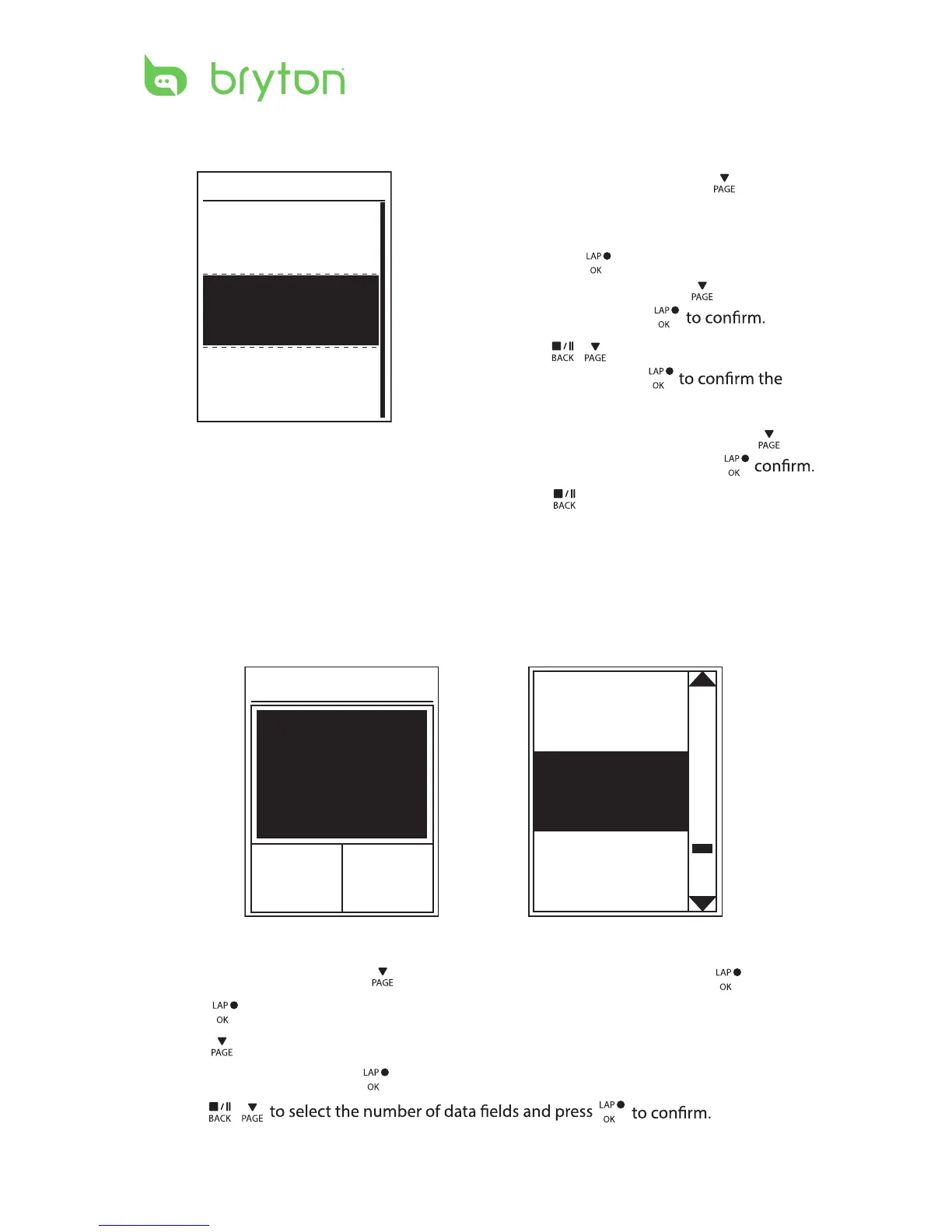
1. In the Settings menu, press to select
Altitude > Location 1, Location 2,
Location 3, Location 4, Location 5
and press .
2. To set the altitude, press
to select
Altitude and press
3. Press
/ to adjust the desired
altitude and press
setting.
4. To calibrate the set altitude, press
to
select Calibrate ot sserp dna
5. Press
to exit this menu.
Location 1
Altitude
10m
Calibrate
Data Page
You can set the display settings for the Meter and Lap.
Meter Display
3-grid display
Item selection
Settings 17
1.
3. Press to enter
Data Page
2. Press to enter Data Page setting and change the setting from Auto to Manual. .
In the Settings menu, press
to select Exercises > Data Page and press
> Data Page1
, ,
Data Page 2
Data Page 3
Data Page 4
Data Page 5
,
or
and press
.
4. Press
/
.


 To Next Page