Training10
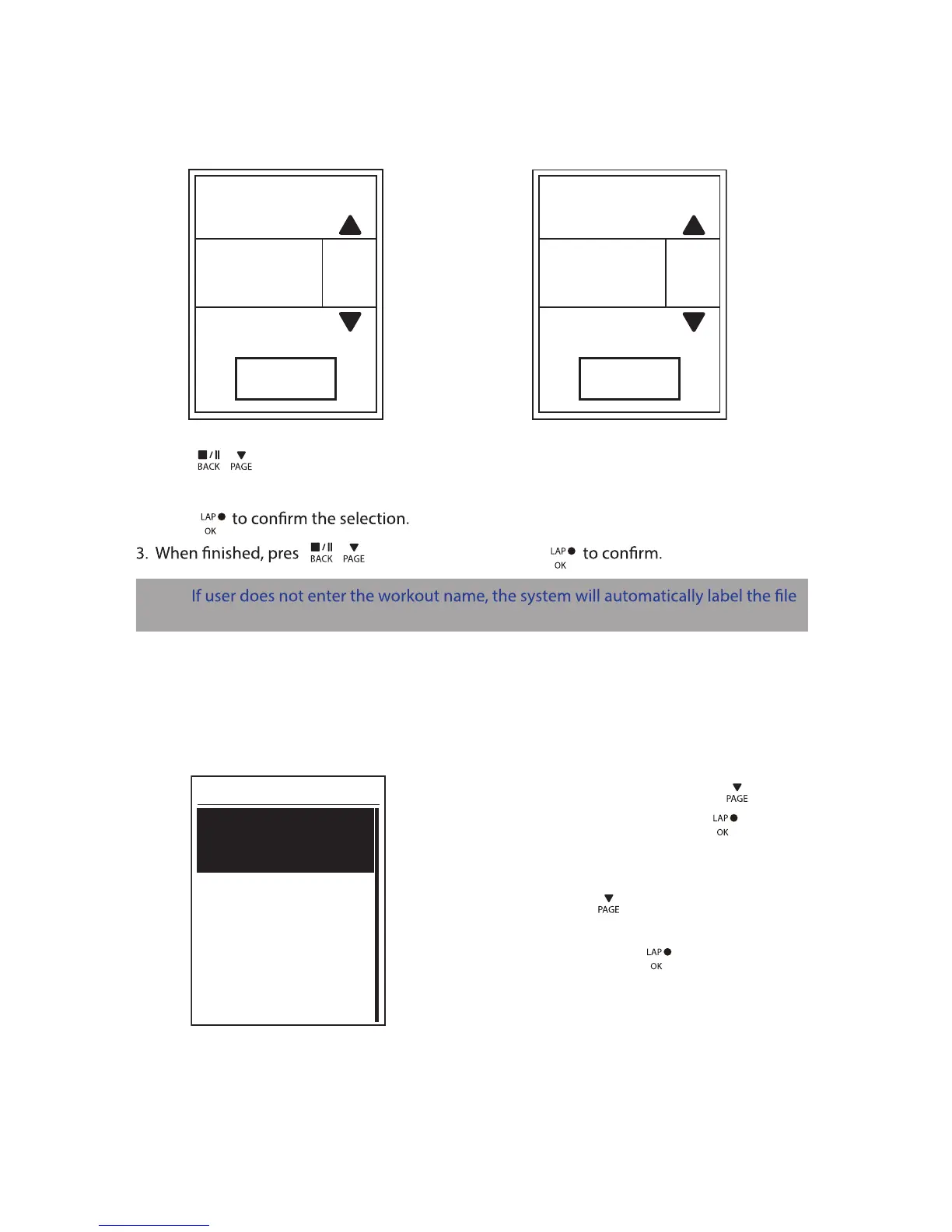
Using the On-screen Keyboard
Name
Save
001 END
Name
Save
001 A
1. Press / to select the input character.
Select • DEL
to erase the data.
2. Press
s / to select END and press
NOTE:
name according to the current date and time.
Interval Workouts
With the Interval training feature, you can use your device to customize interval workouts
which include the warm up, interval, and cool down sections.
1. In the Train & Test menu, press to select
To Plan > Interval and press to enter.
2. A “Set warm up?” message appears on the
screen. Press to select Yes to set the
“Warm up”. After the settings are complete,
select OK and press to continue.
Warm Up
Duration
Target
OK


 To Next Page