Change System Settings
sound,
time/unit , on-screen display language.
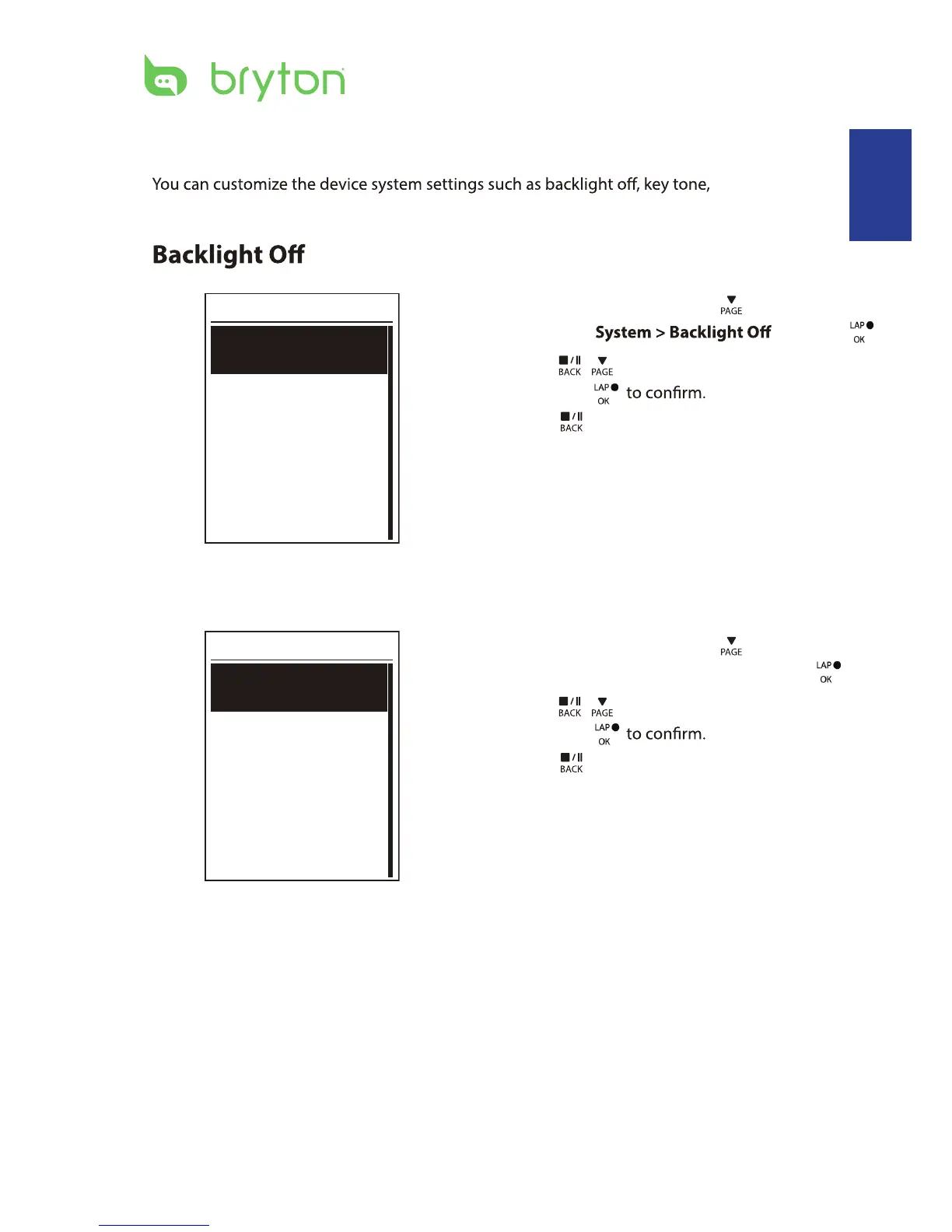
Back light
Auto
Never
1 min
10 min
1. In the Settings menu, press
to select
General > and press .
2. Press
/ to select the desired setting
and press
3. Press
to exit this menu.
Key Tone
Key Tone
On
Off
1. In the Settings menu, press to select
General > System > Key Tone and press .
2. Press
/ to select the desired setting
and press
3. Press
to exit this menu.
Settings 23
ENGLISH


 To Next Page