Sound
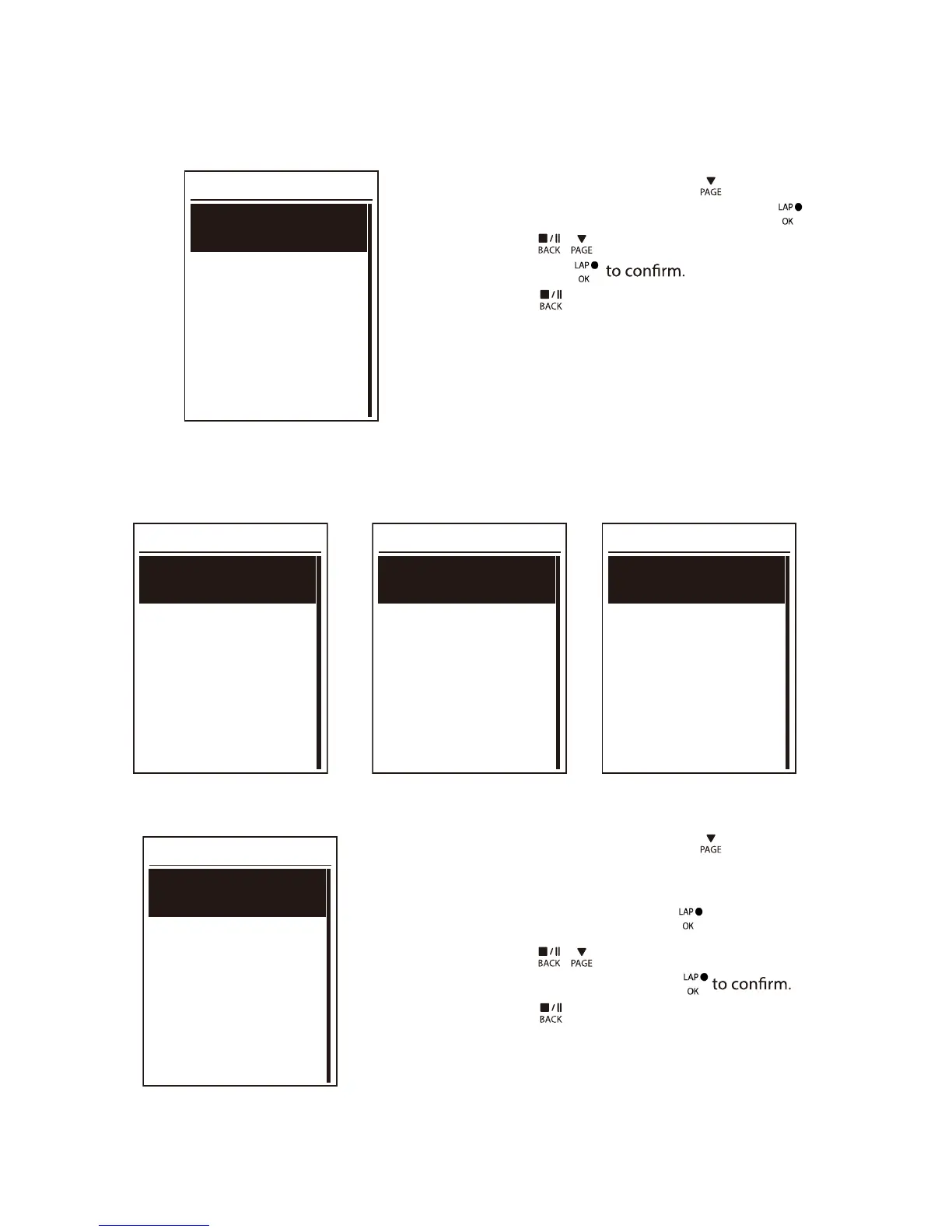
Sound
On
Off
1. In the Settings menu, press
to select
General > System > Sound and press
.
2. Press
/ to select the desired setting
and press
3. Press
to exit this menu.
Time/Unit
Dlight Save
+0:00
+1:00
Daylight Save
Date
mmddyyyy
yyyymmdd
ddmmyyyy
Date format
Time
12hr
24hr
Time format
Unit
KM,KG
MI,LB
Unit
1. In the Settings menu, press
to select
General > System > Time/Unit > Daylight
Save,
Date format , Time format
, Unit
Temperature
and
press
.
2. Press
/ to select the desired
setting/format and press
3. Press to exit this menu.
Settings24


 To Next Page