Getting Started4
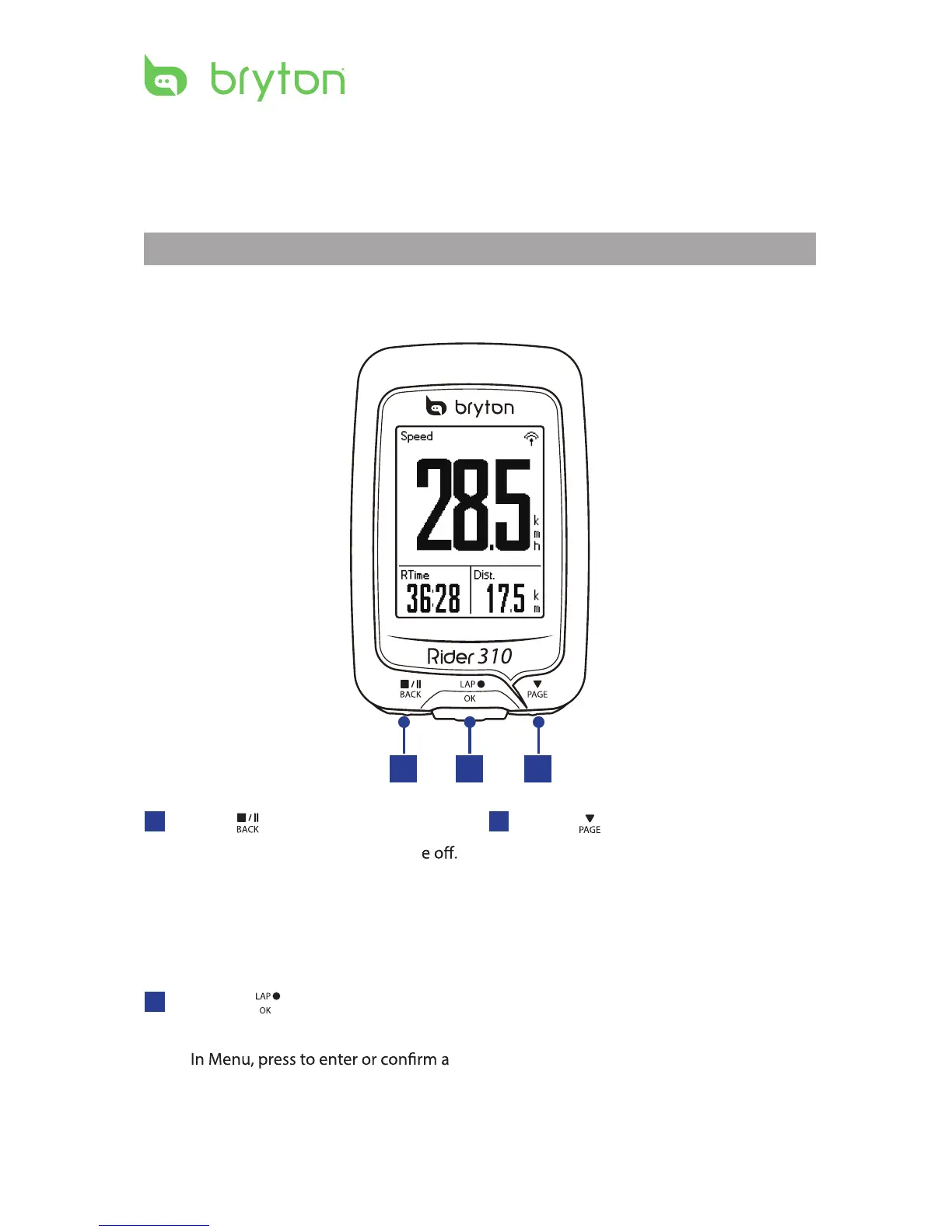
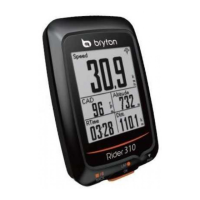
Your Rider 310
Getting Started
This section will guide you on the basic preparations before you start using your Rider 310.
Rider 310 is equipped with barometer which shows the real time altitude.
NOTE: To adjust the altitude settings on Rider 310, refer to page 16.
2
3
PAGE ( )
In Menu, press to move down to scroll •
through menu options.
In Meter view, press to switch meter •
screen page.
1
BACK ( )
Press to return to the previous page or •
cancel an operation.
When recording, press to pause •
recording. Press it again to stop
recording.
1
3
2
LAP/OK ( )
Press to turn the device on.•
Press and hold to turn the devic•
•
selection.
In free cycling, press to start recording.•
When recording, press to mark the lap.•


 To Next Page