reset
Getting Started6
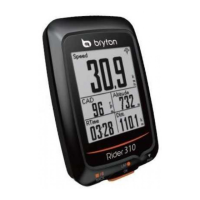
Step 1: Charge your Rider 310
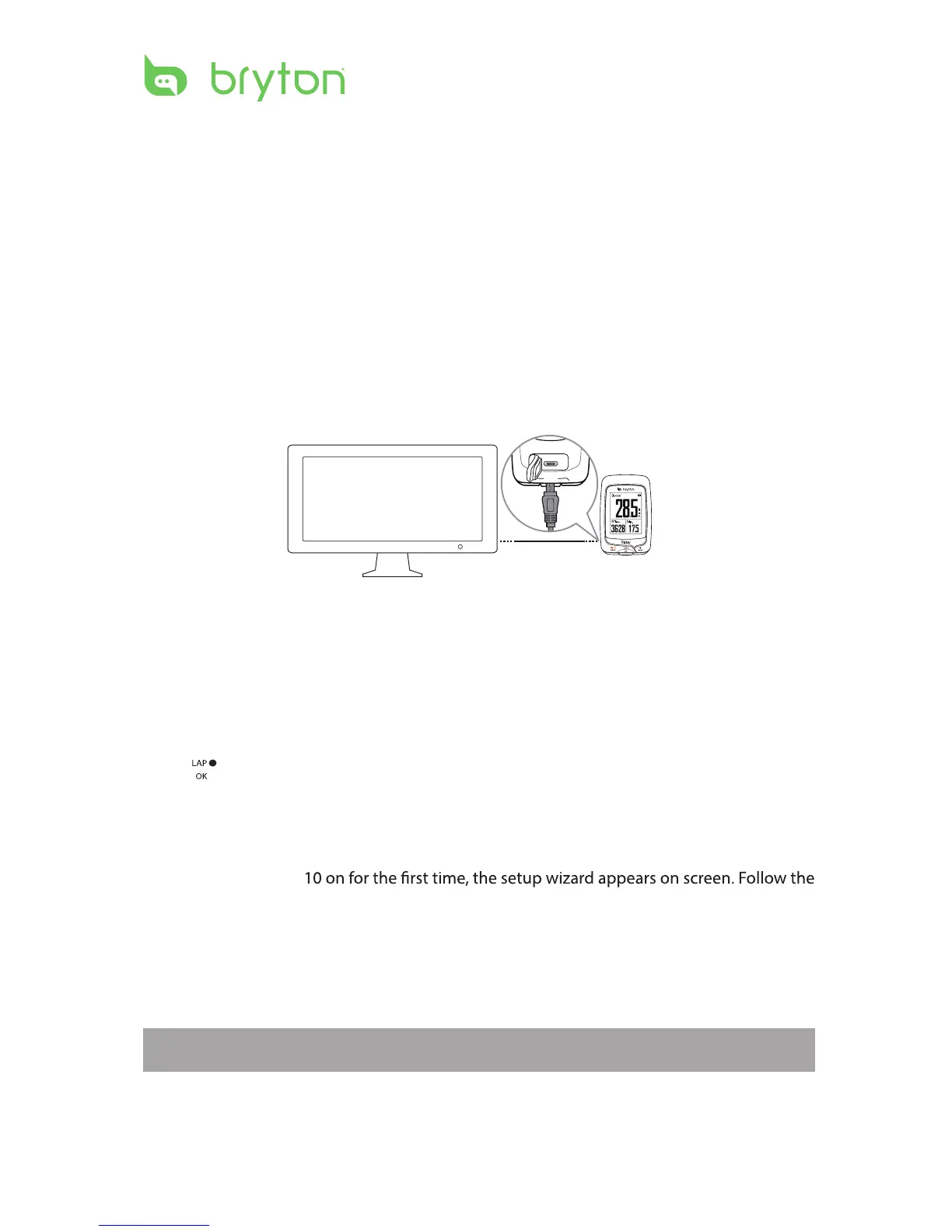
Connect Rider 310 to a PC to charge the battery for at least 4 hours.
Unplug the device when it is fully charged.
Step 2: Turn On Rider 310
Press to turn on the device.
Step 3: Initial Setup
When turning Rider 3
instructions to complete setup.
1. Select the display language.
2. Select the unit of measurement.
• You may see a white screen when the battery is really low. Keep the device plugged for
several minutes, it will automatically turn-on after battery is properly charged.
• The temperature suitable for charging battery is 0
o
C ~ 40
o
C. Beyond this temperature range,
charging will be terminated and the device will draw power from battery.
NOTE: Only when you choose English for the display language, you will need to select the
unit of measurement. Otherwise, default would be metric unit.


 To Next Page