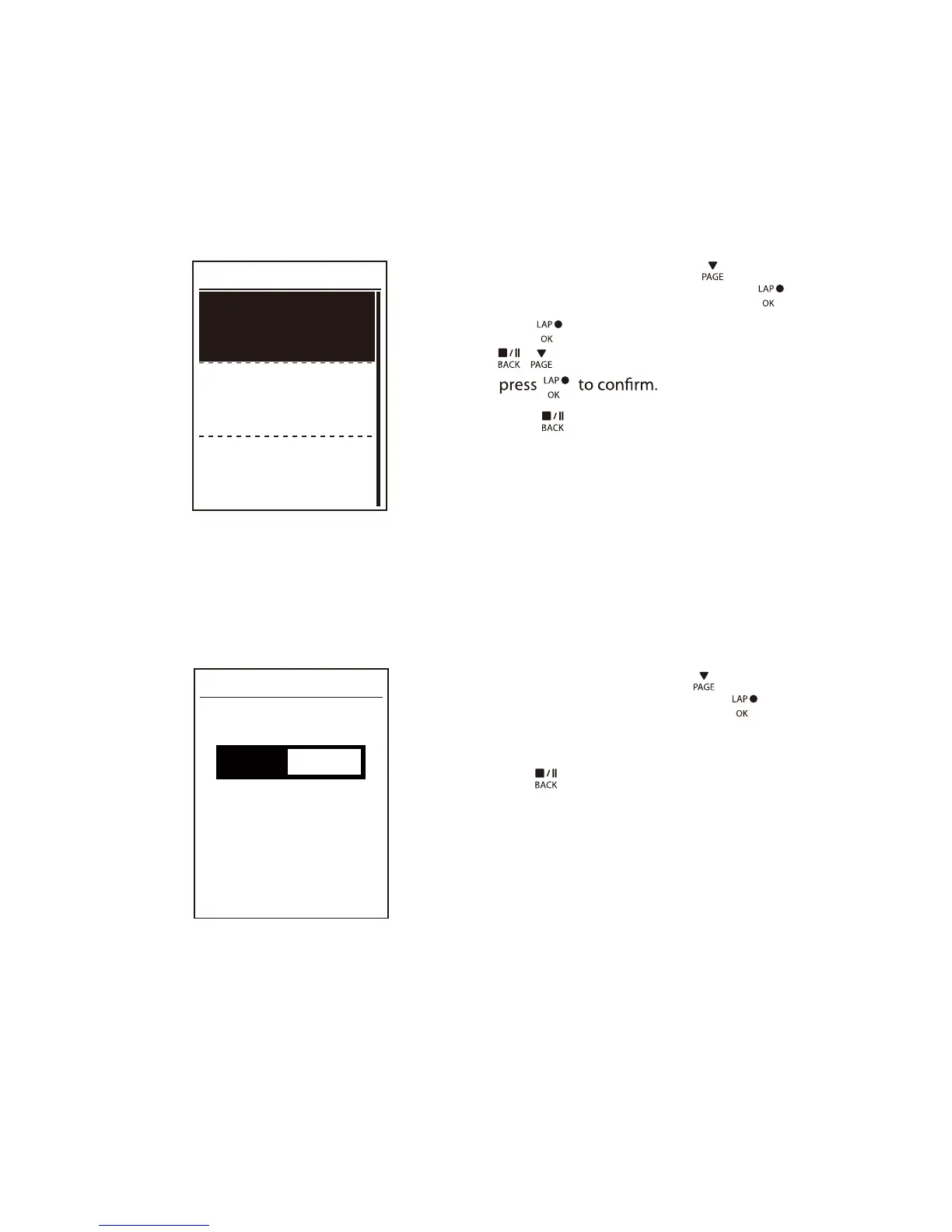
Start Reminder
When Rider 310 detects the motion of your bike, it would pop up a reminder to ask you if
you would like to record or not. You can set the frequency of start reminder.
View Memory Usage
View the storage status of the device.
Start Remind
Start remind
Once
50%
1. In the Settings menu, press to select
General > Start Remind and press .
2.
Press to enter its submenu and press
to adjust the desired setting and
/
3. Press
to exit this menu.
1. In the Settings menu, press to select
General > Memory % and press .
2. Press
to exit this menu.
Memory %
The storage status is displayed on the screen.
Settings28


 To Next Page