Data Record
With Data Record function, you can set your odometer and activate 1 second mode to get
more accurate data.
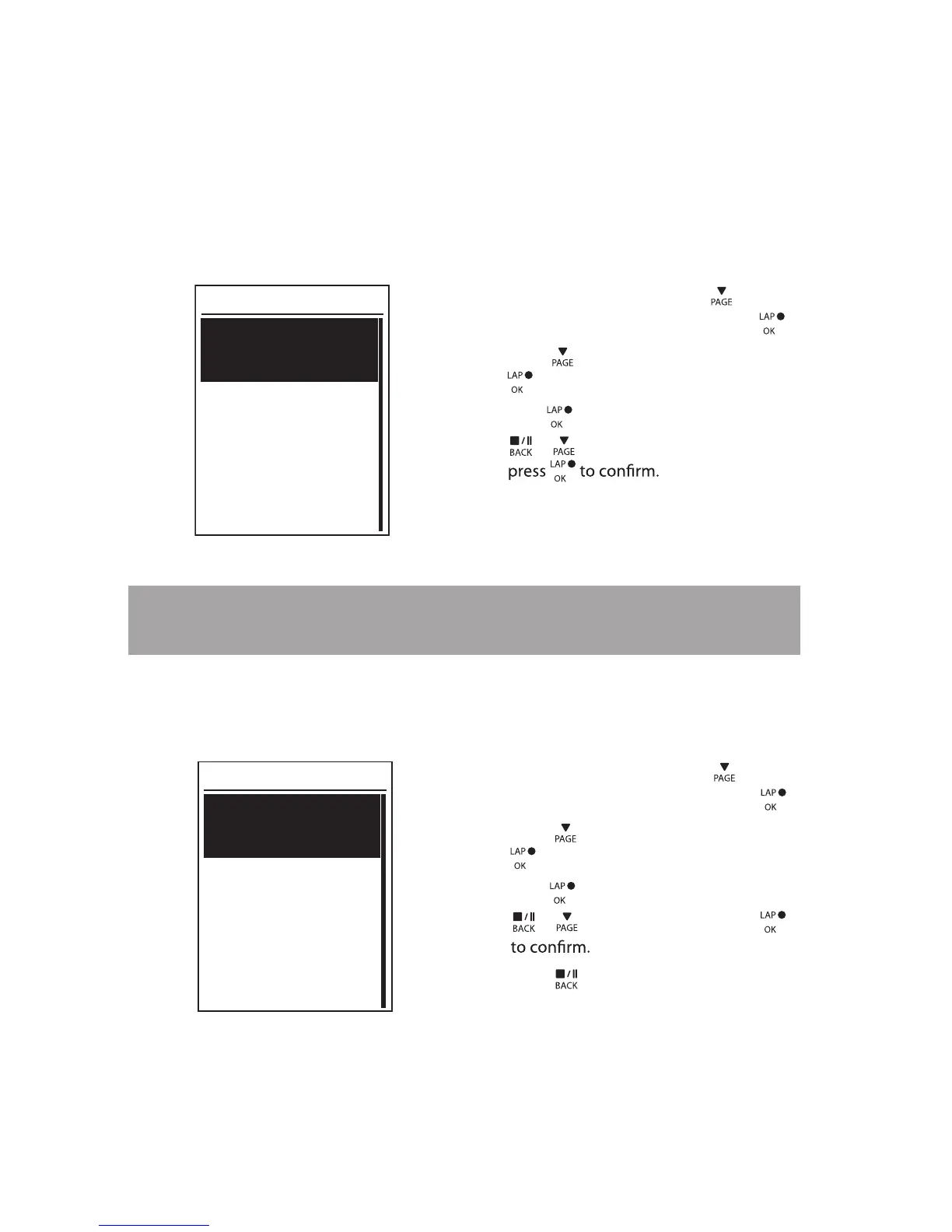
Set ODO
ODO Setup
O DO Setup
1. In the Settings menu, press to select
Exercise > Data Record and press .
2. Press to select ODO Setup and press
to enter.
3.
Press to enter its submenu and press
/ to select the desired setting, then
All
Enable 1sec Mode
Recording
1sec mode
1. In the Settings menu, press to select
Exercise > Data Record and press .
2. Press to select Recording and press
to enter.
3.
Press to enter its submenu and press
/ to select Yes, and press
Yes
NOTE: All means the odometer would show the cumulative distance of all trips;
Recorded
would only show the cumulative distance of recorded trips.
4. Press
to exit this menu.
Settings20


 To Next Page