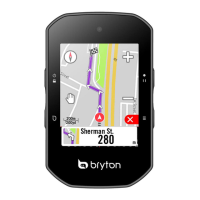
My Workout
With My Workout feature, you can start your workout using the training plan that you have
saved in To Plan menu.
1. In the Training menu, press
to select
My Workout and press .
2. Press
to select View and press to
enter its submenu.
Press •
to select your desired
training plan and press
Go for a ride. Press to start training
and record log.
•
3. To choose which workouts to delete,
select Delete.
4. To delete all workouts to delete, select
Delete All.
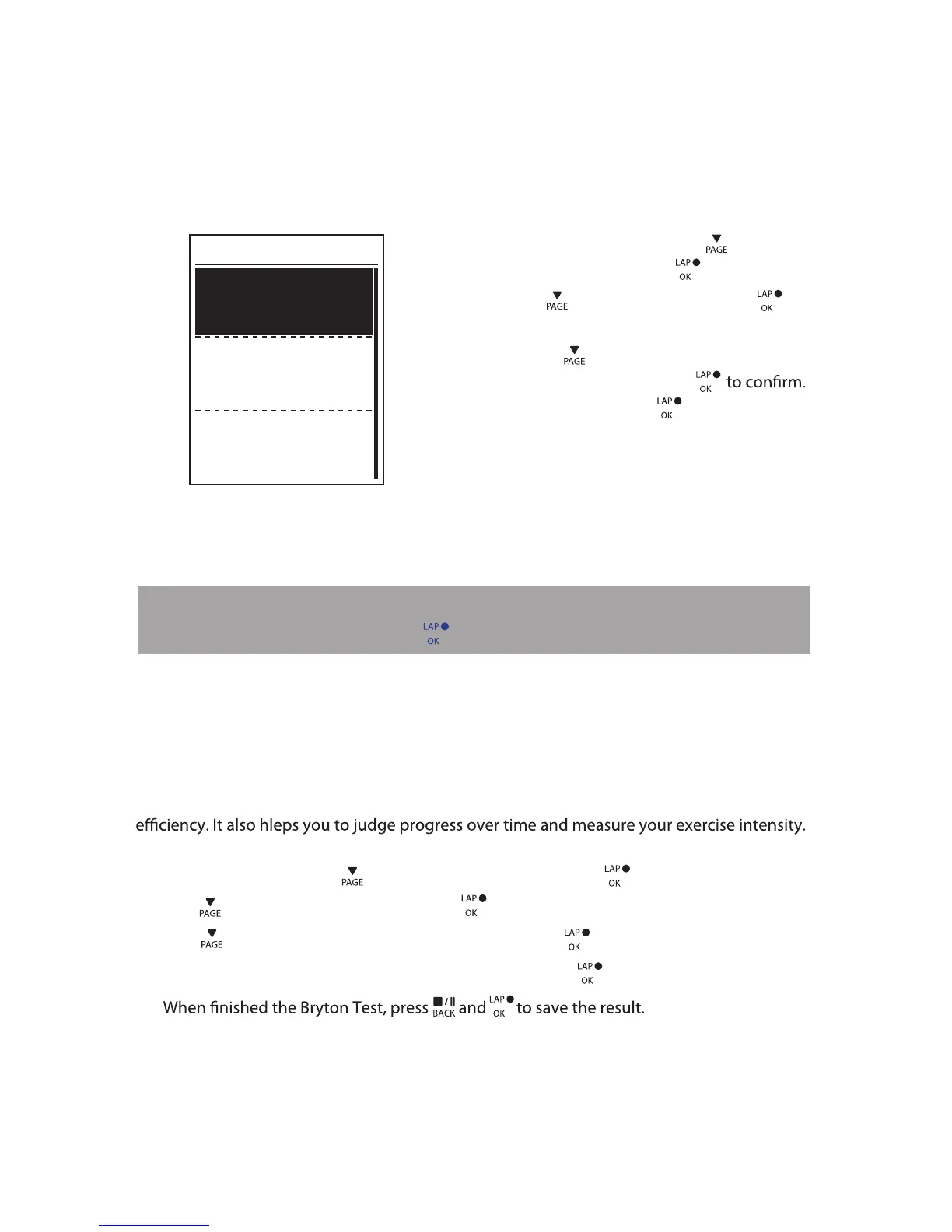
View
Delete
Delete All
My Workout
Bryton Test
Bryton Test has preloaded on Rider 310. If you don't have it on your device, please download
from Bryton Update Tool. Bryton Test includes two test courses to help you measuring your
MHR and/or LTHR. Knowing your MHR and/or LTHR gives you a benchmark of your overall
1. In the main screen, press to select Train & Test and press to enter Training menu.
2. Press to select Bryton Test and press to enter Bryton Test.
3. Press to select your desired test workout and press to enter the selected workout.
4. The selected workout details appear on the screen. Press to start exercise.
Training12
5.
NOTE: If the selected workout includes several interval settings, a workout details appear
on the screen. Select Start and press
to proceed with the workout.


 To Next Page