18
11.0 Parameter Selection
This section deals with selection of the various modes of operation as well as
the adjustment of delay times and signal path gain structure.
Where a feature is common to both the TCS-803 and TCS-804, the selection
and adjustment is identical. Where there is a difference, it will be described
separately.
We hope you will find it quite intuitive to operate and suggest that you have
your unit with you to operate the switches as you read through this section.
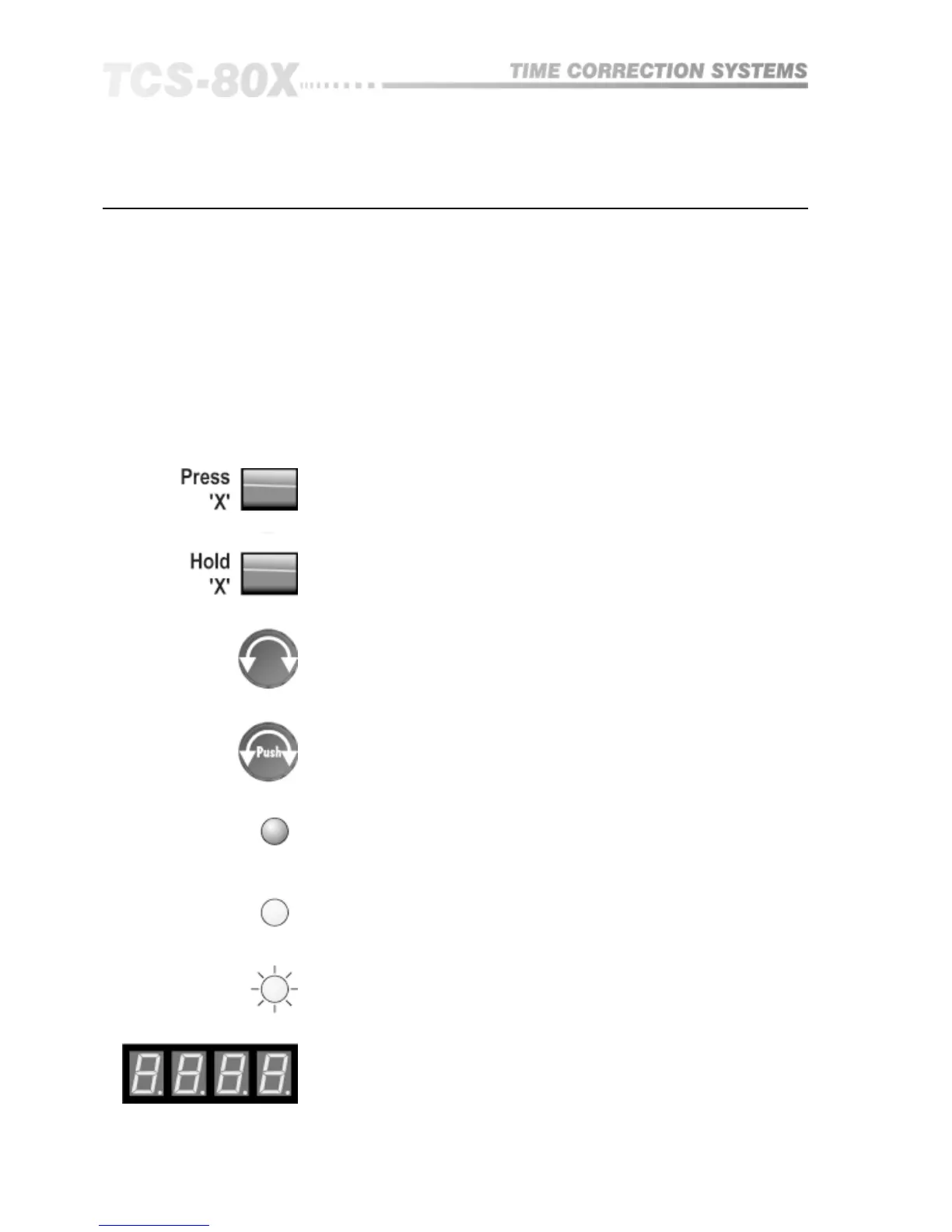
The key to the diagrams that follow is shown in Figure 11.1:
Press specified button to select function X.
Fig 11.1 Key to
diagrams
Press and hold specified button to select function X.
Turn the rotary control knob to adjust the parameter.
Push and turn rotary control knob to adjust the parameter.
Display reading.
Indicator light flashing.
Indicator light on.
Indicator light off.
Parameter Selection


 To Next Page