23
For speed and convenience, the PROGRAM mode can be accessed at any
time by pressing either the ‘store’ or ‘recall’ buttons. The display will change
to show a flashing current program number, but the store or recall function
will not be activated unless the switch is pressed a second time. Once the
button is pressed twice, the current settings are stored or the program is
recalled, and the display will return to normal.
When any storable parameter is altered, a ‘.’ appears after the program
number to show that the program has been edited and not subsequently stored.
It will remain blinking for other display modes as an operator warning.
Pressing program STORE will cancel it.
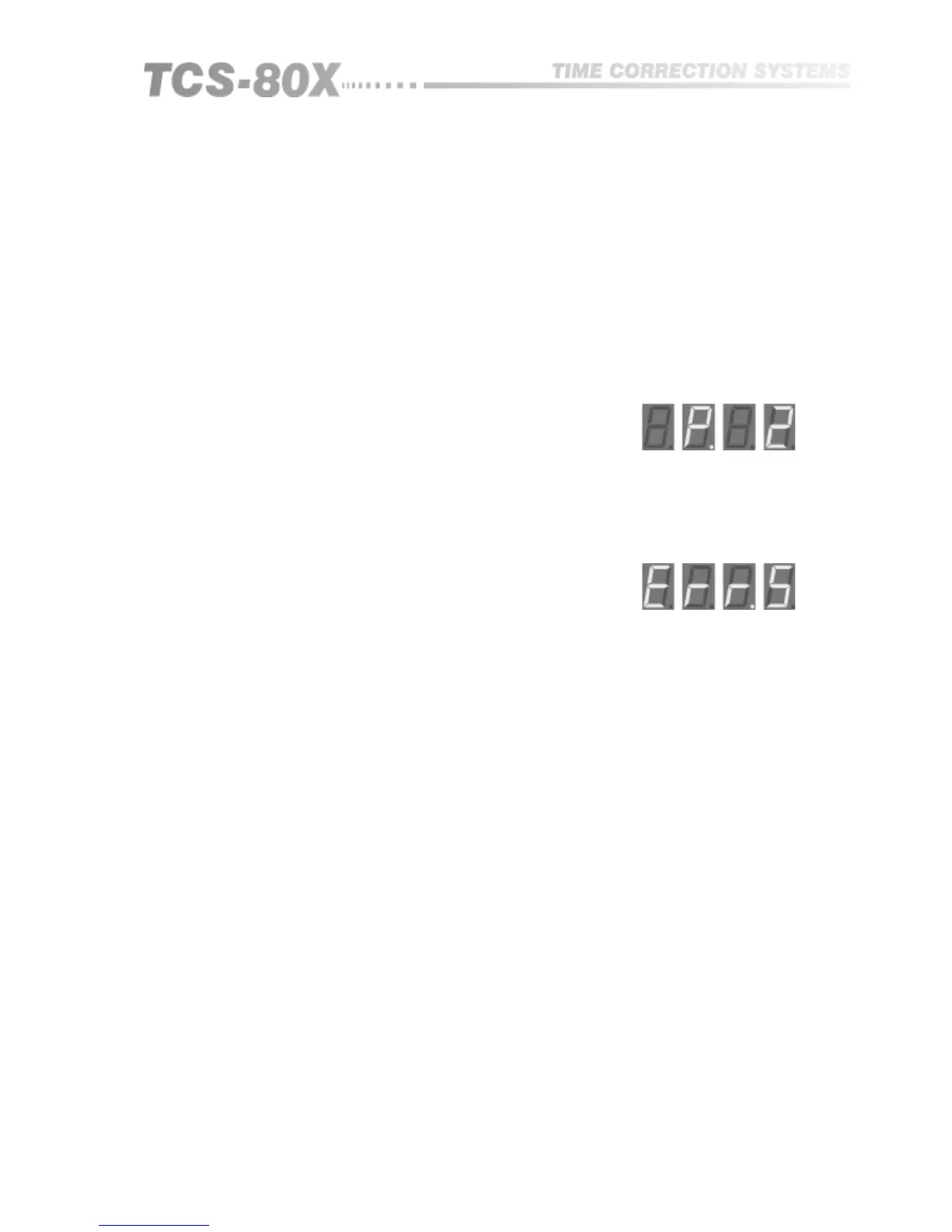
An error message appearing temporarily on the display following a program
recall is advising that the program was initially stored in the opposite MONO/
DUAL CHN mode than the unit is currently switched to. The program will be
recalled, but the error message warns that it may be inappropriate:
An ‘electronic security cover’ is available to stop unauthorised persons from
tampering with parameter settings that have previously been entered. The
switch to activate this is located behind the front panel and is operated by
inserting a small blunt instrument through the round hole adjacent to the IN/
OUT switch. The corresponding legend will appear.
'Safe On' allows all parameters to be viewed as normal, but none can be
altered.
Press again to return to normal unprotected operation.
The control lockout will not disable any of the rear panel control interfaces.
External program selection remains active.
11.7 Control
Lockout


 To Next Page