19
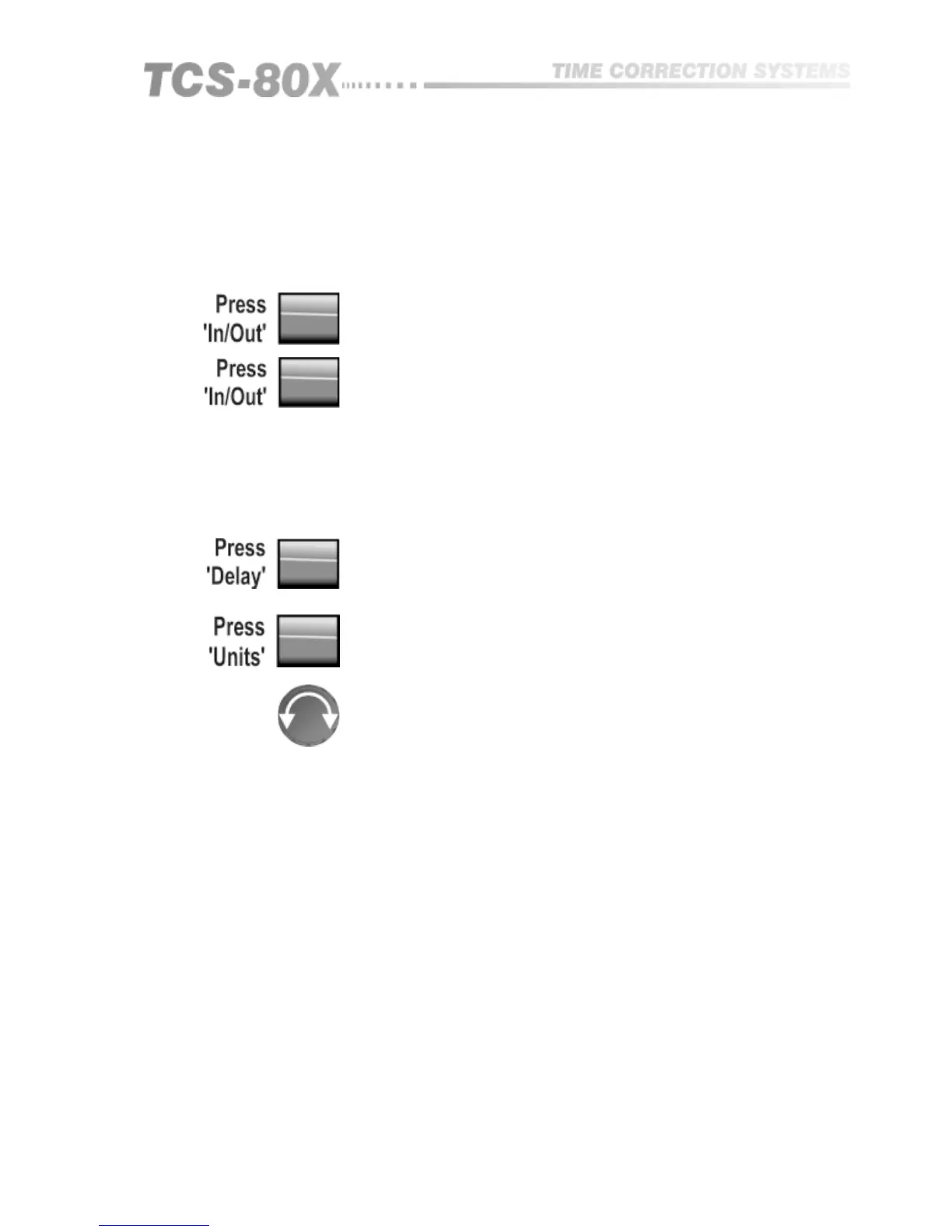
The bypass function or IN/OUT provides a switch toggle for cancellation of all
delay times. For complete cancellation of all electronic stages and level
settings, the output relay option needs to be specified. The bypass is then a
complete input/output wired link.
11.1 Bypass
11.2 Adjust Delay
Time or Distance
Out: Total bypass input to output.
IN: Normal operation.
The TCS-80X will allow the required delay to be set in ‘time’ or in ‘distance’
units. This is selected by operating the units switch. If more delay time is
required, an extended memory option is available which is easily installed. To
set the delay:
Select a delay to read or adjust it’s value.
If required, select to alter display units. Readings in excess of '9999' will show
‘FEET’ and then automatically change to read feet.
Turn knob for fine adjustment or push and turn for coarse adjustment.
11.3 Adjust Input
and Output Level
TCS-803
Separate input headroom and output level controls are provided on the front
panel to enable optimum operating headroom setting, and individual output
level trim.
The input control range allows for a maximum operating level between 0dBu
and +20dBu. The output level control allows for individual gain adjustment of
the three outputs by plus or minus 10dB. There will be unity gain through the
unit when both input and output level controls are in their central position.
It is most important for correct operation of the unit that you set the input
level control correctly. As is common for all electronic equipment, care must
be taken to ensure that the input signal does not exceed the maximum
internal clipping level and the input headroom meter is therefore an important
display. When setting up, ensure that on one hand your maximum signal peak
does not exceed the 0dB scale point, and on the other that it is not wasteful of
dynamic range. It is always adjusted first on initial setting up.
The output level trims will be useful for providing some degree of individual
adjustment for each of the three outputs. They can be adjusted following the
correct setting of input headroom. Remember that if the input control needs to
be turned back, the output control will need to be turned up to restore the
through gain as these two controls work together. The input control works to
maximise operating dynamic range whilst the output control works to trim the
required through gain.


 To Next Page