30
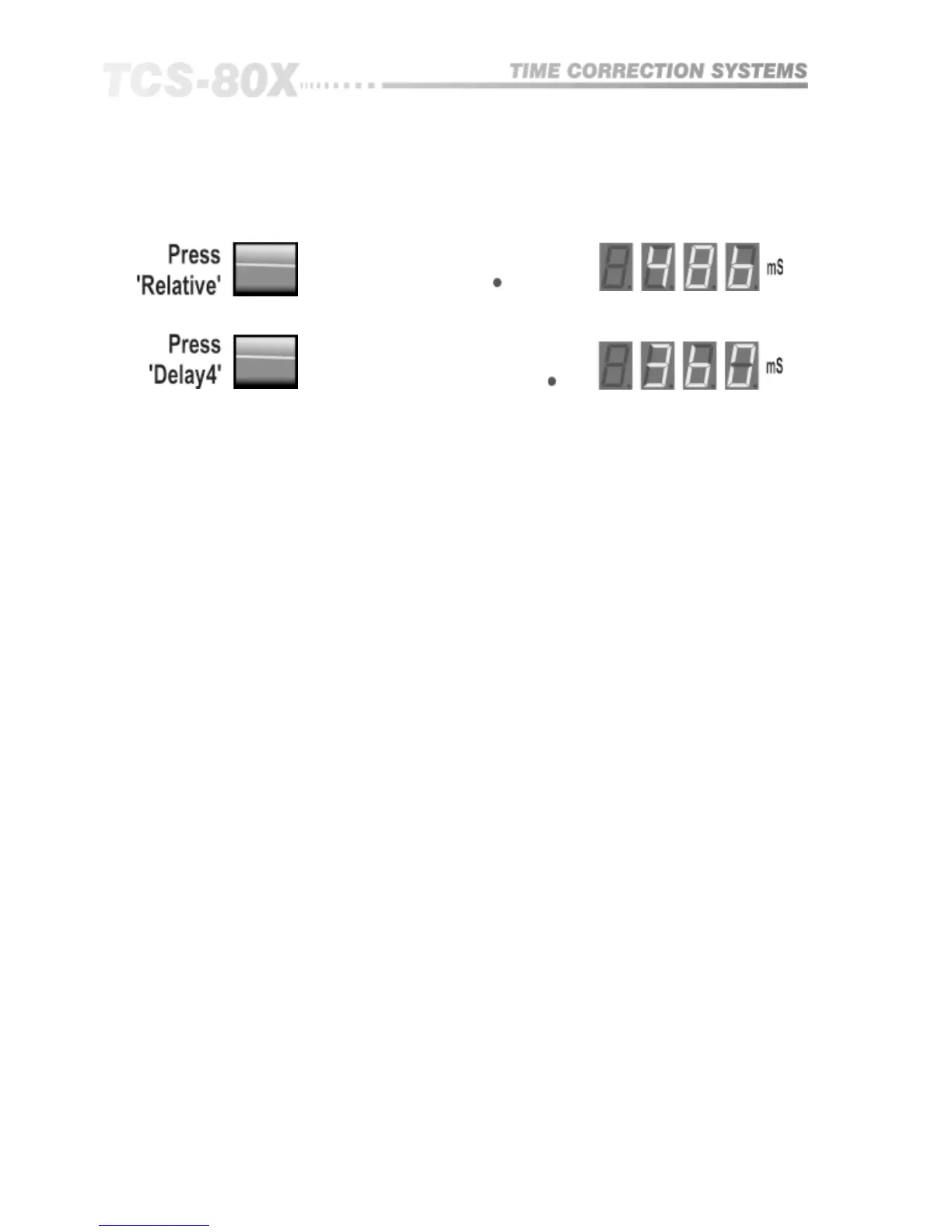
Exit relative mode:
and select delay 4:
If the other reference output has been chosen as delay 2, rather than delay 3,
then the above description of operation is still identical but with delay outputs
1 and 2 as reference pulling delays 3 and 4 with them. The indicators will
confirm this action.
Stereo links are also active in relative mode and may cause additional delays
to be dragged by the reference.
In the relative display mode both positive and negative delays are indicated
to show true displacement. It is quite likely that you will want to select the
units to display and adjust in distance, rather than time, so that the setting up
is much more intuitive to what is being measuring.
Although seemingly complex in description, the relative mode is simple to
use after a short time. Remember: The red LED shows the reference delay, and
a flashing green LED shows a linked delay which will also be dragged when
it’s reference is moved.
Linking (804 Only)


 To Next Page