BTU VENTILATION CORPORATION ● OFFICE 888-884-8070 ● FAX 218-346-7485 ●
www.btucorp.com
XT-70 Control Panel 32
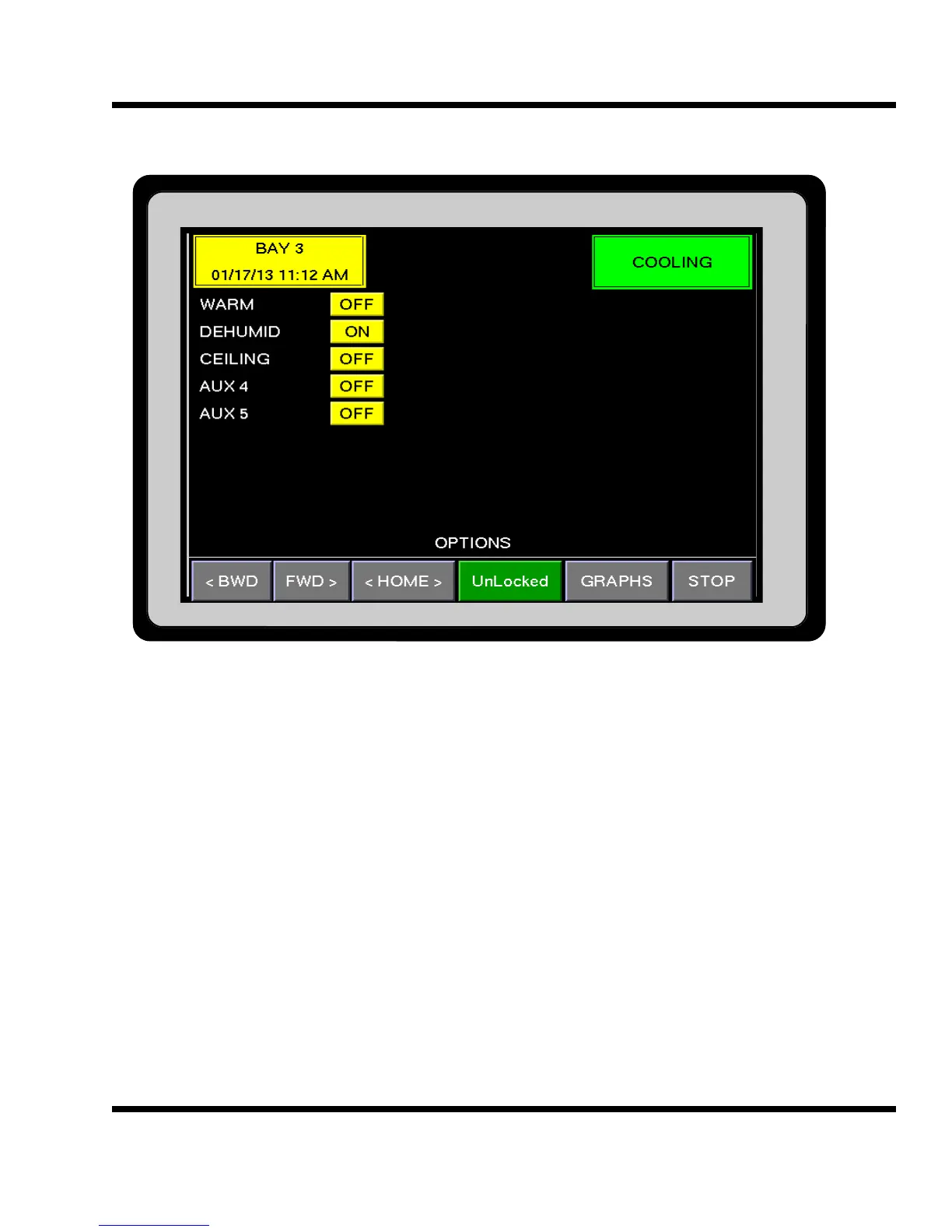
HMI OPTIONS:
The Options screen displays the status of the five virtual switches. The WARM switch will turn the Warming
mode on and off. The Warming mode is used to warm the product up using the outside air. When the outside
air is above Setpoint the fresh air doors would open in a heat PID mode. The DEHUMID switch is used to dehu-
midify the product. When the OSA was cold and dry enough the return air heaters would turn on and the fresh
air doors would open bringing in the dry air. The CEILING switch is used to turn on the Heat when the outside
air drops below a preset temperature. Current Aux 4 and 5 are spares and are not used.
5.12



 To Next Page