BTU VENTILATION CORPORATION ● OFFICE 888-884-8070 ● FAX 218-346-7485 ●
www.btucorp.com
XT-70 Control Panel 70
APPENDIX A:
XT RECORDS FORMAT
General:
The XT-70 control panel up to 25 parameters to be chosen to use for records. Not only can the specific
parameters to use be chosen, but so can the order of the records. The XT-70 will save 78,000 records
and then will rollover when full by deleting the oldest record and replacing it with a new one. The
records can be downloaded from a web browser or from the HMI. When downloaded with a web
browser, they are loaded into a spreadsheet. It is also possible to access the data directly from a pre
-setup template.
The XT-70 will also store refrigeration records for up to ten devices. The ten devices can be any
combination of CR and ER cards. It will store up to 17000 records for each device. The records will
also rollover when the slot is filled. They can be downloaded like the XT records.
The records are composed of both a historical averaged record and also an activity log. The time for the
historical averaged record can be set. The activity log record will be generated any time there is a mode
change. The activity record is not averaged and is an instantaneous record.
Records Setup:
The format of the records is controlled by a CSV file that can be edited in Excel. This file will also allow
the changing of the names of the pile sensors and the humidity and CO
2
sensors. There are numerous
files already built that can be used and modified. These files are available on the BTU Tech website.
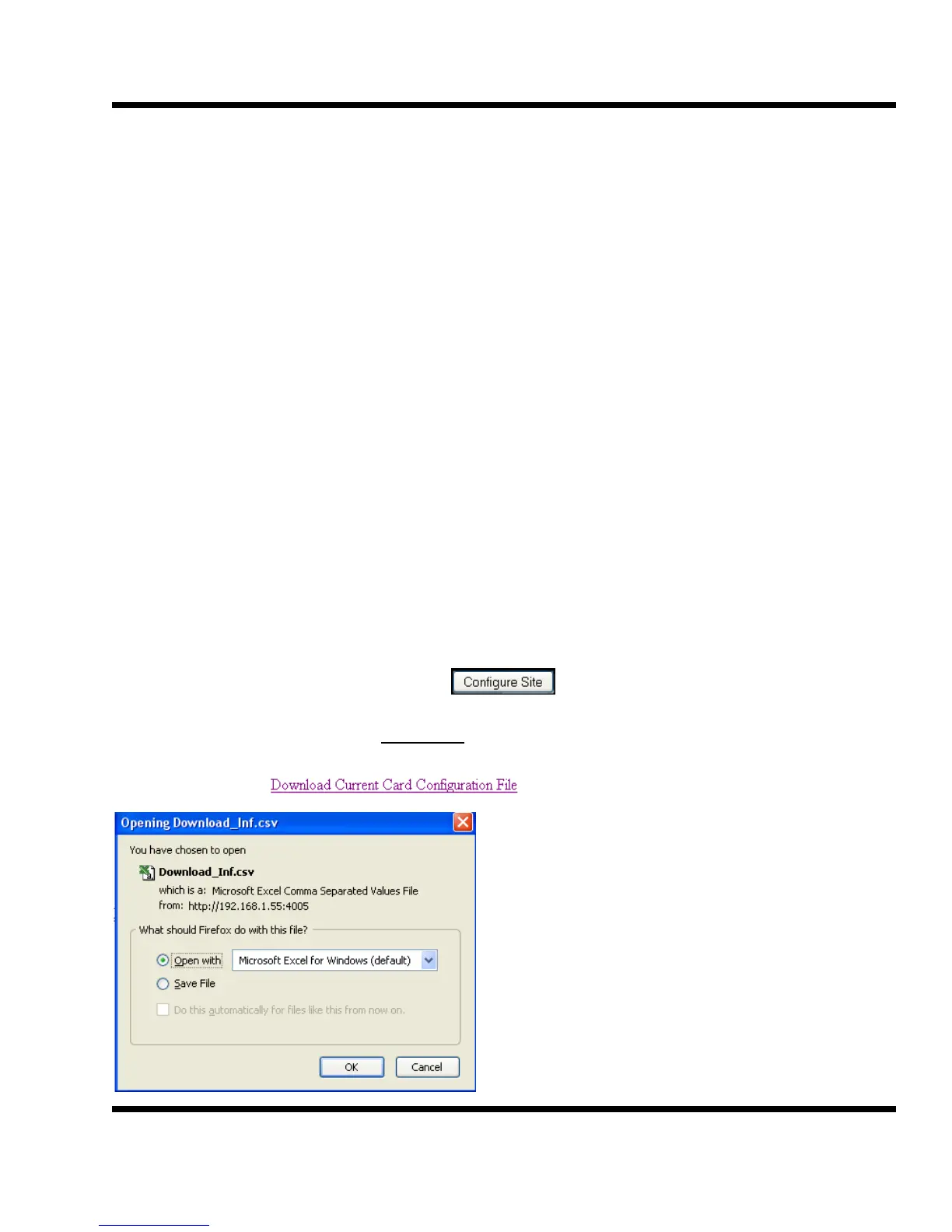
At any time, it is possible to download the existing file that the XT panel is using and make changes to it.
Access the panel via the webpage and click on
On the Configuration page, click on Inf Manager
Now click on
Click on OK and the file will open in Excel.
Click on File> Save As.. and use a name that will
describe the panel. Changes can now be made.
When done, save the file and upload it back into
the panel.



 To Next Page