Bunn-O-Matic Corporation
19
Filling System
Brewer Not Filling
Check the water supply to the brewer. Ensure that all valves are on, the water
lterisnotclogged,andthatthesupplylineisnotrestrictedinanyway.Re-
move the supply line from the water inlet and open the water supply into a
bucket or sink to check water supply
Withthewatersupplylineremoved,removetheadapterttingandpulloutthe
strainerscreen,checkforbuild-upinthestrainerscreenandtheowcontrol
device.
Duringthellprocess,theinletsolenoidvalvereceivesapproximately120VACfromthecontrolboard,checkvoltage
at the valve. Remove the wires from the valve and measure the resistance of the valve coil, it should read approxi-
mately 1400ohms.
Brewer Overlling
Removethellprobeandcheckforscalebuild-uponthellprobe.Cleanorreplacetheprobe.
Drainthetankanddisconnecttheelectricalsupply.Ifwaterisowingintothe
tankwiththellcircuitdeactivatedwaterisleakingpasttheinletsolenoidand
the valve will need to be replaced.
Heating System
Brewer Not Heating
During the heating cycle the heating element will draw approximately 11amps. Use an amp clamp to check amper-
age on L1.
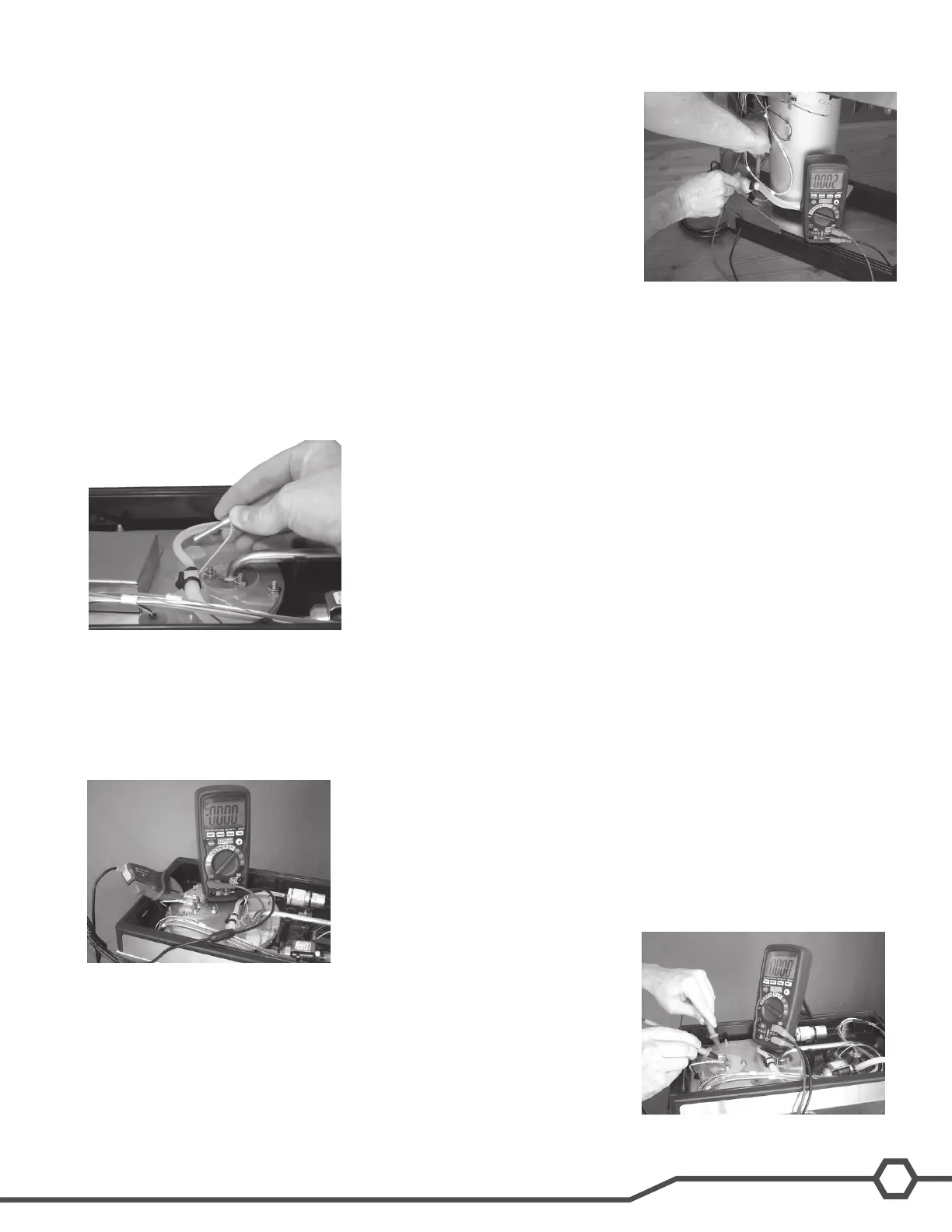
During the heating cycle the control board will supply approximately 120VAC
to the element. Place on of the multimeter’s probes onto the neutral side of
the heating element (the use of a clip-on style probe will simplify this pro-
cess). Using the other end of the probe, check for voltage on the L1 side of
the element, both sides of the high-limit and on the control board at the con-
nector marked Heater.



 To Next Page