
 To Next Page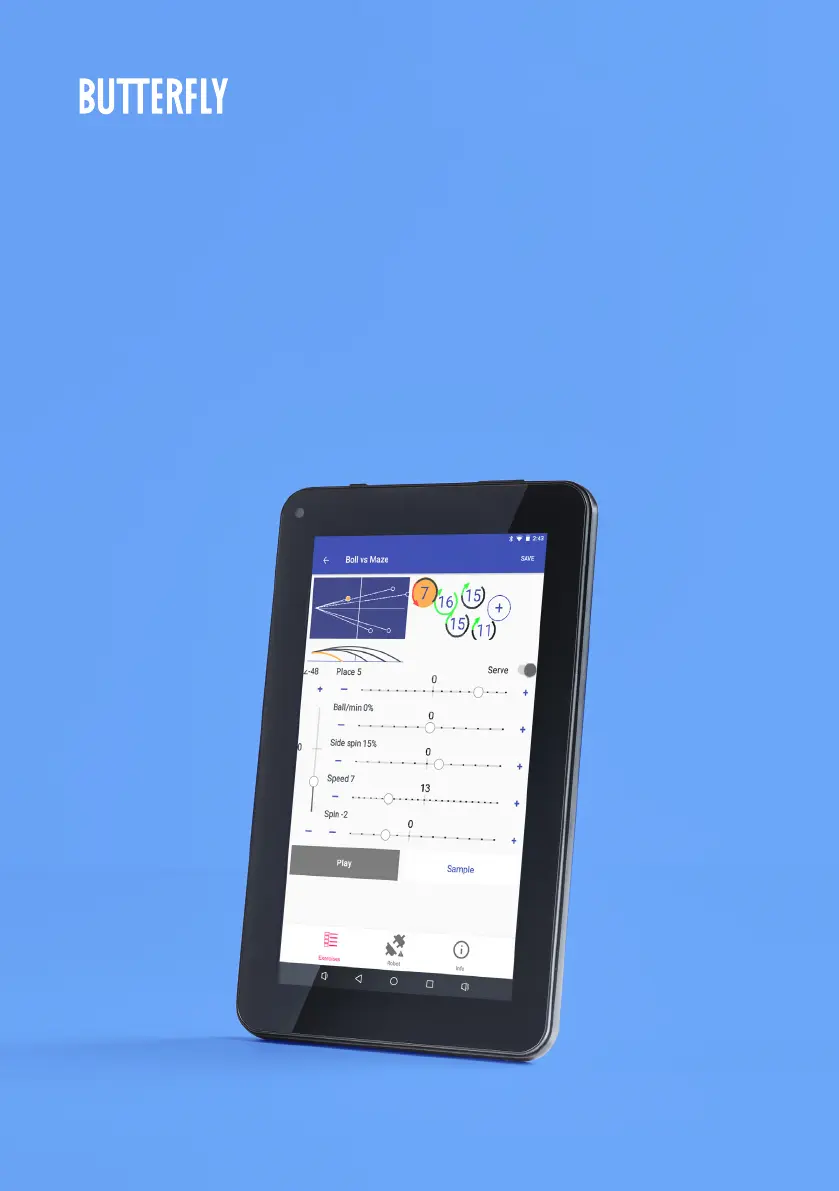
B
Brianna JohnsonNov 24, 2025
What to do if Butterfly AMICUS PRIME robot error message is displayed on Tablet?
- KKenneth KochNov 24, 2025
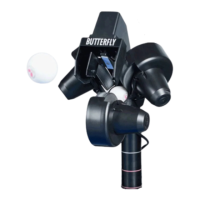
If a Robot Error message is displayed on the Butterfly Robotics tablet, consider the following: * Read Ball Jams. * If a defective or oversized ball or foreign object is jamming the lower ball channel, clear the channel and test the ball feed. * If dirty or unwashed new balls are being used, clear the ball channel of balls, then wash the balls to remove grit, rinse, and dry before placing back into robot. * If a foreign object or ball is preventing the Ball Mixer Springs from moving, remove it. * If the Black Knob was tightened too much, denting the upper Ball Tube, disconnect the head, and roll a ball up and down the Ball Tube to check if it is obstructed. * If hair is entwined around shaft of Ball Feed Gear, remove Ball Mixer Springs by grabbing ahold of its hub and turning ...
 General