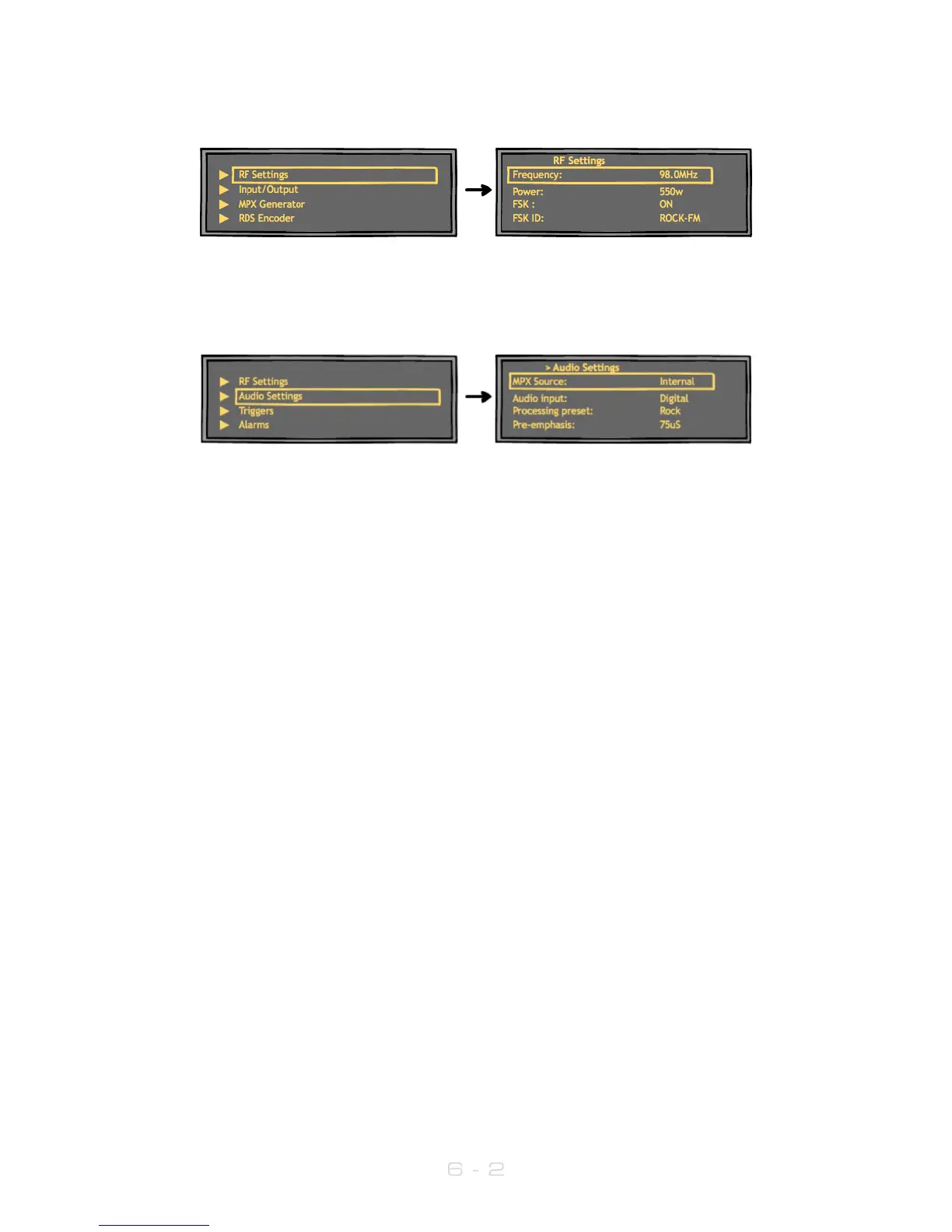
The transmitter’s frequency and power are both set from the RF Settings menu:
Input selection, pre-emphasis, processing and the stereo parameters are set in the Audio
Settings menu:
Input source Selects analog or digital input to the transmitter’s built -in stereo
encoder/audio processor. For analog, connect to left and right
XLR inputs. For digital, connect an AES/EBU connection to the
‘digital’ RJ45 connector, if necessary using the supplied XLR-RJ45
adaptor (which adheres to the StudioHub wiring convention).
Also selects whether the unit is fed from an external mpx generator
or digital mpx over AES signal.
MPX1/2 Input Allows selection of usage of the MPX1 and 2 input connectors.
MPX1/2 Output Allows selection of what signal is available at the
MPX1 and 2 2 output connectors.
MPX Generator Sub-menu: Settings for the internal MPX, multiplex or
‘composite’ generator.
SFN Sub-menu: Settings for use in a Single-Frequency Network
Processing Sub-menu: Settings for the internal 4-band audio
processor.
Please see Section 7 of this manual for a more detailed explanation of the menu items.



 To Next Page