EN
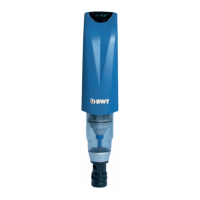
The required backwash interval must be set on
thelter.
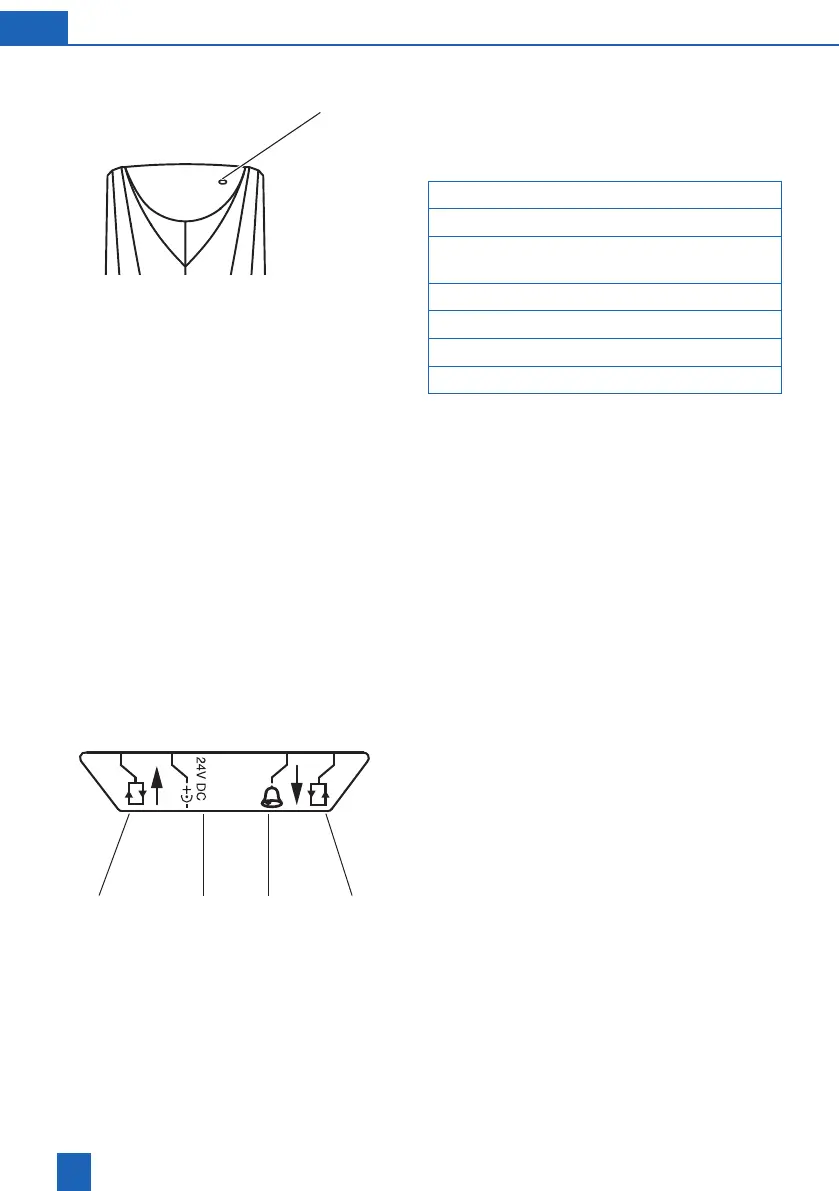
The setting is made with the Set key
Key Display
PressSetfor5seconds SL0
Displaydotsash
Device is in programming mode
PressSet SL1
PressSet SL2
PressSet SL3
PressSet 1h
PressingtheSetkeyagainstepsupthenumberof
h(hours)ord(days).
The hours h run from 1 – 24, followed by days d from
2 – 56, followed by the hours again etc.
PresstheSetkeyuntilthedesiredvaluehasbeen
set. The value is saved 10 seconds after the last in-
put. The display dots fade out. The unit backwashes.
Thetimeuntilthenextbackwashingandthepres-
sure dierence appear alternately in the display.
Thepressuredierenceisonlydisplayedforlarge
volumes of water.
Thelterisreadyforuse.
CIC24 VInput Output
Set



 To Next Page