CONSTRUCTION & REENOVATION 25 2022/12 - Indice de révision : D - Code : 32570
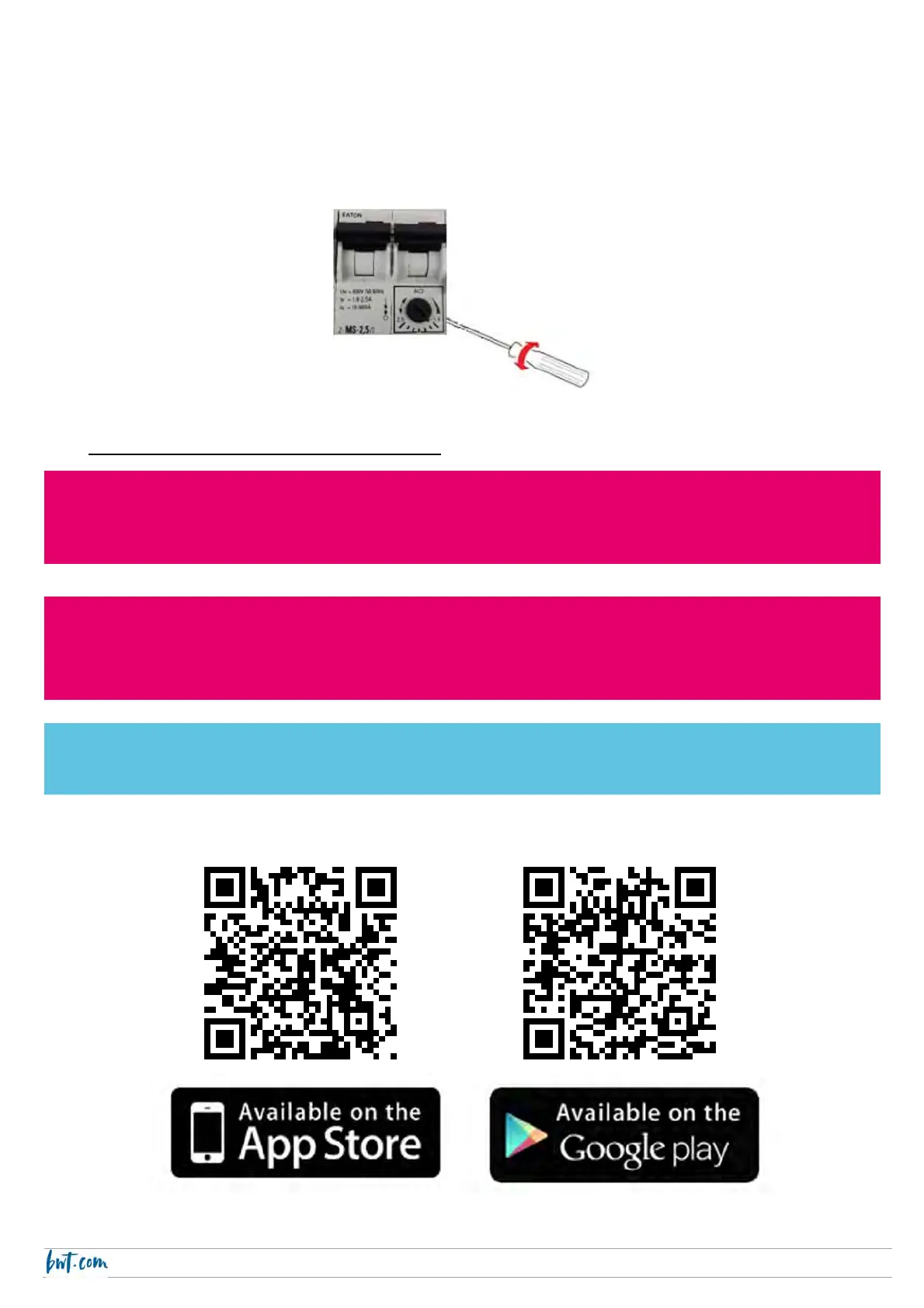
7.5. Setting the switch
The adjustable range switch should be set according to the maximum current amperage of the equipment item
that it protects.
Set the switch by turning the black dial located on the bottom right of the switch using a flat head screw driver.
Position the tab on the outer edge of the dial at a value slightly higher than the maximum amperage of the
equipment item.
8. Commissioning and operation
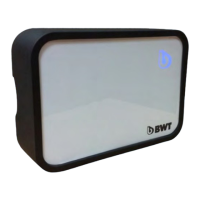
Download the BWT Pearl Connect app.
CAUTION
Make sure that your BWT Pearl Connect can connect to your WiFi network. You may need a WiFi repeater to
extend your network to the plant room.
CAUTION
BWT Pearl Connect can only connect to a 2.4Ghz WiFi network.
802.11 b/g/n, WPA / WPA2, speed 20 - 40MHZ, DHCP - IPV4.
BWT Pearl Connect has a backup WiFi configuration. To use it, create an access point with the SSID
“BWTPearlConnect” and password “S7UTV8GF”



 To Next Page