CONSTRUCTION & REENOVATION 28 2022/12 - Indice de révision : D - Code : 32570
9.3. Auxiliary
Auto mode: set the auxiliary equipment item operating hours.
Manual mode.
Timed mode (countdown).
Filtration forced on: activates filtration when the auxiliary equipment item is switched on. If this option is
activated, neither the auxiliary nor the pump will operate if a filtration disallowed period is in progress.
Slaved to filtration: the auxiliary is activated when filtration is active. Works only if the auxiliary is
configured in automatic mode.
9.4. Automatic cover
Stop filtration: filtration will be stopped while the cover is moving (Cover moving contact activated).
PIN code: used to change the cover PIN code. The default PIN code is 1234.
Reset the PIN code: sets the PIN code back to the original code.
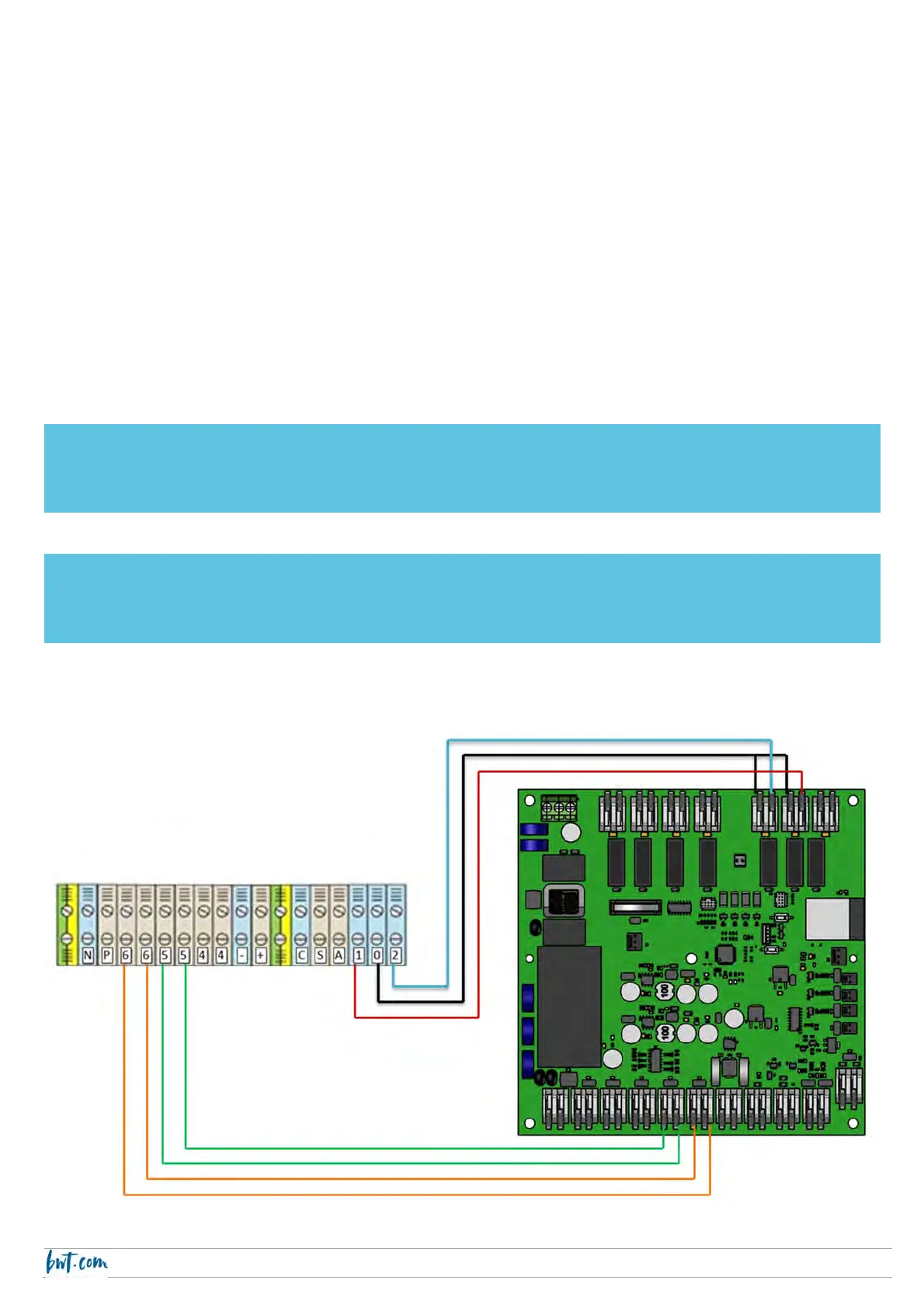
Connections:
terminal 0 to Auxiliary 3 and 4,
terminal 1 to Auxiliary 4
terminal 2 to Auxiliary 3
terminal 5 to Cover closed
terminal 6 to Cover motion
CAUTION
For safety reasons, the automatic cover can only be controlled using the app if your smartphone and the BWT
Pearl Connect electrical panel are connected to the same WiFi network.
CAUTION
BWT Pearl Connect is only compatible with BWT’s submerged automatic covers (Coverdeck, Stardeck and
Ineo).
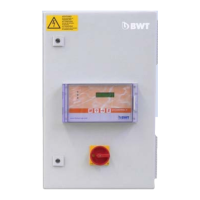
Cover electrical panel terminals



 To Next Page