3
Controller Operations
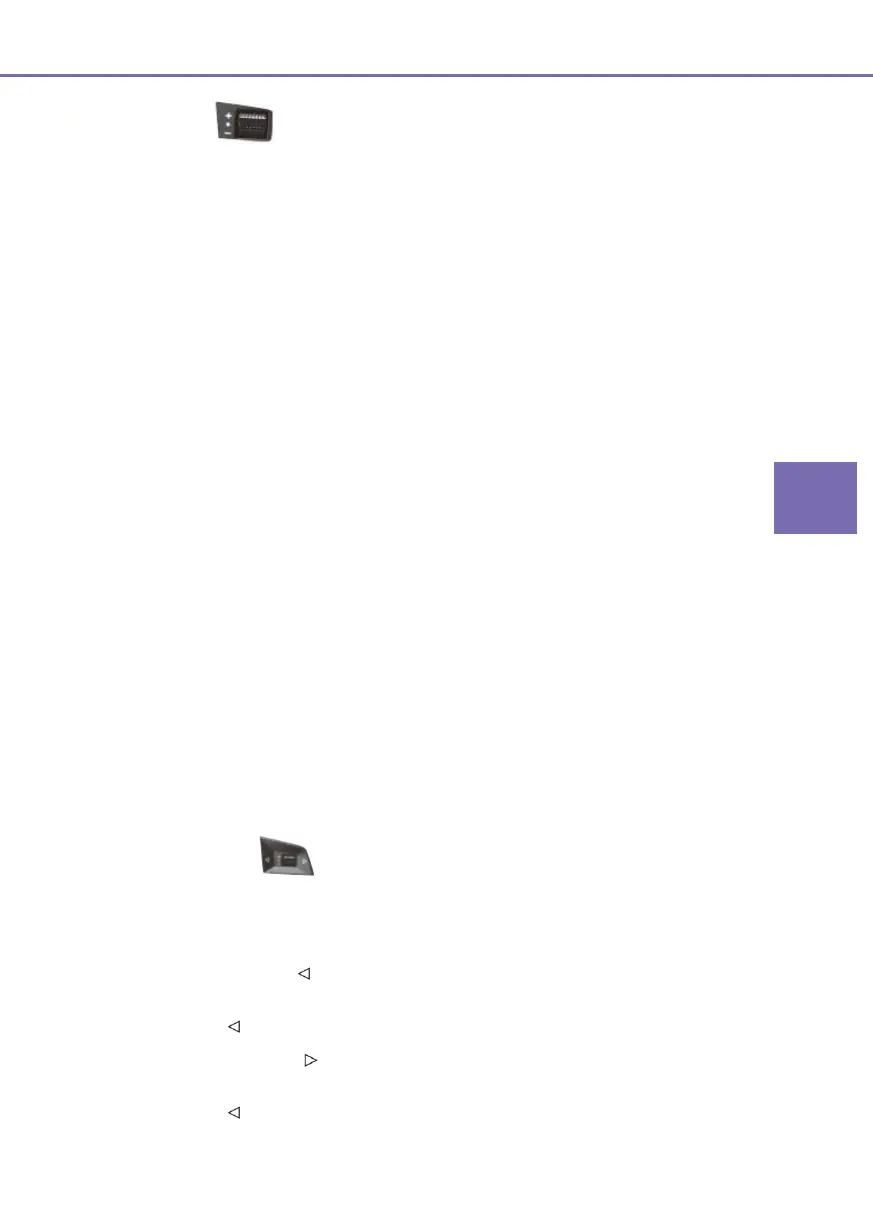
Knob switch
Multimedia
■ Rotate upward knob switch: Increase volume by single rate, till the maximum volume is
reached (12 rates in one turn).
■ Rotate downward knob switch: Decrease volume by single rate, till the minimum
volume is reached (12 rates in one turn).
■ Push down knob switch: Mute.
Instruments
■ Rotate upward knob switch:
● Under instrument menu mode, select level-2/level-3 menu item in upward
direction.
● During reserved charging setting, increase the hour/minute.
● Under A/C fan speed control/temperature control mode (If fitted): Increase
temperature setting/fan speed
■ Rotate downward knob switch:
● Under instrument menu mode, select level-2/level-3 menu item in downward
direction.
● During reserved charging setting, reduce the hour/minute.
● Under A/C fan speed control/temperature control mode (If fitted): Reduce
temperature setting/fan speed.
■ Push down knob switch:
● Under instrument menu mode, enter the sub-level menu of current selected item or
confirm the current setting.
● During reserved charging setting, confirm the current setting.
Left /Right button
Multimedia
■ In radio mode:
● Press and hold
: Automatically search for the previous strong signal station;
(decrease the frequency);
● Press
: Select the previous pre-stored station;
● Press and hold
: Automatically search for the next strong signal station;
(increase the frequency)
● Press
: Select the next pre-stored radio station;



 To Next Page