iNetVu™ Service Manual Page 54 of 109
Solution(s):
Use the following steps to stow the iNetVu Mobile Platform when the Actuator
experiences a mechanical failure:
1.
Remove the Elevation Cover using the Phillips Screwdriver.
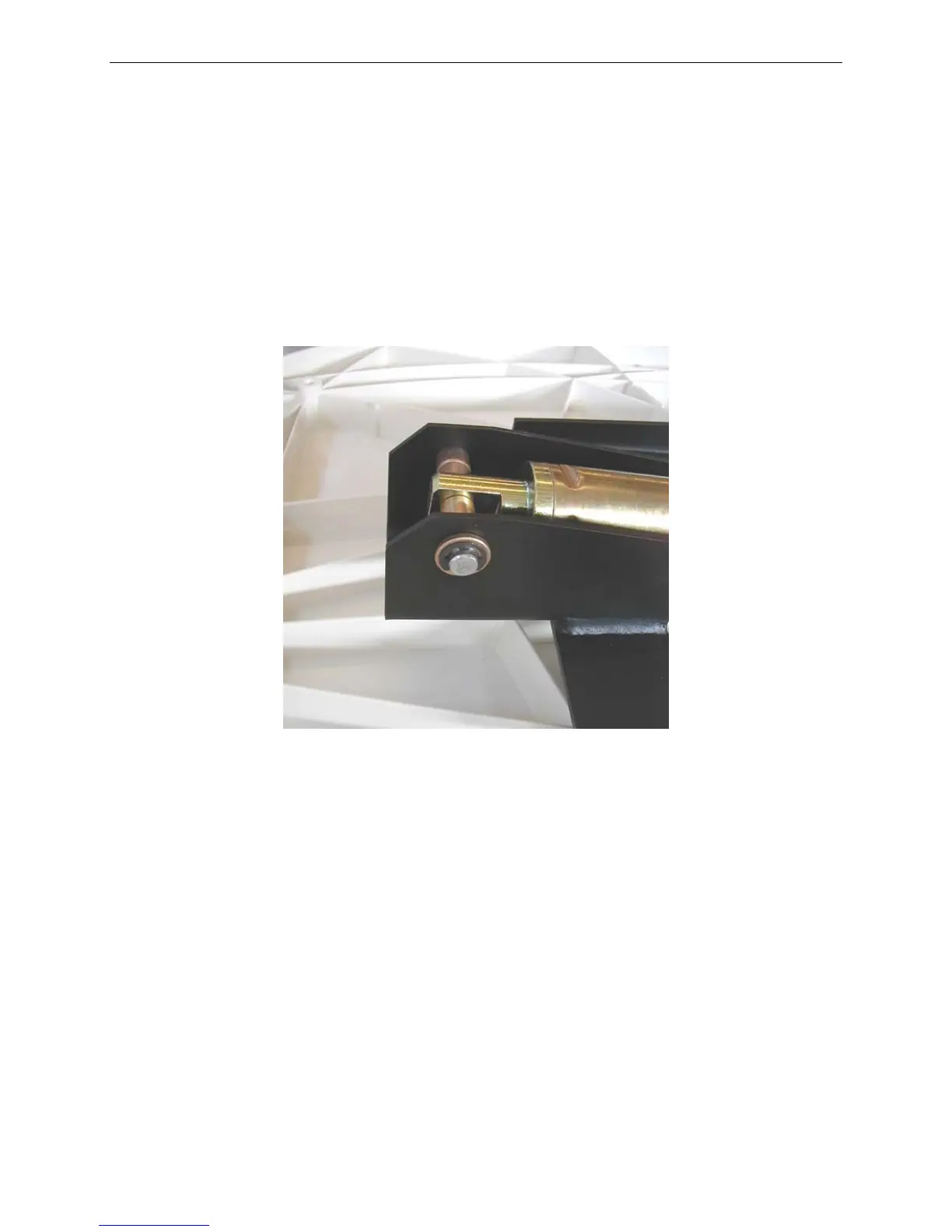
2. Locate the e-clips at the top of the Actuator assembly.
Note: MF Generation Mobile Platforms use circlips instead of e-clips.
Fig. 13: E-Clip at the top of the Actuator Assembly
3. Remove one (1) of the e-clips using the flathead screwdriver to help slide it out.
Take care when removing the e-clip because it is under a lot of tension and may
“pop-out” very quickly.
Note: MF Generation Mobile Platforms Users must use the circlip pliers to
remove one (1) circlip.



 To Next Page