iNetVu™ Service Manual Page 55 of 109
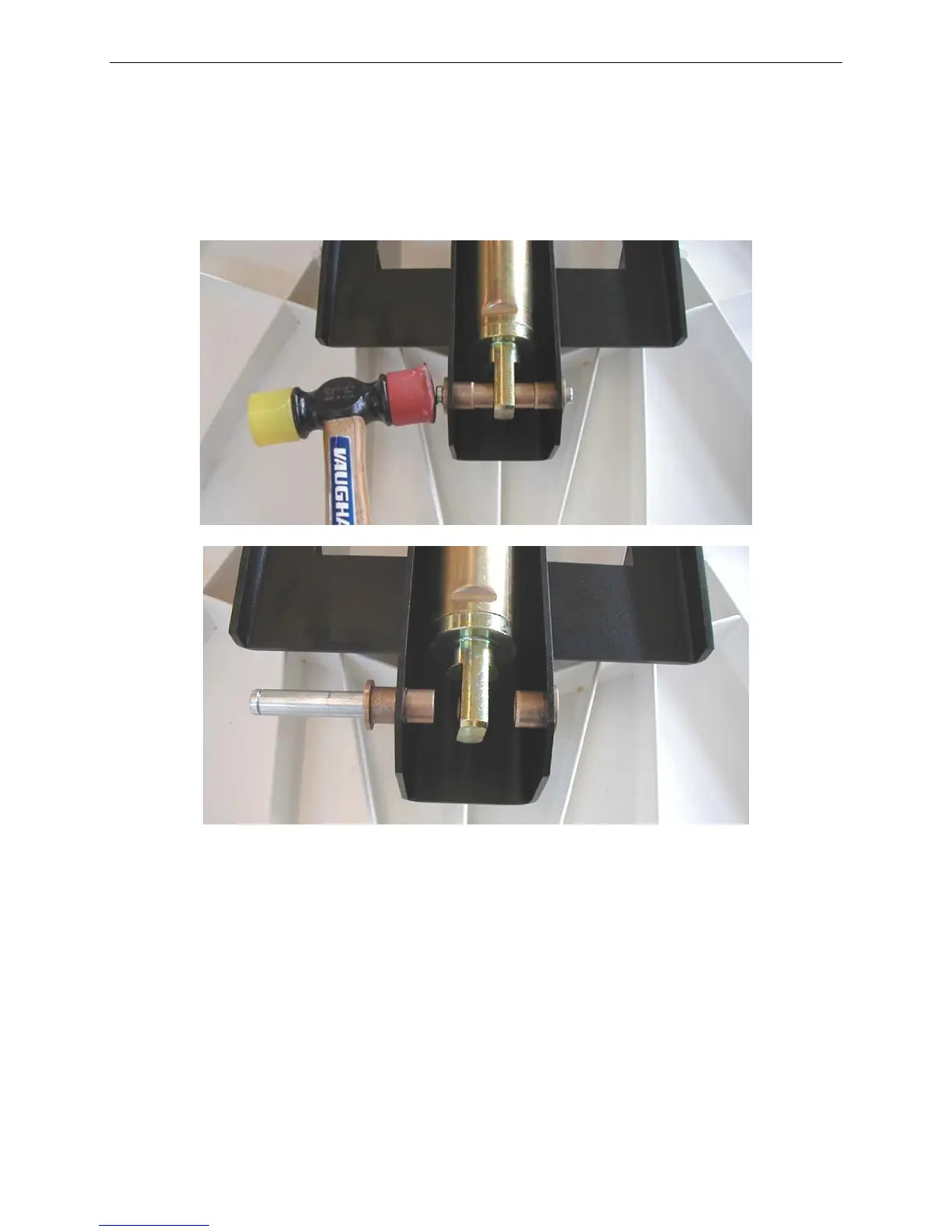
4. With an assistant supporting the Reflector/Feed Arm, hammer the Clevis Pin out
using the Rubber/Plastic Mallet to free the actuator from its assembly.
You may need to slightly lift the Reflector/Feed Arm by hand to make the removal
of the Clevis Pin smoother.
Fig. 14: Hammering Out Clevis Pin (Top) and Loosened Actuator (Bottom)
5. Once the Clevis Pin is free, slowly lower the Reflector/Feed Arm and Actuator
into the stow position by hand.
6. Remove the Clevis Pin, two (2) e-clips, two (2) bushings, any washers and store
for later use.
7. The iNetVu™ Mobile Platform will now be effectively in the stowed position, but it
is not securely stowed.



 To Next Page