30 Configuration Instructions Edition 5/06
Configuration
A2+/A4+/A6+/A8+
The "Ready" event provides information on when the printer was switched on.
The buttons on the bottom line of the "Status" tab have the following functions:
Tab. 13:Buttons on the "Status" tab
Button Function
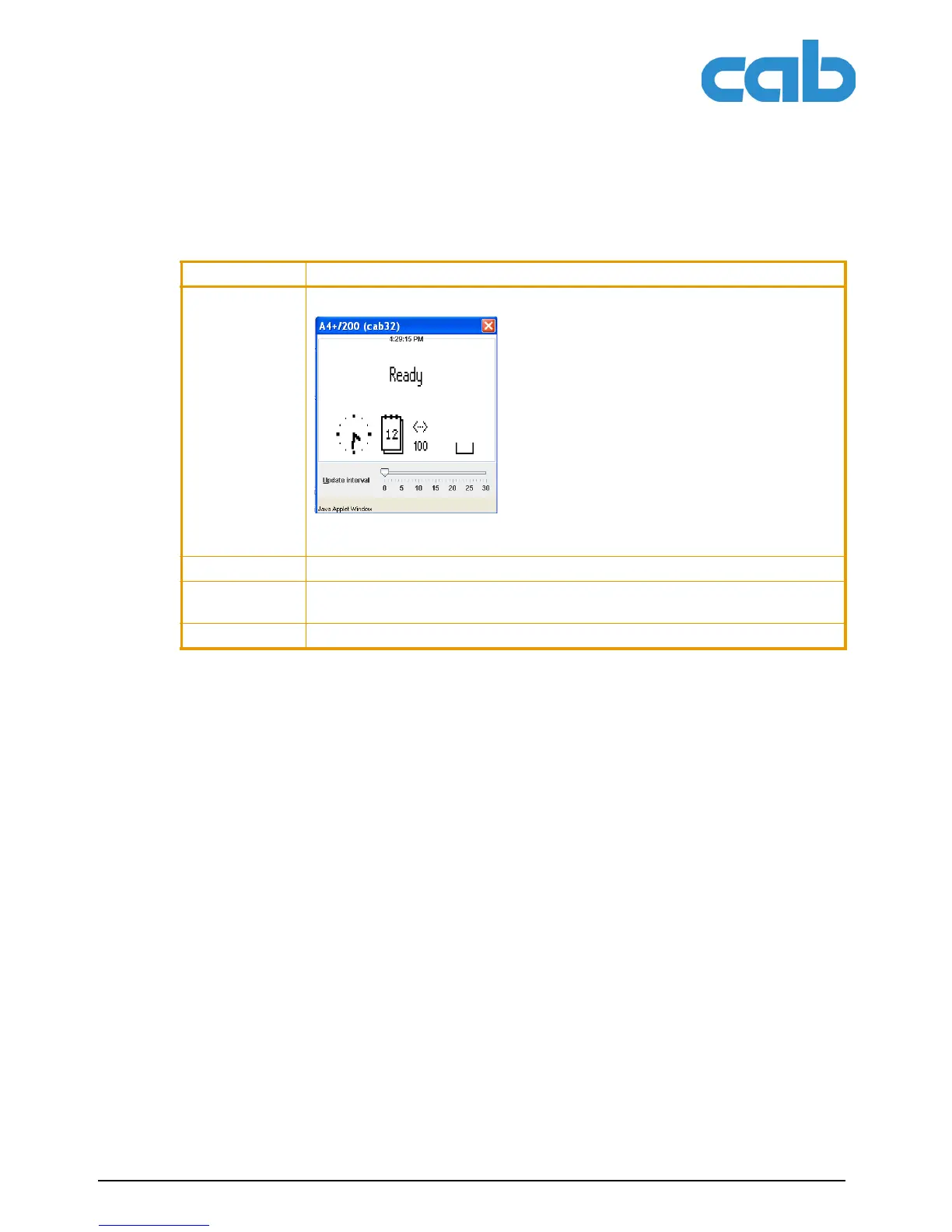
Display Opens a window which shows the current printer display.
You can set the update interval on the scale below the display. The display is not
updated automatically with the "0" setting.
Reset Sends a soft reset signal to the printer.
Print Opens the window for the settings of a local printer or network printer to be used
to print the contents of the "Status" tab.
Update Updates the display on the "Status" tab.



 To Next Page