©2021 CAE 905K720652 v1.0 47
Setup
Running Standalone
If running standalone, it will be necessary to install the router included in the standalone package.
The following equipment is required:
• Router
• USB for Router
To install the router for standalone:
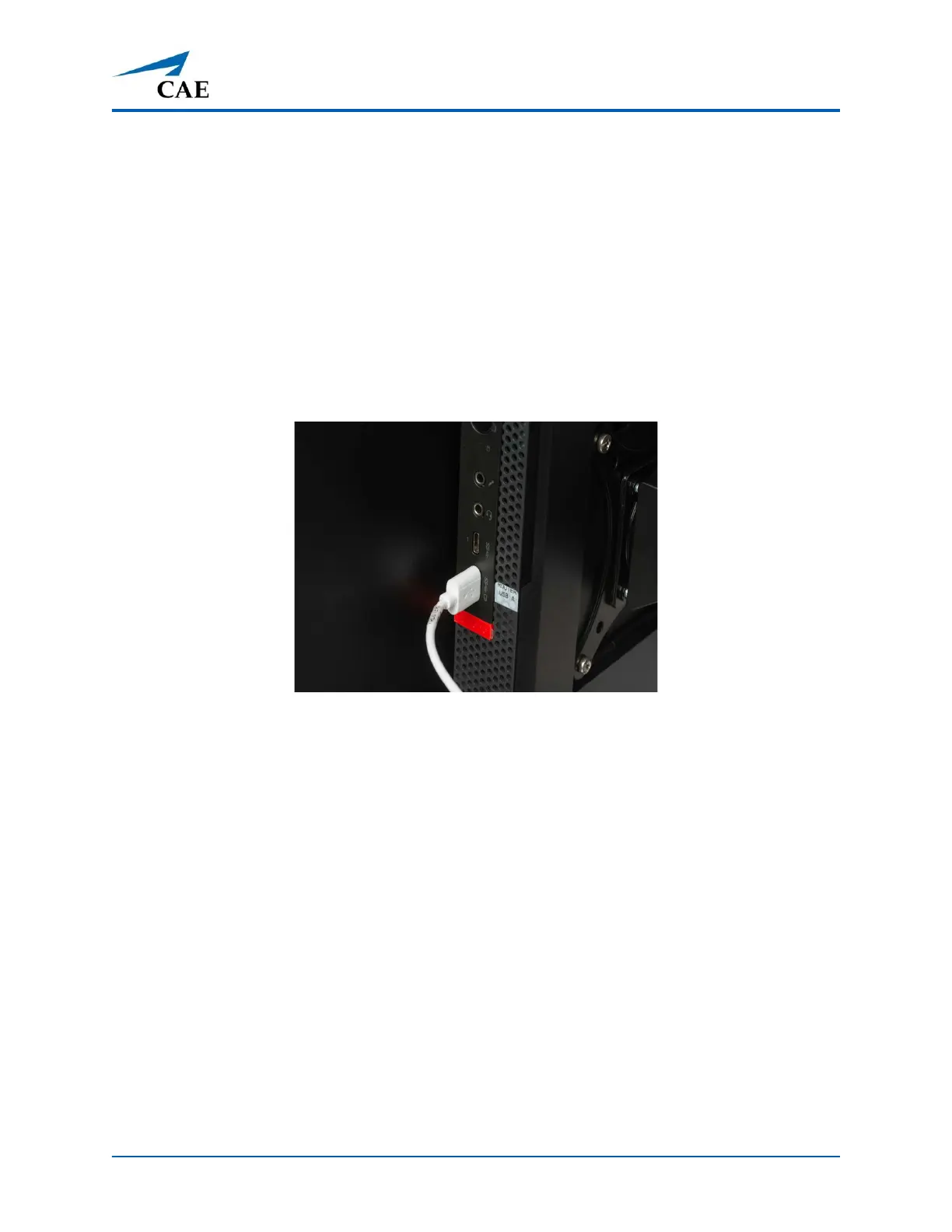
1. Locate the USB cable that is routed at the top of the vertical support column and attach
the cable to the appropriate port on the computer.
Router USB to Computer Connection
2. At the back of the Medical Cart casing, gently pull the opposite end of the USB cable
through the access hole and plug into the USB port on the router.



 To Next Page