©2021 CAE 905K720652 v1.0 13
Setup
Step 2. Connect Breathing Circuit or Medical Cables
The connection of the breathing circuit or cables will be determined by the type of simulation that is
running and the intended use of virtual equipment.
CAE SimEquip Defibrillator
The Defibrillator equipment:
• Transport Bag
• 3-Lead ECG Cable
• Therapy Pads
• SpO
2
Probe (Optional)
• IBP Transducer (Optional)
• NIBP Cuff (Optional)
• Temperature Sensor (Optional)
• EtCO
2
Sample Line (Optional)
• EtCO
2
Nasal Sample Line (Optional)
To assemble the Defibrillator:
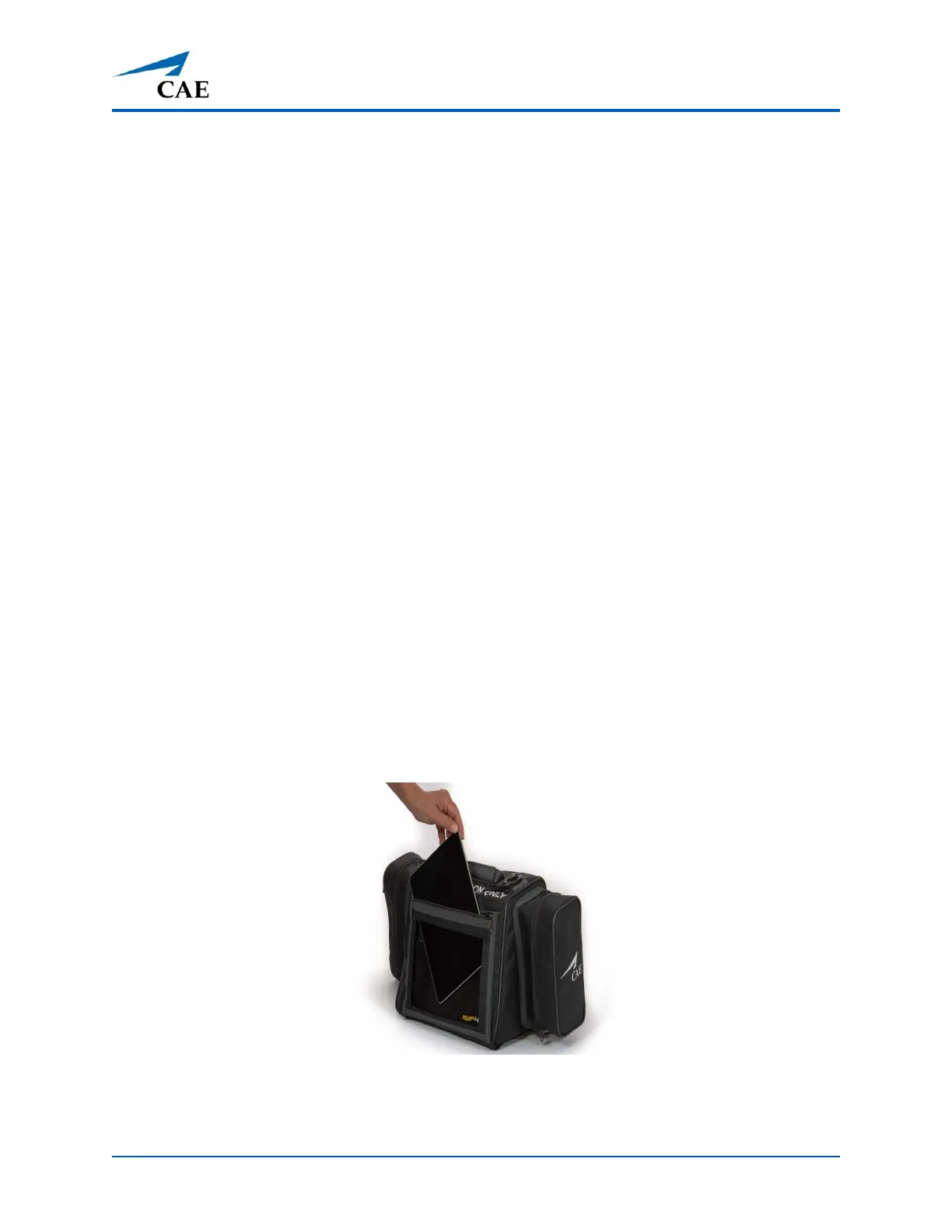
1. Unzip the front pocket on the Transport Bag and slide the SimEquip Surface Go 2 tablet
out of the pocket.
Slide Out SimEquip Tablet
2. Plug the power cord into the tablet. Slide the tablet back into the pocket and zip the
pocket closed, leaving the power cord exposed.



 To Next Page