©2021 CAE 905K720652 v1.0 59
Appendix A - Troubleshooting
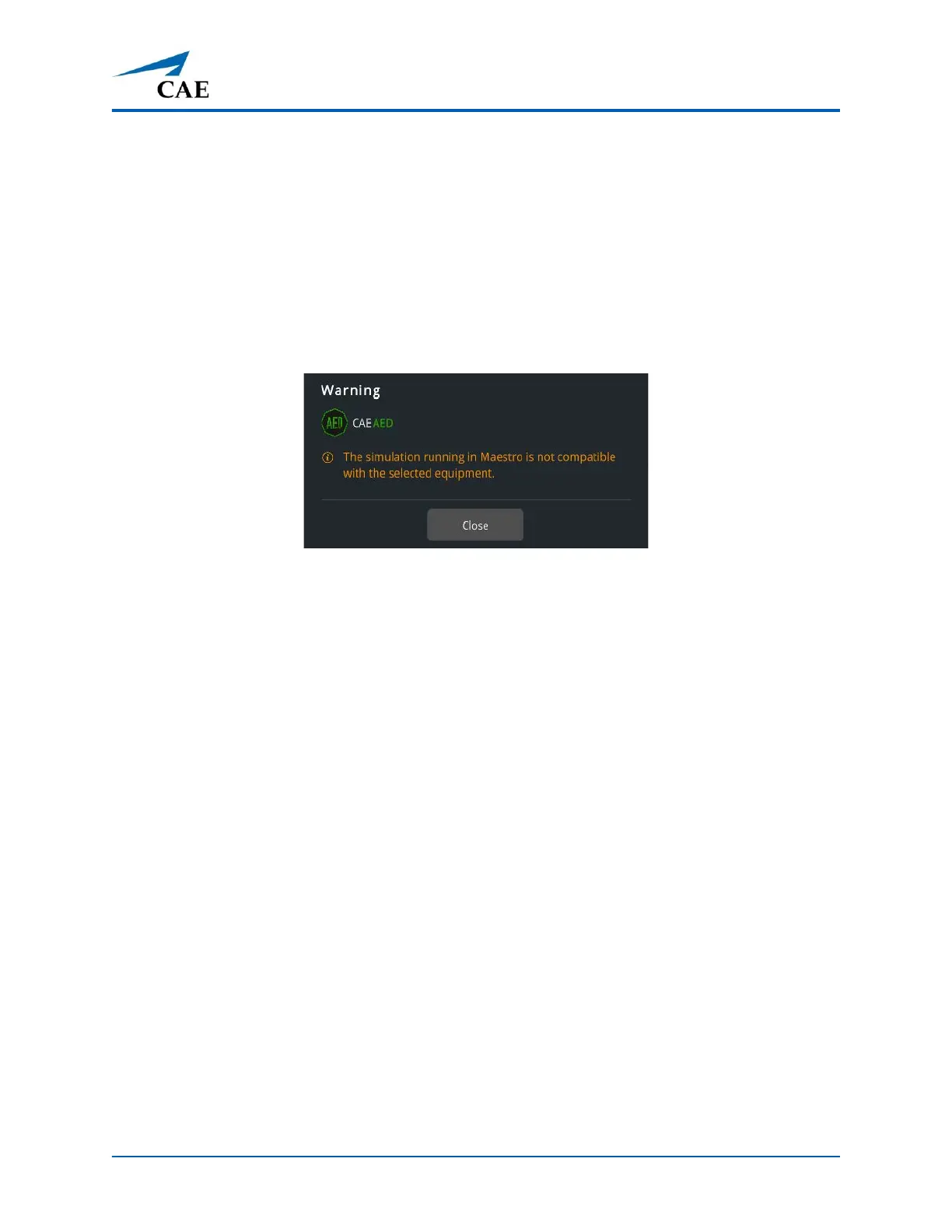
Simulation Not Compatible
If the Simulation Not Compatible message is displayed:
• Patient parameters in Maestro may be changed to use the selected equipment. See the
Setup the Patient section of this User Guide which applies to the equipment selected for
the simulation.
OR
• Select a different preconfigured SCE, with different patient parameters.
Warning Message - Simulation Not Compatible



 To Next Page