©2021 CAE 905K720652 v1.0 49
Setup
Step 7. Launch Maestro
The configuration of the equipment will determine how Maestro is launched.
• Patient Simulator - If using a patient simulator, Maestro is installed on the tablet that is
used with the simulator.
• Standalone - When using the standalone with SimEquip, Maestro is installed on the
Instructor tablet included with the standalone package.
To launch Maestro:
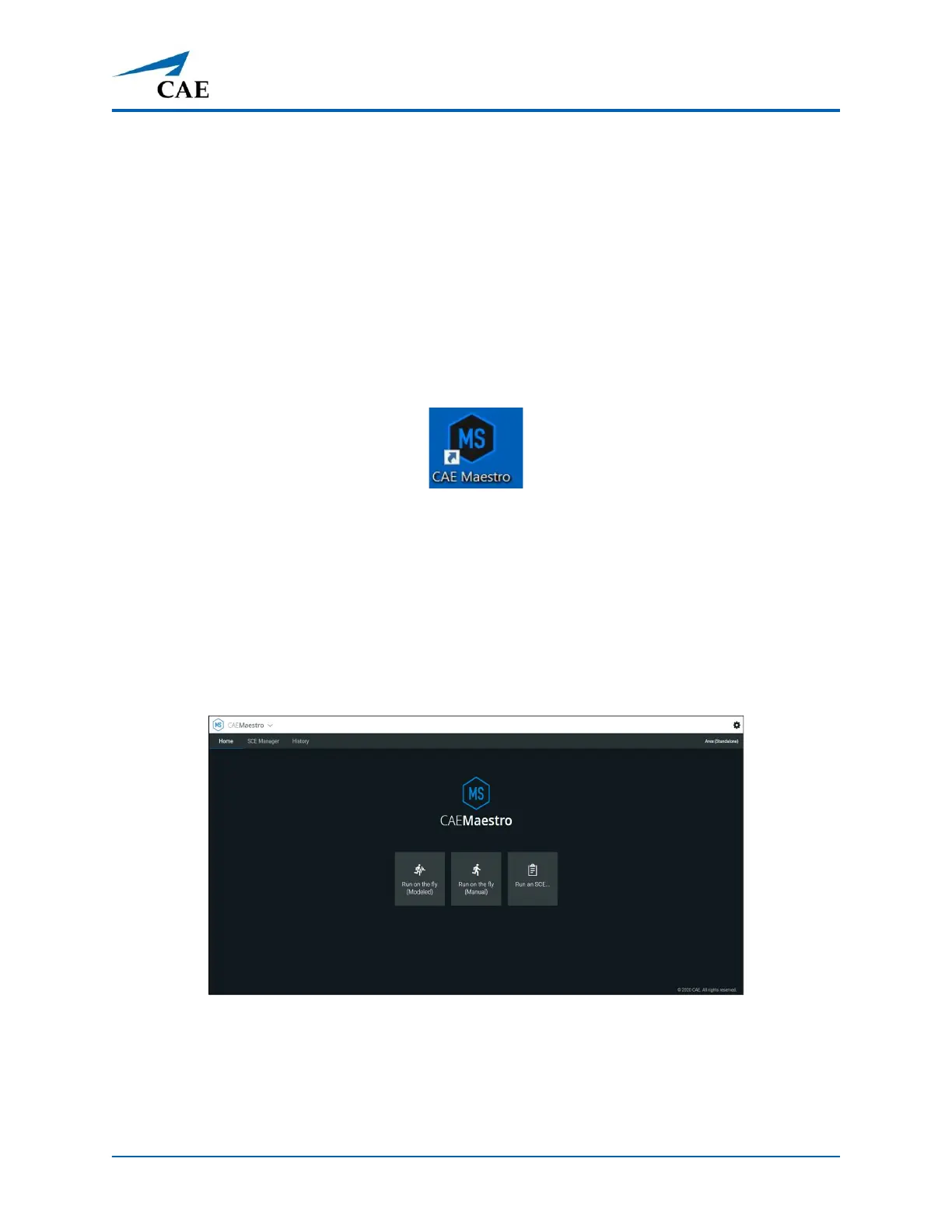
1. Select the Maestro shortcut icon which appears on the desktop of the tablet.
Maestro Icon
The Maestro Home Screen appears.
There are three options to choose from on the Home screen:
• Run on the fly (Modeled)
• Run on the fly (Manual)
• Run an SCE
Maestro Home Screen



 To Next Page