Appendix A - Troubleshooting
58 ©2021 CAE 905K720652 v1.0
CAESimEquip
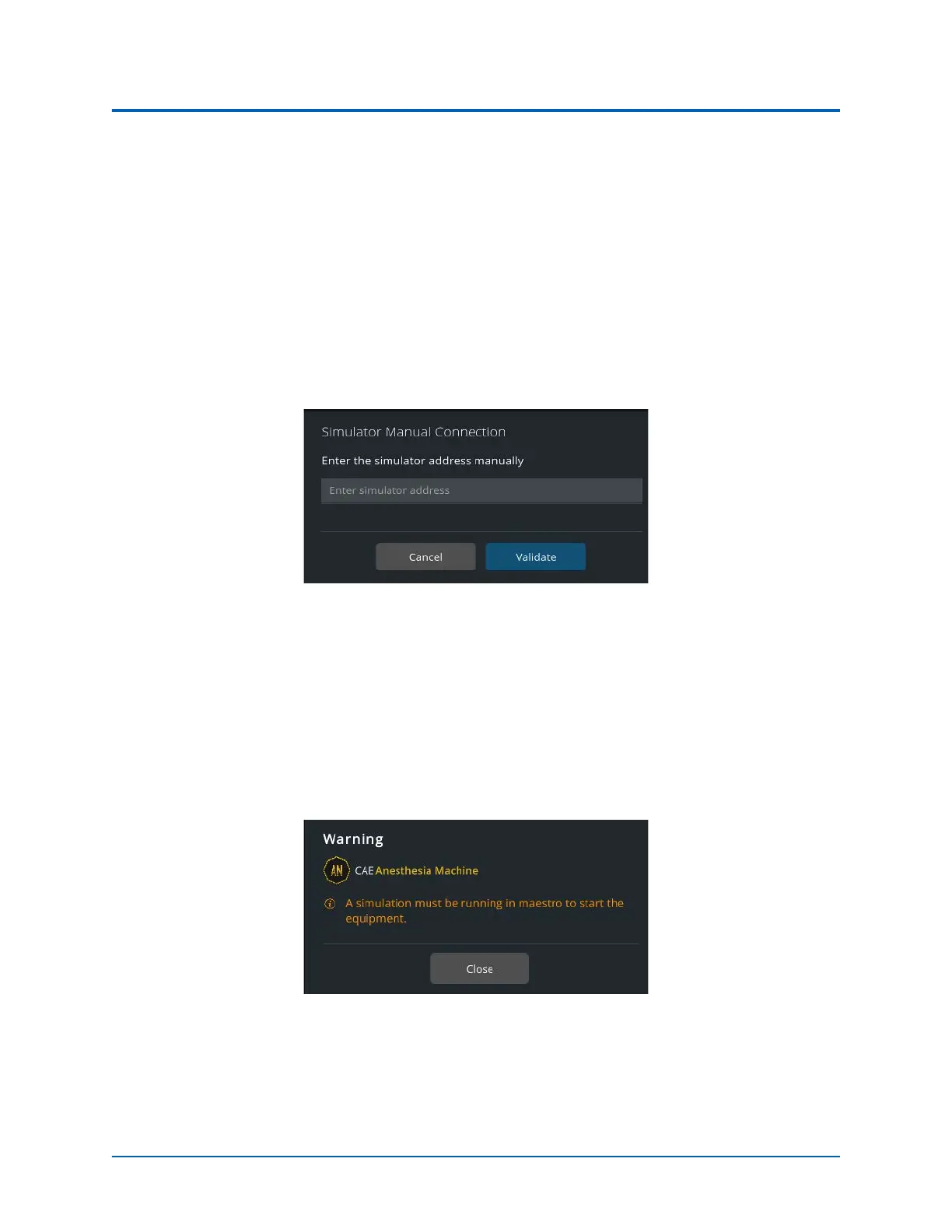
Simulator Manual Connection
If the Simulator Manual Connection message is displayed:
• If using a patient simulator, enter the IP address of the patient simulator (typically found
on the manikin or in the printed materials shipped with the manikin) .
• If using the Anesthesia Machine and running standalone, enter the IP address of the
Instructor’s tablet.
• Make certain that the Maestro software launched and a simulation is running.
Simulator Manual Connection
Warning Messages
Maestro Warning
If the Maestro Warning message is displayed:
• Make certain that the Maestro software launched and a simulation is running.
Warning Message - Maestro Simulation



 To Next Page