©2021 CAE 905K720652 v1.0 57
Appendix A - Troubleshooting
APPENDIX A - TROUBLESHOOTING
This Troubleshooting section addresses some common concerns and inquiries. For any questions
not addressed here, please contact CAE Healthcare Customer Service. Contact information is
provided on the last page of this guide.
Connection Issues
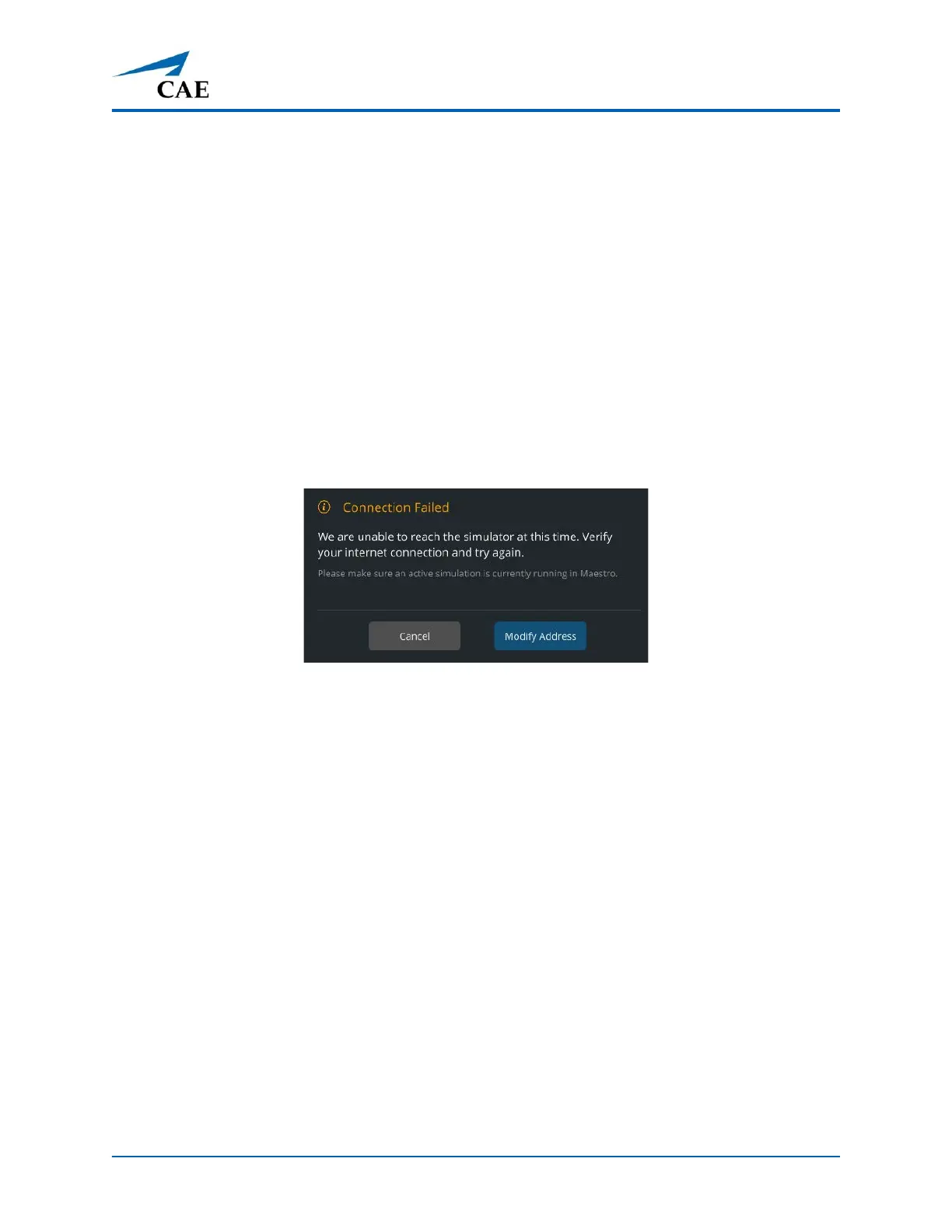
Connection Failed
If the Connection Failed message is displayed:
• Verify there is a WiFi connection.
• Make certain that the Maestro software launched and a simulation is running.
Connection Failed



 To Next Page